#TechBytes: How to safely add fonts to your computer
What's the story
Adding fonts to your computer can make your documents and designs more appealing. However, the process can sometimes be tricky, especially if you want to avoid malware risks. Fortunately, there are safe methods to add fonts without compromising your system's security. This article provides practical tips on how to add fonts safely, ensuring your computer remains protected while enhancing its visual capabilities.
Trusted sources
Use trusted font websites
When looking to download fonts, make sure you use trusted websites. These platforms usually scan their files for malware and provide safe downloads.
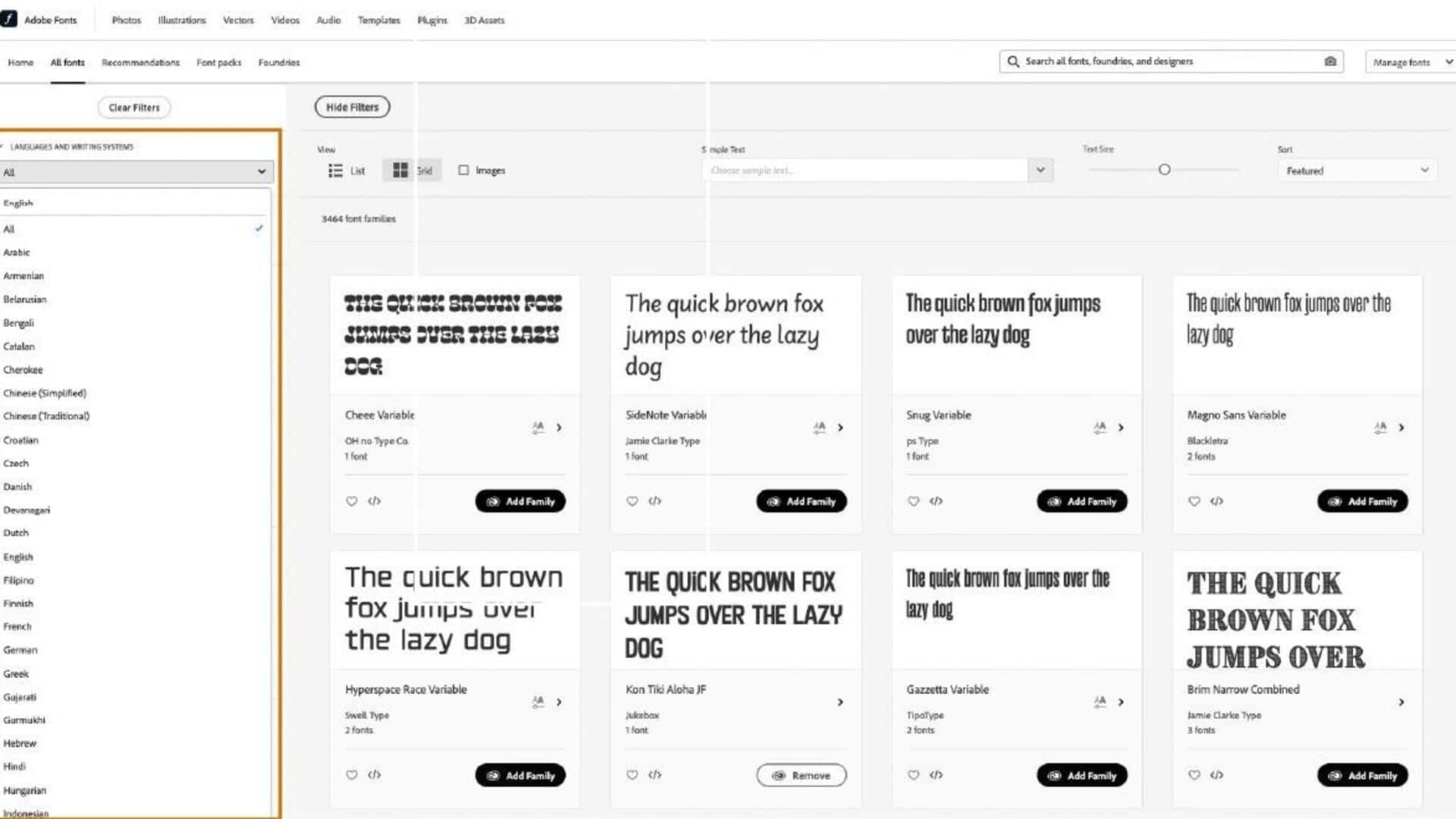
Websites like Google Fonts and Adobe Fonts are popular choices, as they are well-established and widely recognized for their security measures.
Avoid downloading from unknown or suspicious sites, as they may host malicious files that can harm your computer.
File formats
Check file formats before installation
Before installing any font, check its file format.
The most common safe formats are .ttf (TrueType Font) and .otf (OpenType Font). These formats are widely used and supported by most operating systems without any issues.
Avoid installing fonts with uncommon or suspicious file extensions, as they may pose a risk to your system's integrity.
Virus scan
Scan downloaded files with antivirus software
After downloading a font file, it is important to scan it with antivirus software before installation.
This step adds an extra layer of protection by detecting any potential threats that may have slipped through during the download process.
Make sure your antivirus software is up to date for the best results in identifying and neutralizing harmful files.
Font management
Use built-in font management tools
Most operating systems come with built-in tools for managing fonts, which can be used to safely install new ones.
These tools ensure that only compatible and safe fonts are added to your system without any hassle.
By using these native tools, you can avoid third-party applications that may pose security risks, while adding new visual elements to your projects.
System updates
Regularly update your operating system
Keeping your operating system updated is critical for security, including safe font installations.
Updates often include patches for vulnerabilities that could be exploited by malicious files, including fonts.
By regularly checking for updates and installing them promptly, you ensure that your computer has the latest protections against potential threats from downloaded content like fonts.