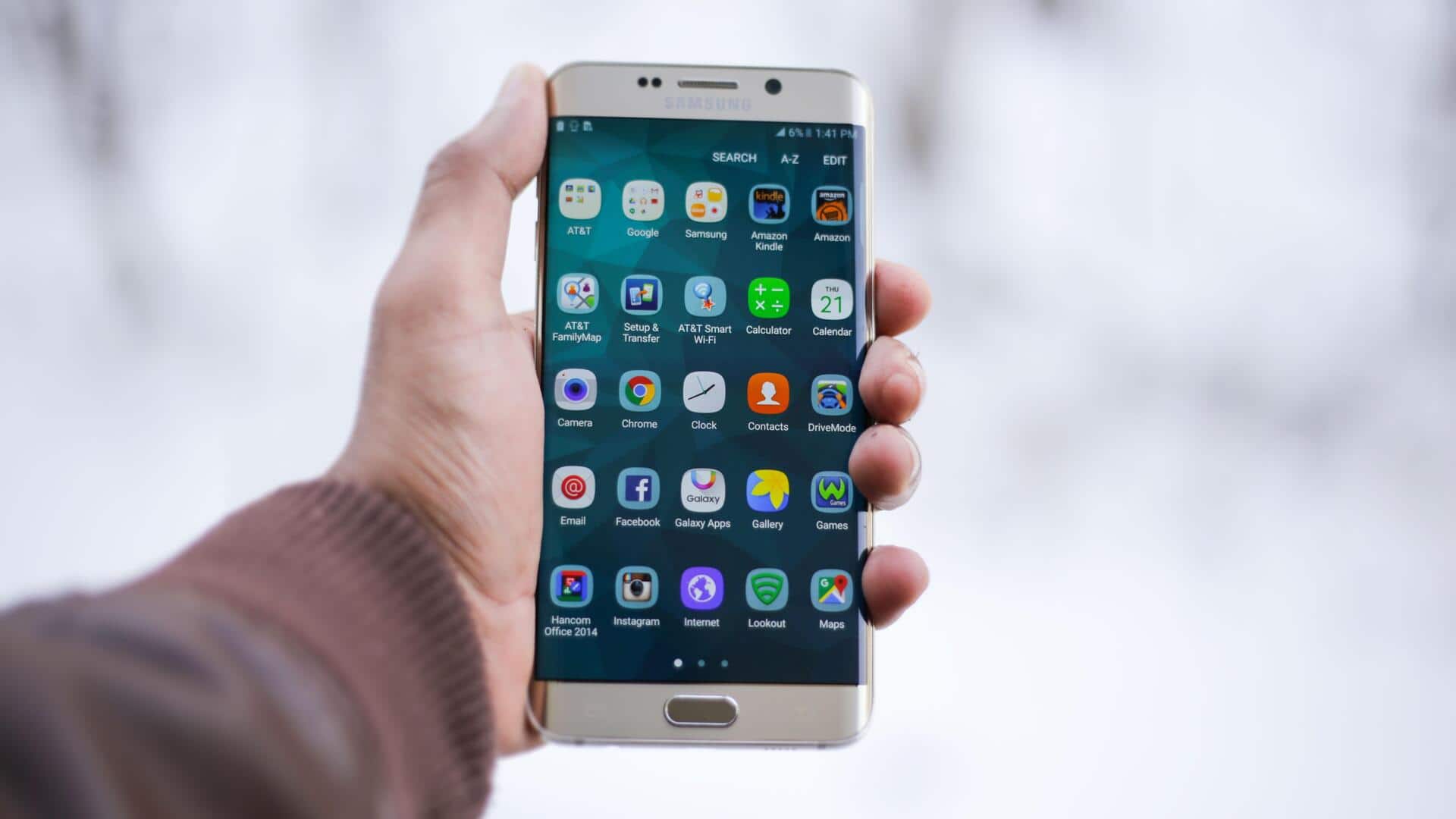
Too many apps? Give your phone a quick clean-up
What's the story
A messy phone home screen can make it harder to find the apps you actually need. Too many icons, folders, and notifications can also make your phone feel distracting. A minimalist approach to organizing your phone's home screen can enhance productivity and reduce stress. Here are some practical tips to help you achieve a clutter-free home screen, making it easier to access essential apps and information.
Tip 1
Prioritize essential apps
Start by identifying the apps you use most frequently. Place these essential apps on your home screen for easy access.
This way, you will not have to sift through multiple pages or folders to find what you need.
Consider using widgets for important functions like weather updates or calendar events, as they provide quick information without opening an app.
Tip 2
Use folders wisely
Folders can be a great way to group similar apps, but do not go overboard with them.
Limit yourself to a few folders with clear labels, like Work or Finance.
This way, you can keep your home screen neat while still having access to all necessary tools.
Avoid cramming too many apps into one folder, as it can defeat the purpose of organization.
Tip 3
Customize your layout
Take advantage of your phone's customization options by adjusting the layout according to your preferences.
Move less frequently used apps off the main screen or into secondary pages, leaving prime real estate for important ones.
Experiment with different arrangements until you find one that feels intuitive and efficient for daily use.
Tip 4
Regularly review and update
Periodically review your home screen setup to ensure it still meets your needs as they evolve over time.
Delete unused apps that take up space and distract from more important tasks at hand.
Also, consider updating app placements based on changing priorities or routines so that everything remains relevant and accessible when needed most.
Tip 5
Embrace minimalistic design elements
Incorporate minimalistic design elements like simple wallpapers or monochromatic themes that complement a clutter-free aesthetic, without adding visual noise.
These subtle changes can make a big difference in how organized and focused your home screen feels overall.
They also contribute positively toward enhancing user experience on a day-to-day basis.