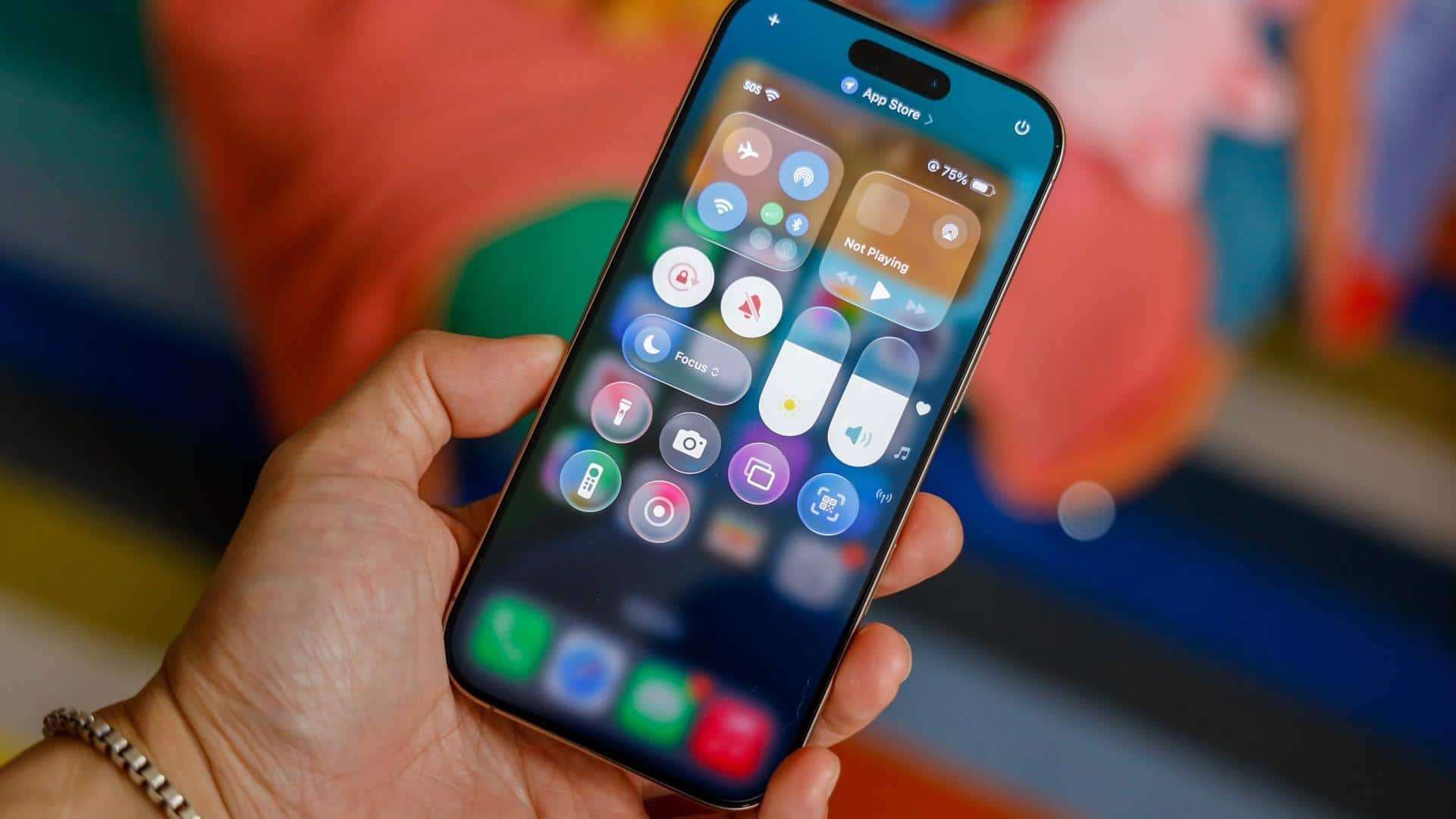
Apple now lets you customize Liquid Glass transparency
What's the story
Apple has released the iOS 26.2 update, bringing a host of new features and improvements. The most notable addition is the ability to customize the transparency of the Lock Screen's clock using an opacity slider. This comes after user feedback about difficulty in reading certain elements due to the semi-transparent design introduced with iOS 26 and Liquid Glass feature.
Design evolution
Liquid Glass: A controversial design language
The Liquid Glass feature, launched with iOS 26, gives a glass-like effect to various interface elements such as buttons, sliders, and notifications.
However, the refractive quality of these elements has made them hard to read for some users.
In response to this feedback, Apple introduced a tool in iOS 26.1 that lets users revert their interface back to a more "frosted" look if they wish.
Update highlights
New features and improvements
Along with the Liquid Glass customization, iOS 26.2 also brings offline lyrics for Apple Music, auto-generated podcast chapters, and enhanced safety alerts for US users.
The update also fixes two actively exploited WebKit vulnerabilities that could have been used for sophisticated attacks.
Other features include improved gaming controls, AirDrop verification codes, redesigned Apple News navigation, and Live Translation support for AirPods users in Europe after months of regulatory delays.
User benefits
A must-install for Apple users
The iOS 26.2 update is a must-install for all Apple users, especially those who own an iPhone 11 or newer model.
The new features and improvements make the user experience more customizable and efficient.
Plus, the security patches ensure that your device is protected from potential threats.
To install the update, go to Settings > General > Software Update on your device.