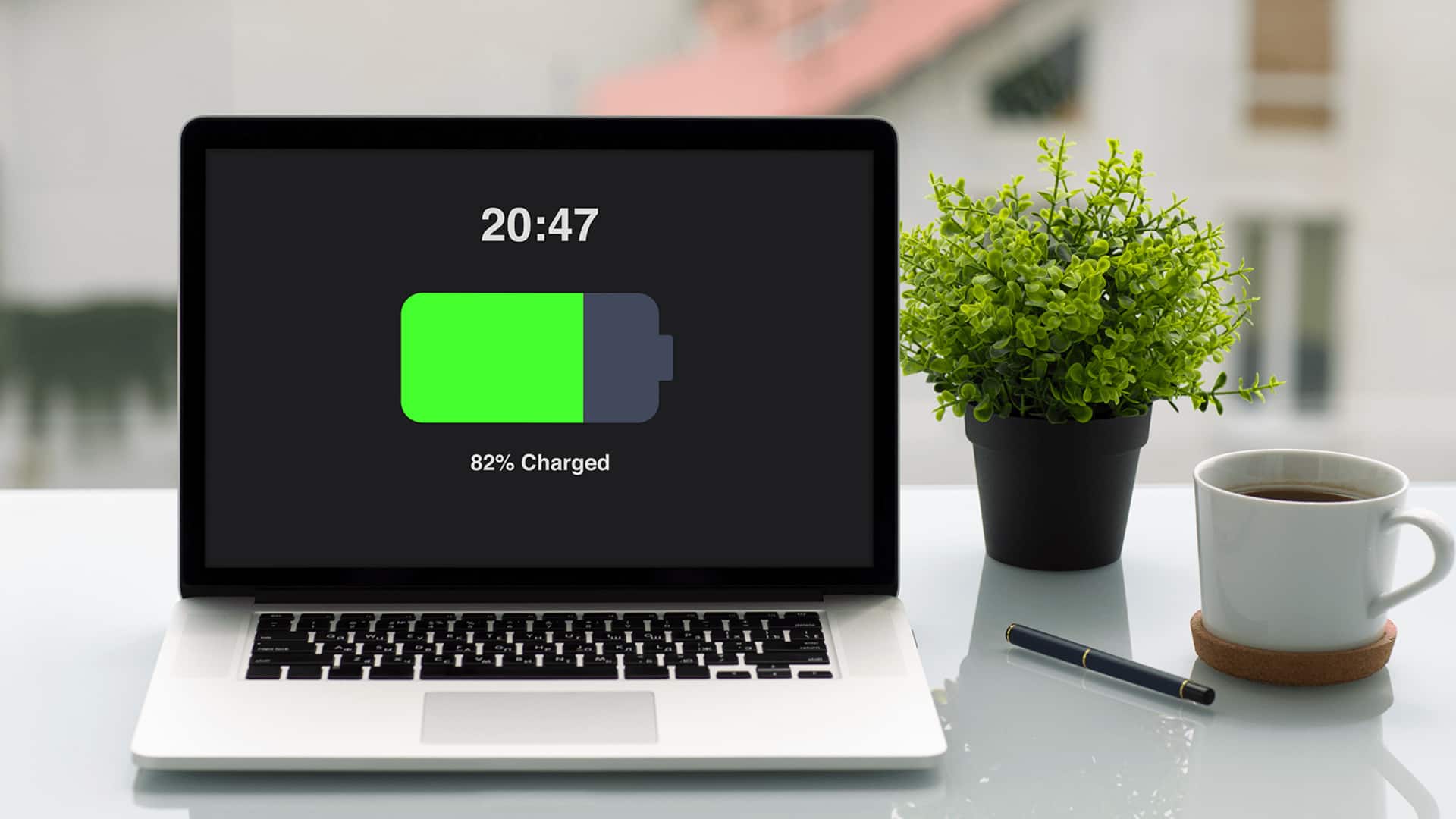
#TechBytes: How to extend battery life on your laptop
What's the story
Laptop battery life is a common concern for most of us. However, with the right power settings, you can significantly extend the battery life of your device. By tweaking a few settings, you can make your laptop more energy-efficient and get more out of a single charge. Here are some practical tips to optimize your laptop's power settings and enjoy longer battery life.
Tip 1
Adjust screen brightness
Reducing screen brightness can have a huge impact on battery life.
Most laptops allow you to adjust brightness through keyboard shortcuts or system settings.
Keeping the brightness at a moderate level not only saves power but also reduces eye strain.
You can also enable adaptive brightness if your laptop supports it, which automatically adjusts the screen brightness based on ambient light conditions.
Tip 2
Manage power plans
Windows and macOS come with different power plans that dictate how your laptop uses energy.
Switching to a power-saving mode can limit processor performance and background activity, which in turn saves battery.
You can also customize these plans by tweaking settings like sleep timers and display turn-off times to suit your usage patterns.
Tip 3
Disable unnecessary peripherals
Peripherals such as Bluetooth, Wi-Fi, and external devices consume battery even when not in use.
Disabling Bluetooth and Wi-Fi when not needed, and unplugging unnecessary USB devices, can save a lot of energy.
You can also turn off location services if they're not required for your tasks.
Tip 4
Optimize background apps
Background apps can drain your battery by consuming CPU resources and running tasks without you knowing.
Check which apps are running in the background and close those that aren't necessary.
On Windows, you can use Task Manager to see which processes are using the most power, and end them if required.
Tip 5
Use battery saver mode
Most modern laptops come with a dedicated battery saver mode that automatically adjusts several settings to extend battery life.
This mode usually dims the screen, limits background activity, and reduces performance to save energy.
Enabling this feature during low-battery situations can make a big difference in how long your laptop lasts on a single charge.