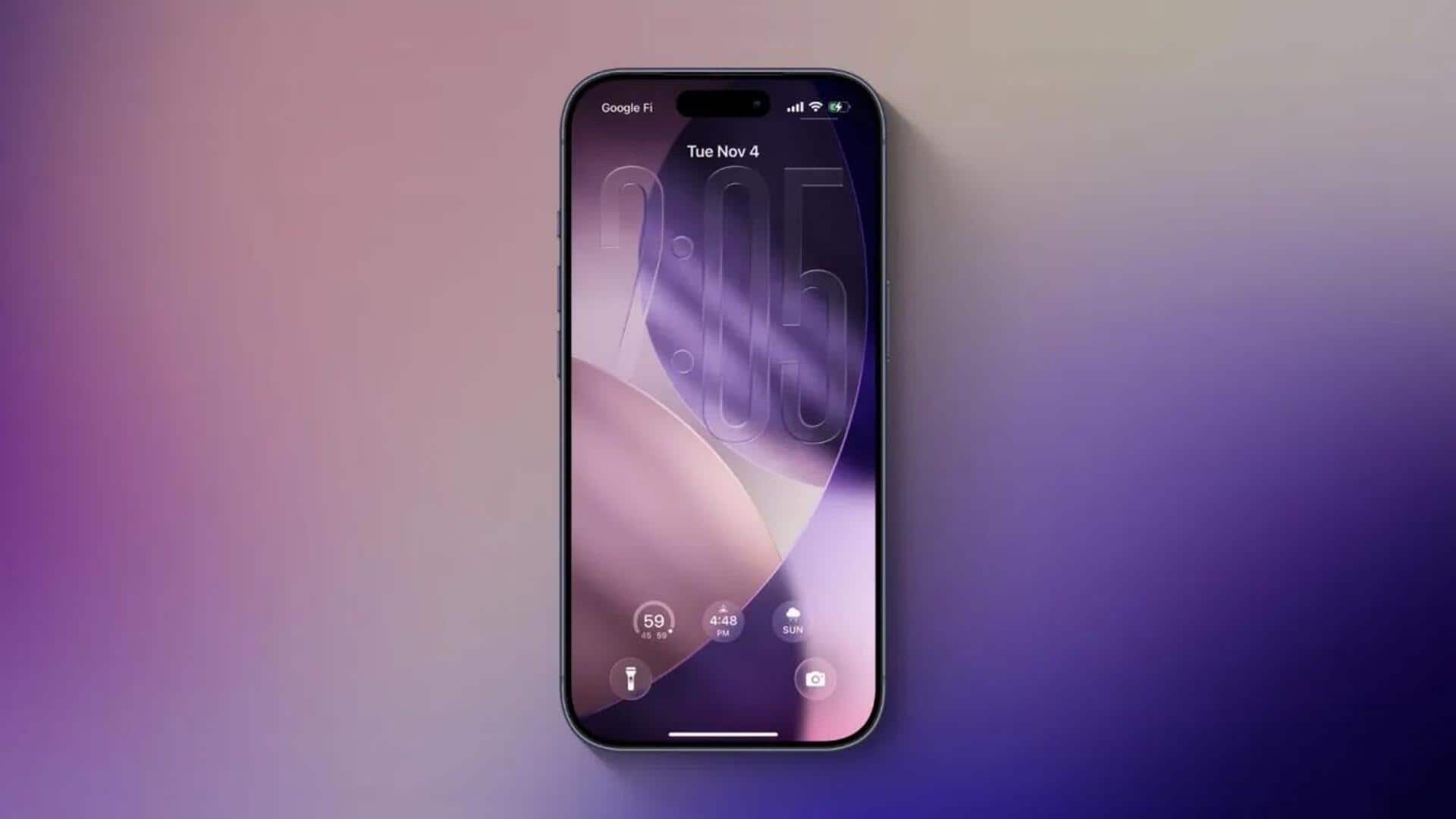
How to make your iPhone display flash for notifications
What's the story
Apple recently released the iOS 26.2 update, bringing a bunch of new features and improvements. Among them is a hidden feature that allows your iPhone's screen to flash for notifications. The new addition is particularly useful for those who may have difficulty hearing or are in noisy environments where they might miss audio alerts. Here's how you can enable this feature on your device.
Activation process
Enabling screen flash for notifications
To enable this feature, go to the Settings app on your iPhone.
Then navigate to Accessibility > Audio & Visual > Flash for Alerts.
Here, you will see an option called 'Screen.' Once you turn it on, your iPhone's display will flash brightly whenever a notification comes in.
The effect is especially noticeable when the always-on display isn't activated.
Enhanced accessibility
Combining screen flash with LED flash
The new feature also gives you the option to combine it with the existing LED Flash for alerts option. This way, you can get enhanced visual notifications for your alerts.
The combination can be especially useful in situations where one form of notification might not be enough to catch your attention.
Other improvements
iOS 26.2 update brings more features
Beyond the screen flash feature, the iOS 26.2 update also introduces a customizable Liquid Glass look, offline lyrics for Apple Music, and important security patches.
Users can now adjust lock screen clock transparency and enjoy lyrics without an internet connection.
The update also auto-generates podcast chapters for easier navigation through episodes and provides enhanced safety alerts for US users with detailed maps and guidance on floods, disasters, emergencies.
Added features
Security enhancements and gaming controls
The iOS 26.2 update also patches two actively exploited WebKit vulnerabilities that could enable sophisticated attacks.
It comes with improved gaming controls, AirDrop verification codes, redesigned Apple News navigation, and Live Translation support for AirPods users in Europe after months of regulatory delays.
Japanese users can replace Siri with Gemini or Alexa on the side button as a regional perk driven by local legislation.