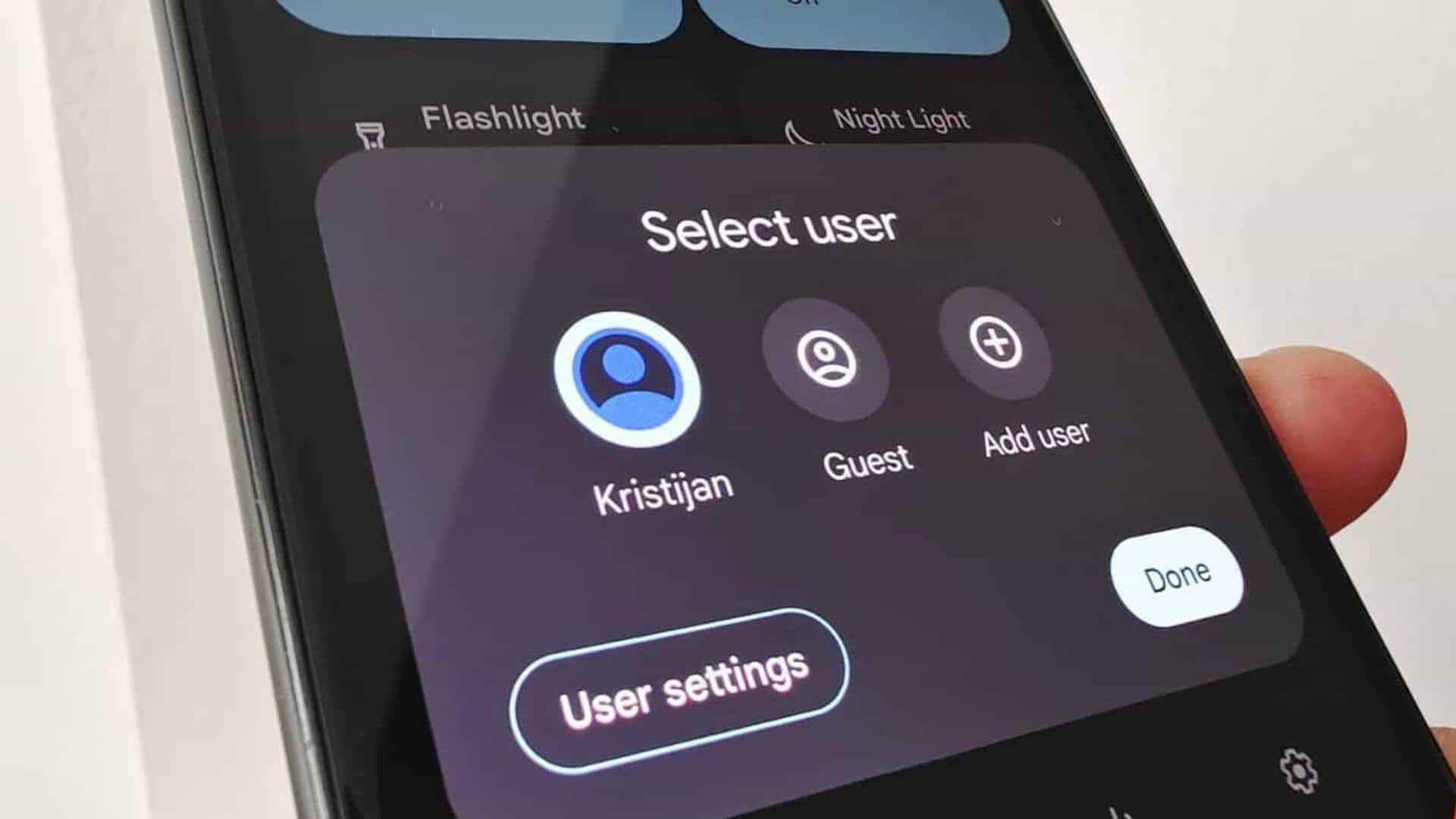
#TechBytes: How to enable guest mode on your phone
What's the story
Guest mode is a handy feature on many smartphones, allowing temporary users to access the device without messing with personal data. Enabling guest mode can be a breeze, provided you know the steps. This article will guide you through the process of enabling guest mode on your smartphone, ensuring privacy and security when lending your device to others. Here are some simple steps to follow.
Step 1
Accessing settings for guest mode
To enable guest mode, start by opening your smartphone's settings app.
Look for the option that says "Users" or "Accounts." This is usually found under the "System" or "Device" section, depending on your phone's operating system.
Once you find it, tap on it to see the available user profiles.
Step 2
Creating a new guest profile
In the users or accounts section, you will see an option to add a new user or profile.
Select this option and choose "Guest" from the available choices.
This will create a temporary profile with limited access to apps and settings, ensuring that your personal information remains secure.
Step 3
Customizing Guest Mode Settings
Once you have created a guest profile, you can customize its settings according to your preferences.
For example, you can restrict access to certain apps or features by toggling them off for the guest user.
This way, you can ensure that only essential functions are available while keeping sensitive data protected.
Tip 1
Switching between users easily
Switching between your main account and guest mode is easy.
Just swipe down from the top of your screen to open quick settings and tap on the user icon.
From here, you can switch between accounts seamlessly without having to go back into settings every time.