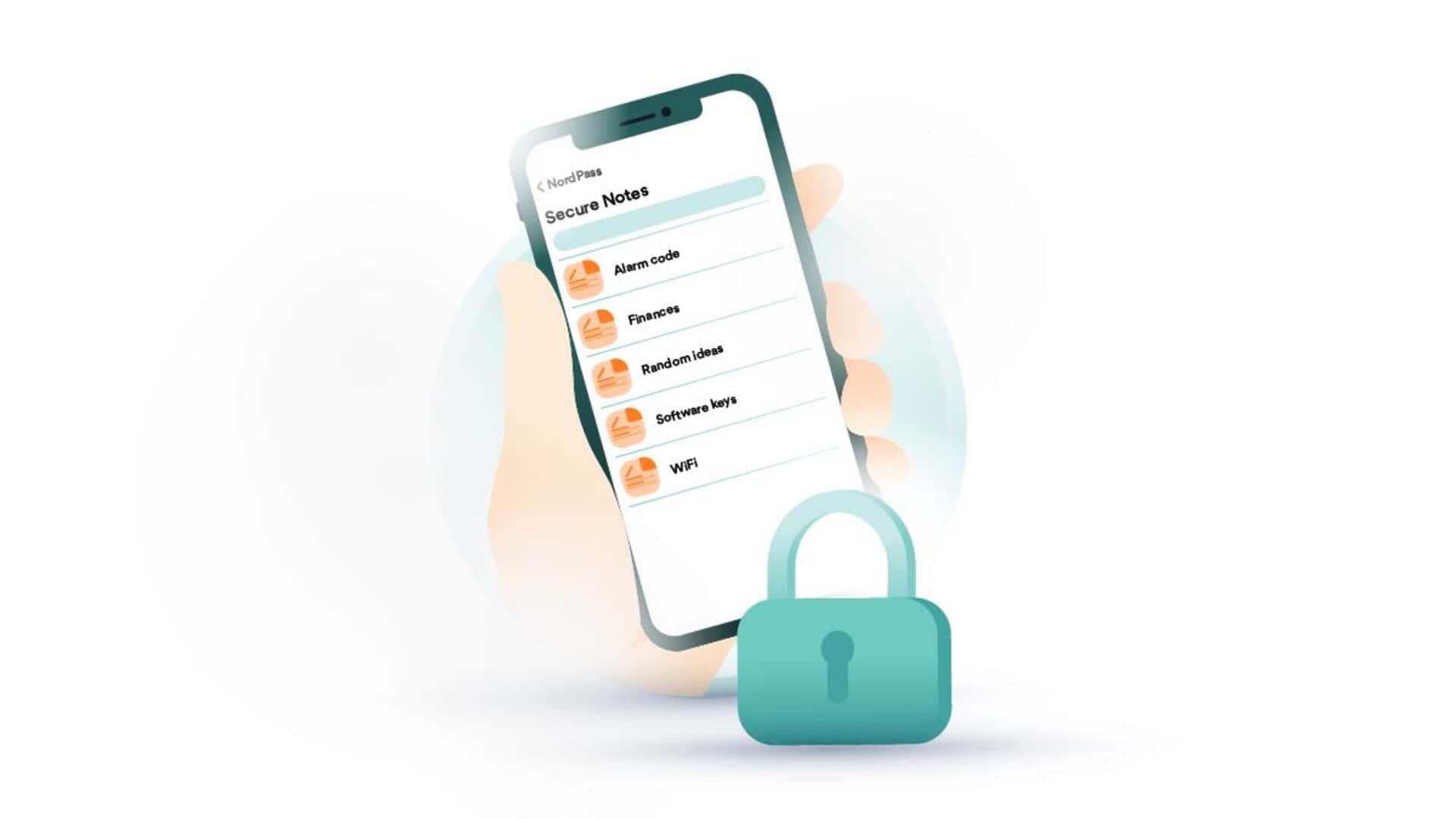
#TechBytes: How to encrypt notes on your smartphone
What's the story
In today's digital age, keeping your personal notes secure is of utmost importance. With smartphones being the go-to device for most of us, encrypting notes can be a foolproof way to protect sensitive information from prying eyes. Here are some practical tips to encrypt your smartphone notes and keep your data safe from unauthorized access.
Tip 1
Use built-in encryption features
Most smartphones come with built-in encryption features that can be used to secure your notes.
For instance, iOS devices have a Notes app that allows you to lock individual notes with a password or biometric authentication.
Android devices may also offer similar features through third-party apps or native settings.
Using these built-in options ensures that your data is encrypted without having to install additional software.
Tip 2
Choose secure note-taking apps
Selecting the right app is crucial for note encryption.
Look for apps that offer end-to-end encryption, meaning only you can access the content, not even the app developers.
Some popular options include Evernote, OneNote, and Notion, which provide robust security features.
Check the app's privacy policy and user reviews to ensure it meets your security needs.
Tip 3
Enable two-factor authentication
Two-factor authentication (2FA) adds an extra layer of security by requiring a second form of verification, such as a text message code or fingerprint scan, before accessing your notes.
Most secure note-taking apps offer this feature.
By enabling 2FA, you significantly reduce the risk of unauthorized access even if someone gets hold of your password.
Tip 4
Regularly update your device and apps
Updating your smartphone and apps is crucial, as updates often include security patches that fix vulnerabilities.
Enable automatic updates on your device to ensure you always have the latest protections in place.
Regularly updating helps keep potential hackers at bay by minimizing the chances of exploiting known weaknesses in older software versions.
Tip 5
Backup encrypted notes securely
Backing up your encrypted notes is important so that you don't lose them due to device failure or loss.
However, make sure that backups are also secure by using encrypted cloud storage services or external drives with encryption enabled.
This way, even if someone gets access to your backup data, they won't be able to read it without proper authentication credentials.