Tips and tools to clean your keyboards at home
What's the story
Cleaning keyboards at home can be an easy task if you have the right tools. With a few simple items, you can keep your keyboard clean and functional. This not only improves the appearance of your keyboard but also prolongs its lifespan. Here are some handy tips and tools to clean your keyboard without any hassle.
Tip 1
Use compressed air for dust removal
Compressed air cans are a must-have for cleaning keyboards. They blow away dust and debris stuck between the keys, without damaging anything.
Just hold the can at an angle and spray between the keys in short bursts. This clears out particles that may interfere with key function.
It's an easy way to maintain cleanliness without disassembling the keyboard.
Tip 2
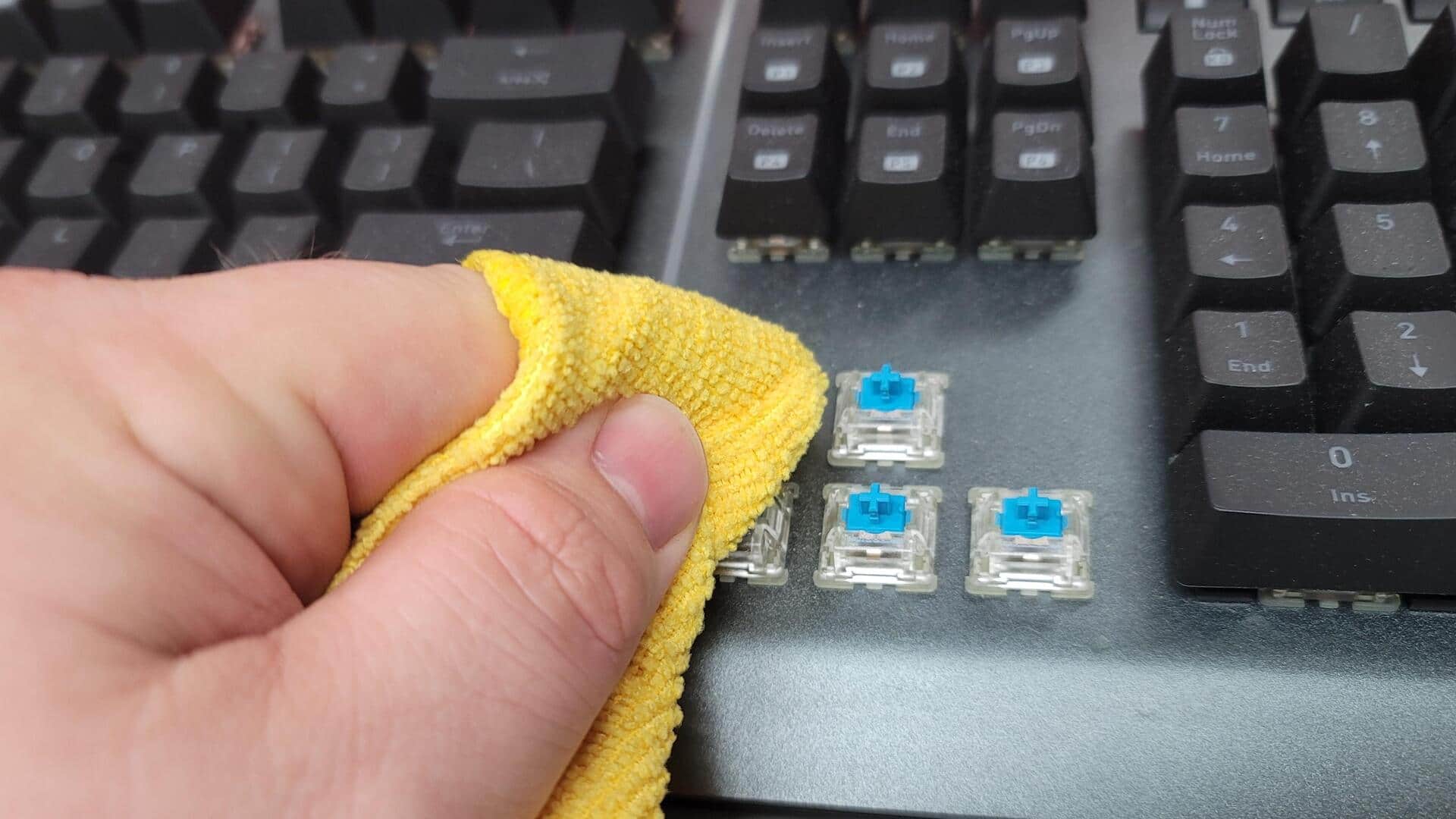
Microfiber cloth for surface cleaning
A microfiber cloth is perfect for cleaning the surface of your keyboard. It picks up dust and fingerprints without scratching surfaces.
Lightly dampen one corner of the cloth with water or a mild cleaner, and wipe over the key surfaces gently.
This removes oils and smudges, leaving a clean surface for typing.
Tip 3
Cotton swabs for detailed cleaning
Cotton swabs are perfect for cleaning hard-to-reach areas around keys.
They can be dipped in rubbing alcohol or a mild cleaner to clean grime from crevices without leaving moisture behind.
Just be gentle while using them so that they don't leave any fibers stuck on the keys.
Tip 4
Keycap puller tool for deep cleaning
For those who want to go deep in their keyboard cleaning, a keycap puller tool is perfect. It helps in removing keycaps easily, so that you can clean underneath them properly.
Just make sure you remember where each keycap goes before removing them, so that you can put them back correctly after cleaning.
Tip 5
Soft brush for debris dislodging
A soft brush, like a paintbrush or makeup brush, can help dislodge debris from around keys without scratching surfaces.
Use it dry or slightly dampened with water or cleaner solution to sweep away particles sitting on top of or between keys.
This is especially useful if you don't want to use compressed air or remove keycaps entirely.