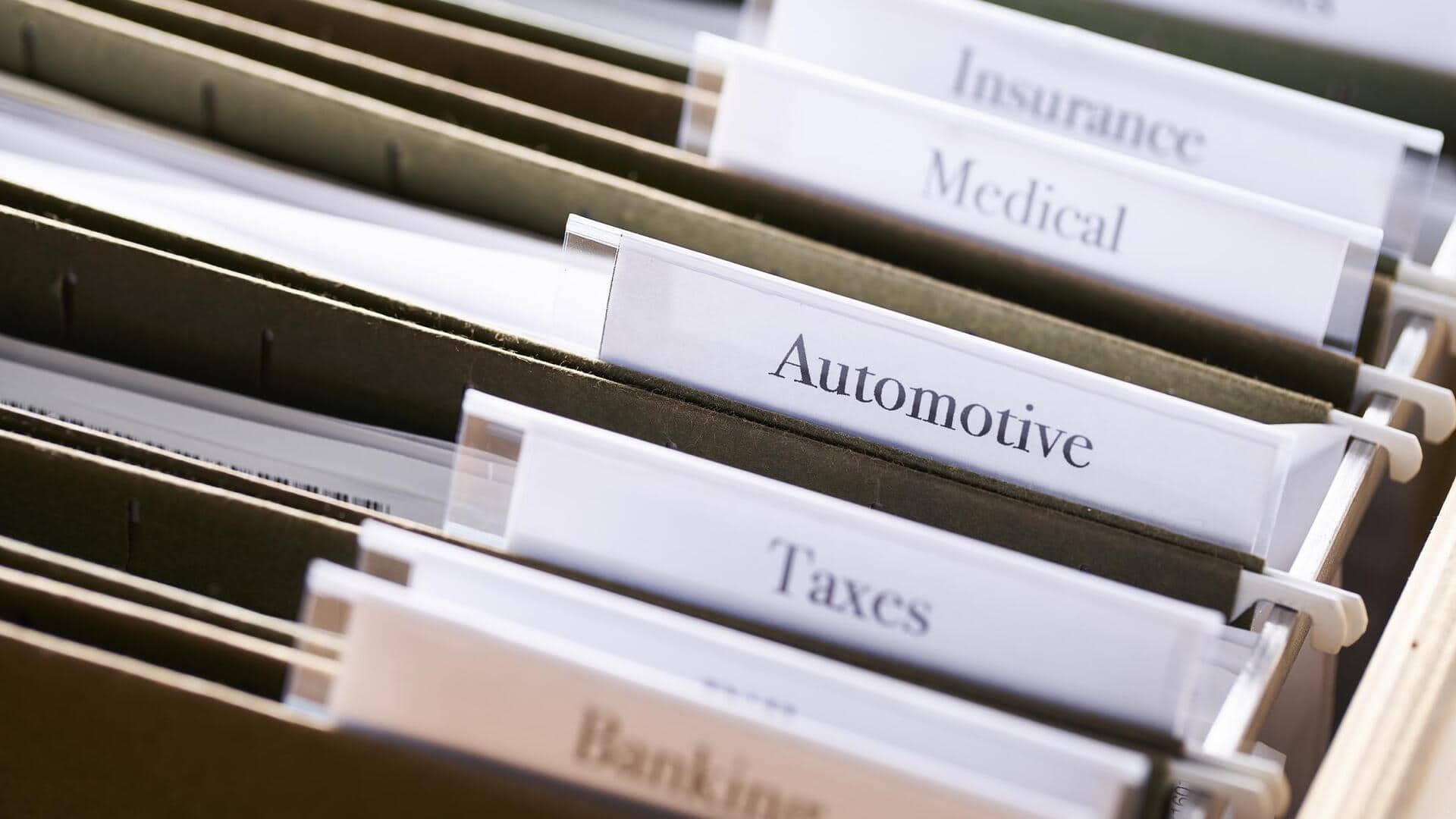
How to store important papers at home
What's the story
Organizing important papers at home can be a daunting task, but it's essential for maintaining order and accessibility. Whether it's financial documents, medical records, or personal correspondence, having a system in place can save time and reduce stress. Here are five practical tips to help you efficiently organize your important papers at home. These tips focus on simplicity and functionality, making it easier for anyone to implement them without overwhelming effort.
Tip 1
Use labeled folders
Invest in some sturdy folders and label them clearly with categories such as bills, receipts, medical records, and so on.
This way, you can keep your documents sorted and easily accessible.
Labeling is important as it saves you the hassle of searching through piles of paper when you need something urgently.
Stick to a color code for different categories to make it even easier.
Tip 2
Implement a filing system
Set up a filing cabinet or use a dedicated space in your home for storing these folders.
Arrange them in alphabetical order or by priority level so that you can access them quickly.
Regularly review this system to ensure it meets your needs as new documents come in.
Tip 3
Digitize important documents
Consider scanning important papers and storing them digitally on secure cloud services or external drives.
This not only saves physical space but also provides a backup in case of loss or damage to the original documents.
Make sure your digital files are organized with clear naming conventions for easy retrieval.
Tip 4
Schedule regular reviews
Set aside time every few months to go through your paper collection.
Check if any documents are outdated or no longer required.
This practice helps in keeping your system updated and prevents unnecessary clutter from building up over time.
Tip 5
Secure sensitive information
For sensitive information like personal identification or financial data, use locked cabinets or safes.
Limit access to these areas only to trusted individuals who need them for legitimate reasons.
Regularly update security measures as needed to protect against unauthorized access.