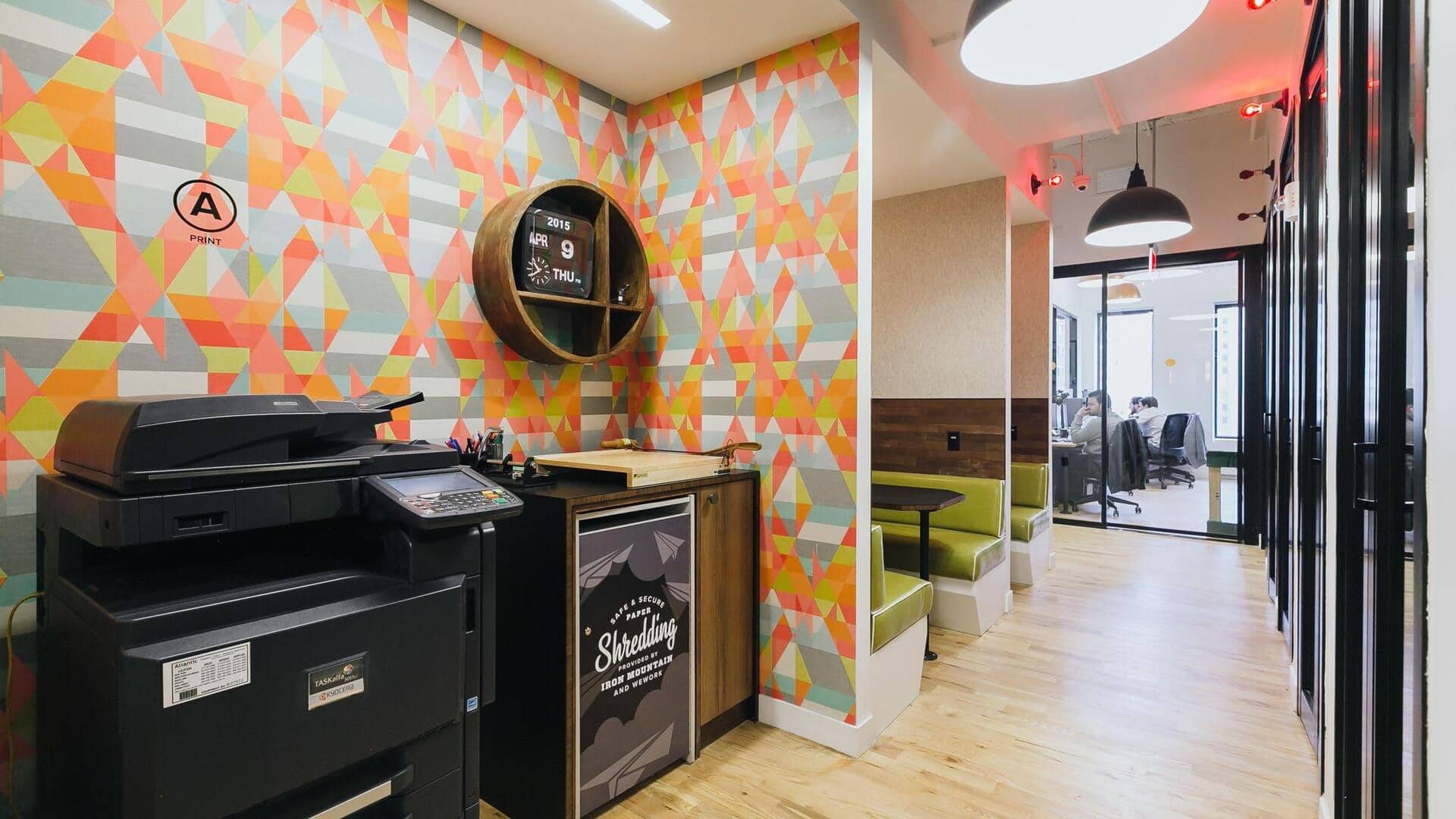
Tricks to keep printouts at co-working spaces private
What's the story
Co-working spaces are becoming increasingly popular, offering flexible work environments and shared resources. However, printing documents in these spaces can be tricky, particularly when it comes to keeping your print jobs private. With numerous people sharing the same printers, how do you ensure your sensitive information doesn't fall into the wrong hands? Here are some practical tips to keep your print jobs private at co-working spaces.
Tip 1
Use secure print options
Most co-working spaces have secure print options that let you send documents to a printer but hold them until you authenticate yourself at the machine.
This way, only you can access and print your documents, keeping them confidential.
Check if the printer in your space has this feature and how to use it properly.
Tip 2
Avoid printing sensitive documents
If possible, avoid printing sensitive documents altogether in a co-working space.
Instead, consider digital alternatives like emailing or cloud storage services for sharing files securely.
If printing is unavoidable, ensure that the document doesn't contain highly confidential information.
Tip 3
Log out after printing
Always remember to log out from any printer management system after completing your print jobs.
This is important to prevent unauthorized access to your account and personal information by other users of the co-working space.
Make it a habit to log out every time you finish using a shared printer.
Tip 4
Use personal devices for printing
Wherever possible, use personal devices like laptops or smartphones for printing instead of public computers in co-working spaces.
This will limit exposure of your personal data and documents on shared systems, reducing the risk of accidental access by others.
Tip 5
Be mindful of printer location
The location of a printer in a co-working space can also affect privacy.
If a printer is located in a high-traffic area, it may be easier for someone to glance at or pick up your printed documents before you do.
Whenever possible, choose printers located in more private areas of the space.