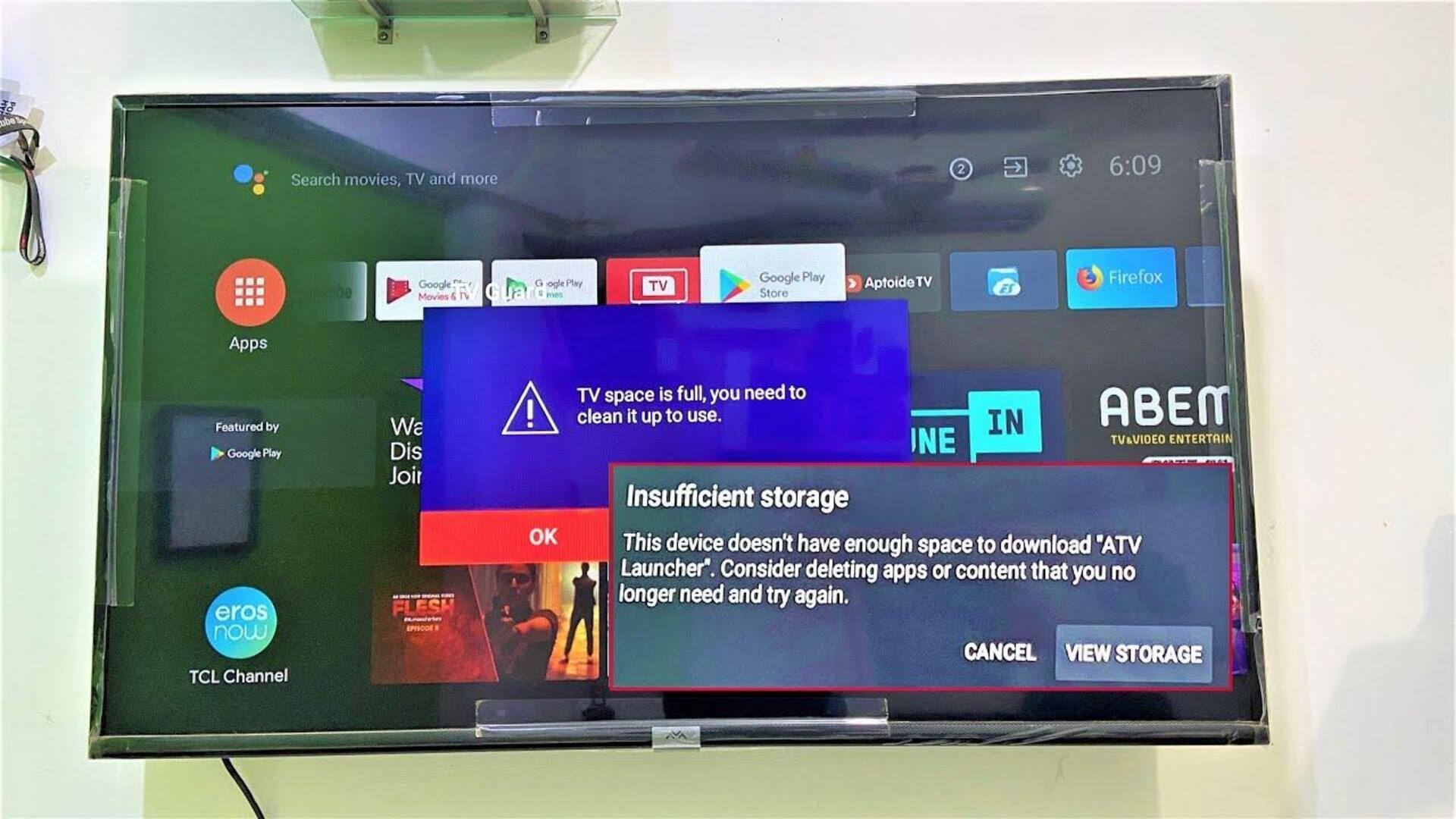
Smart TV storage full? Here's how to clear space
What's the story
Smart TVs have become an integral part of our lives, giving us access to a plethora of apps and services. However, as time goes by, these devices can become cluttered with unnecessary data, affecting their performance. Clearing storage space is key to keeping your smart TV running smoothly. Here are some practical tips to help you free up space on your smart TV, ensuring it continues to deliver optimal performance.
Tip 1
Delete unused apps
One of the easiest ways to free up storage on your smart TV is by deleting apps you don't use anymore. Most TVs allow you to manage app installations from the settings menu. By removing apps that are rarely used, you can free up a significant amount of space. This not only clears storage but also helps in keeping the interface clean and organized.
Tip 2
Clear cache data regularly
Just like smartphones and computers, smart TVs also store cache data from the apps you use. This temporary data helps apps load faster but can pile up over time and eat up storage space. Regularly clearing cache data from app settings can help you recover some of this space without deleting any apps or important files.
Tip 3
Update software frequently
Keeping your smart TV's software updated is key to its performance and storage management. Software updates often come with improvements that optimize how your device uses its resources. By enabling automatic updates or checking for them manually, you can make sure your TV runs efficiently, which may help it manage storage better.
Tip 4
Use external storage options
If your smart TV supports external storage options like USB drives or external hard disks, you can use them to expand storage capacity. By moving certain content like photos or videos onto external devices, you free up internal memory for more critical functions without compromising access to your media files.
Tip 5
Resetting factory settings as last resort
If other methods fail to free up enough space on your smart TV, consider a factory reset as the last resort. A factory reset restores the device to its original state by deleting all user data and installed apps (except pre-installed ones). This way, you can get rid of any unwanted clutter that may have built up over time, but at the cost of losing personal settings and preferences.