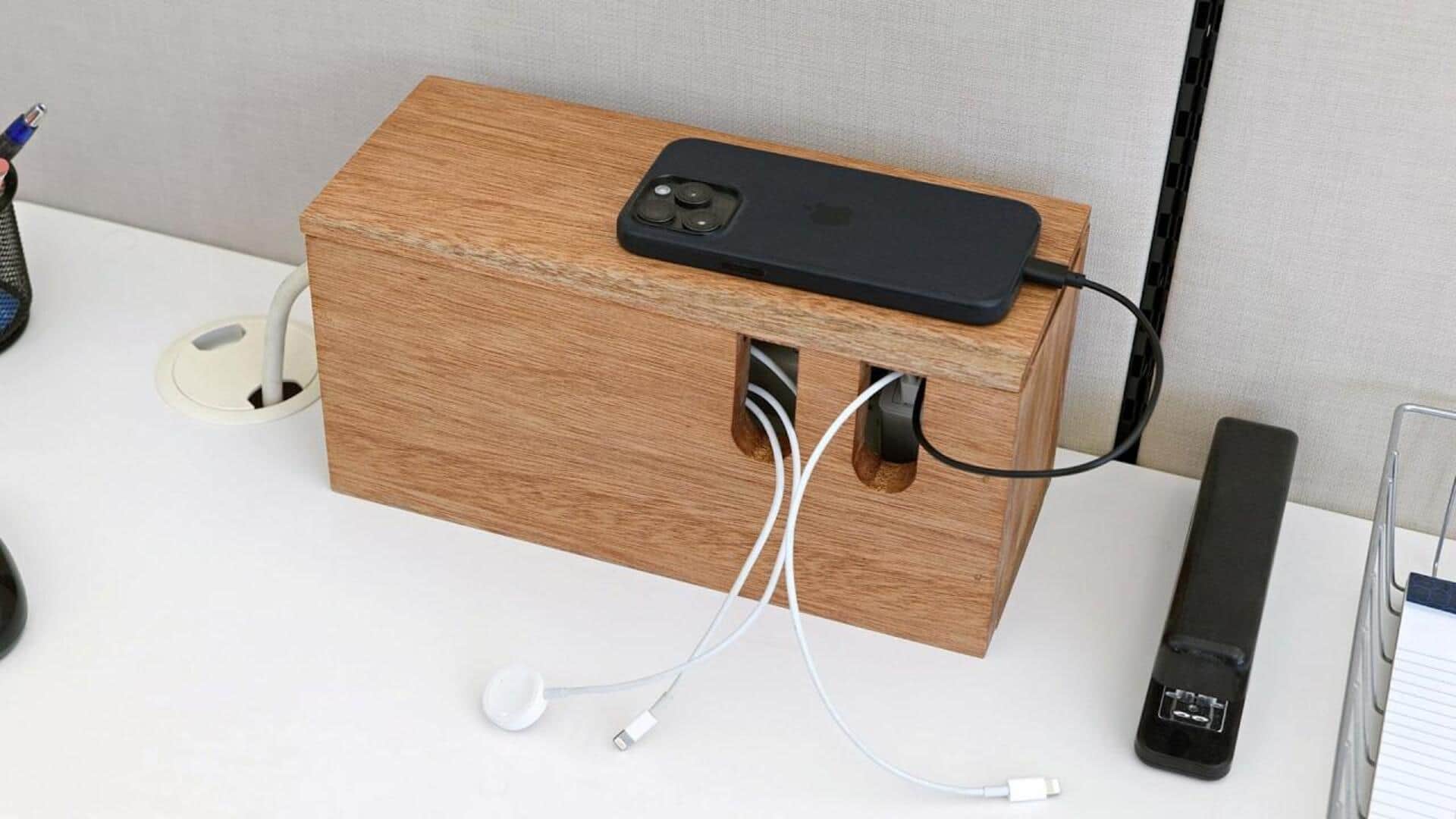
How to keep your workspace tidy
What's the story
In today's digital age, our workspaces are often cluttered with tangled cables from various devices. Not only does this mess up the look of your workspace, but it also distracts you from work. By organizing these cables, you can create a more efficient and pleasant environment. Here are some practical tips to help you manage your device cables effectively and keep your workspace tidy.
Tip 1
Use cable ties for bundling
Cable ties are an inexpensive yet effective tool for bundling cables together.
By grouping similar cables, you can reduce clutter and make it easier to identify each one when needed.
Just make sure not to tie them too tightly, as that may damage the wires over time.
This simple trick can make a world of difference in how organized your workspace looks.
Tip 2
Implement cable sleeves
Cable sleeves are another great way to conceal and organize multiple cables running along desks or walls.
These flexible tubes can hold several wires together, making them look neat and uniform.
Available in different sizes and materials, cable sleeves can be customized to fit your needs while keeping your workspace looking good.
Tip 3
Utilize clips and anchors
Cable clips and anchors are perfect for securing cables along walls or under desks. They keep the wires in place, preventing them from falling or getting tangled.
Most of these clips are adhesive-backed, making them easy to install without damaging surfaces.
This way, you can keep your cables organized and accessible.
Tip 4
Label each cable clearly
Labeling each cable is essential for easy identification when troubleshooting or making changes in your setup.
Use simple labels or tags that clearly indicate what each cable is connected to.
This practice not only saves time but also reduces frustration when dealing with multiple devices in your workspace.
Tip 5
Invest in wireless charging solutions
If you want to reduce the number of cables in your workspace, you can invest in wireless charging solutions for compatible devices, like smartphones or tablets.
By eliminating the need for charging cords altogether, wireless chargers help minimize clutter while keeping your devices powered up efficiently.