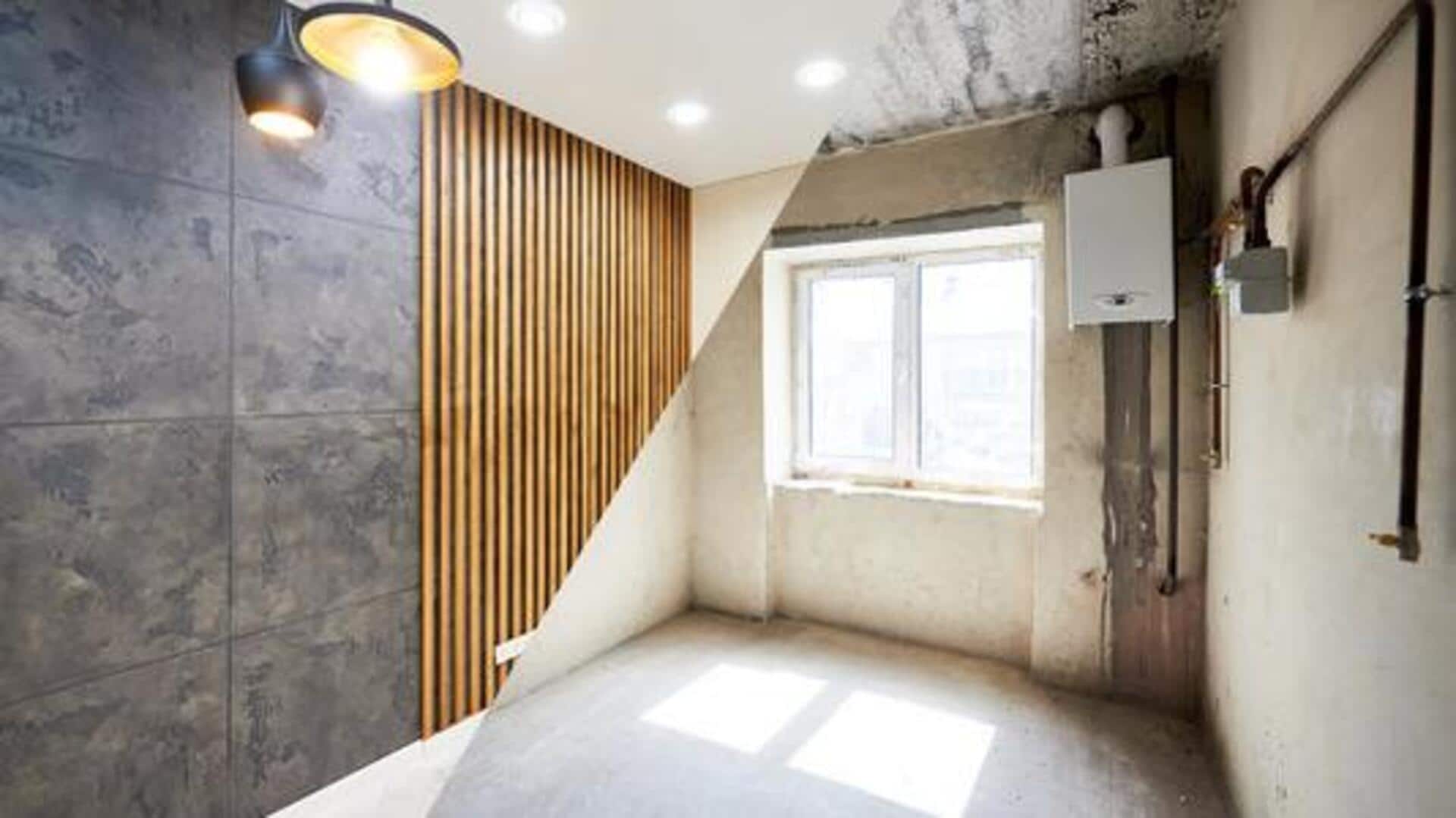
Renovating your home? AI can help
What's the story
Home renovation projects can be daunting, but what if I told you that AI tools can simplify the process by helping you plan, visualize, and execute tasks? These tools generate stunning designs, material lists, and realistic previews from the photos or descriptions. Here are five specific AI-powered tools that can streamline your next renovation project.
#1
Archivinci AI Room Planner
With ArchiVinci AI Room Planner, you can upload a photo of your room and instantly restyle it with new materials, colors, lighting, and furniture layouts.
It retains the actual walls, windows, and structure to deliver realistic results.
The tool is perfect for testing your ideas in places like kitchens or bedrooms, even before making any purchases.
#2
Ideal House AI Suite
Ideal House AI Suite provides tools, including Interior Remodel and Exterior Renovator, to change your interiors or exteriors with one click.
You just have to upload a photo and describe how you want to change things around, and using Texture Replacer, you can see new materials on your surfaces.
The Exterior Renovator also generates high-quality designs in different styles, like Modern Farmhouse.
#3
Planner 5D AI design software
With features like Design Generator and Smart Wizard, Planner 5D AI Design Software makes creating two-dimensional and 3D floor plans super easy.
It creates realistic 3D models of furniture and other objects based on what you enter.
This way, you can quickly customize the layout and decor as per your taste.
#4
Home Depot Material List Builder AI
Home Depot Material List Builder AI allows users to describe their project in natural language and generate a complete list of materials required.
Be it a bathroom remodel with specific tiles or fixtures, this tool delivers grouped lists that help stay on budget.
You can use voice-to-text on site or starter templates for kitchens and decks.
Tip 5
VisualizeAI
VisualizeAI begins with a photo, sketch, or floor plan to create detailed, photorealistic renderings.
Users can choose room types and styles, and also add instructions to get a preview of the changes you are making.
This can help you make informed decisions about how you want to utilize space and aesthetics during renovations.