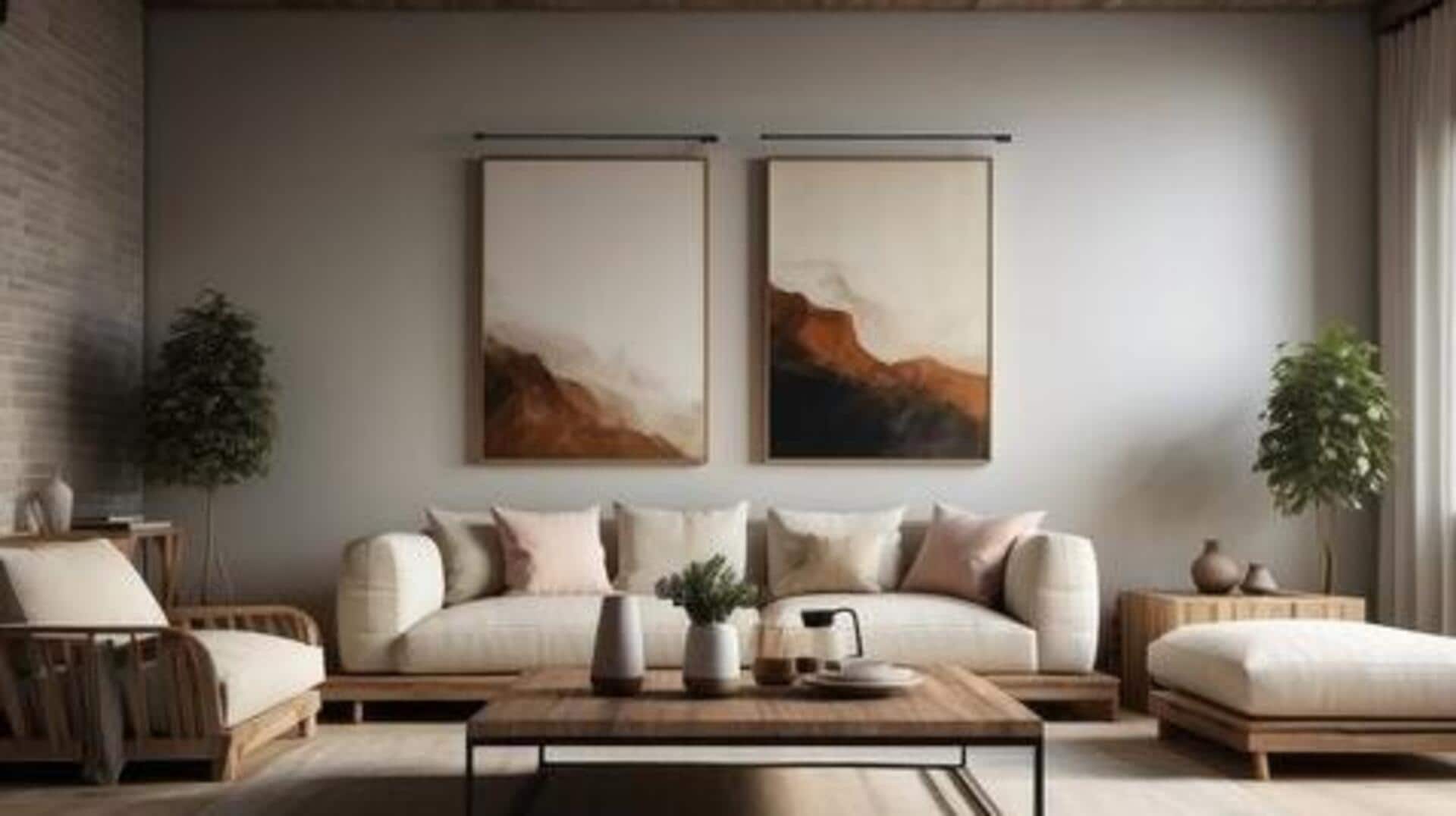
Create your dream home decor with these AI tools
What's the story
Creating stunning home decor plans has become much easier, thanks to AI design assistance. These tools let you transform inspiration into clear, visual room concepts before you hit the market. By analyzing room photos, suggesting layouts, and generating realistic previews, you can quickly compare styles, furniture placements, and color schemes. This way, you can test modern or vintage looks without committing to costly purchases too early.
Tip 1
Use Planner 5D for comprehensive planning
Planner 5D is a one-stop shop for floor plans, 3D room modeling, and AI-guided layout help.
Its capabilities, including Design Generator and Smart Wizard, can convert a room photo into an editable 3D design.
The AI floor plan recognition creates photorealistic renders, giving a perfect idea of how your space would look.
Tip 2
Experiment with styles using Canva
Canva offers a practical option for fast restyling. By uploading a room image, you can test multiple looks and see how they would work with its AI Interior Styler.
From virtual staging to sketch rendering across more than 30 style options, it enables you to experiment with different aesthetics quickly and without committing to anything.
Tip 3
Achieve realistic previews with Spacely AI
Spacely AI specializes in creating photorealistic interior renders from sketches or room photos, making it extremely useful for personal and professional planning purposes.
With this, you can see how things will look in your space before actually going ahead with any decision.
By giving realistic previews, Spacely AI can help you confidently explore various design options and make informed decisions about your home decor plans.
Tip 4
Quick transformations using RoomGPT
RoomGPT has been designed to quickly transform a single photo of your space. It lets you generate a couple of versions of your room by choosing the type and desired style.
You can then refine the best version by changing the color, furniture, or decor elements, allowing a smooth way to visualize different design options before committing to any.