Snapseed: The ultimate free photo editing app
What's the story
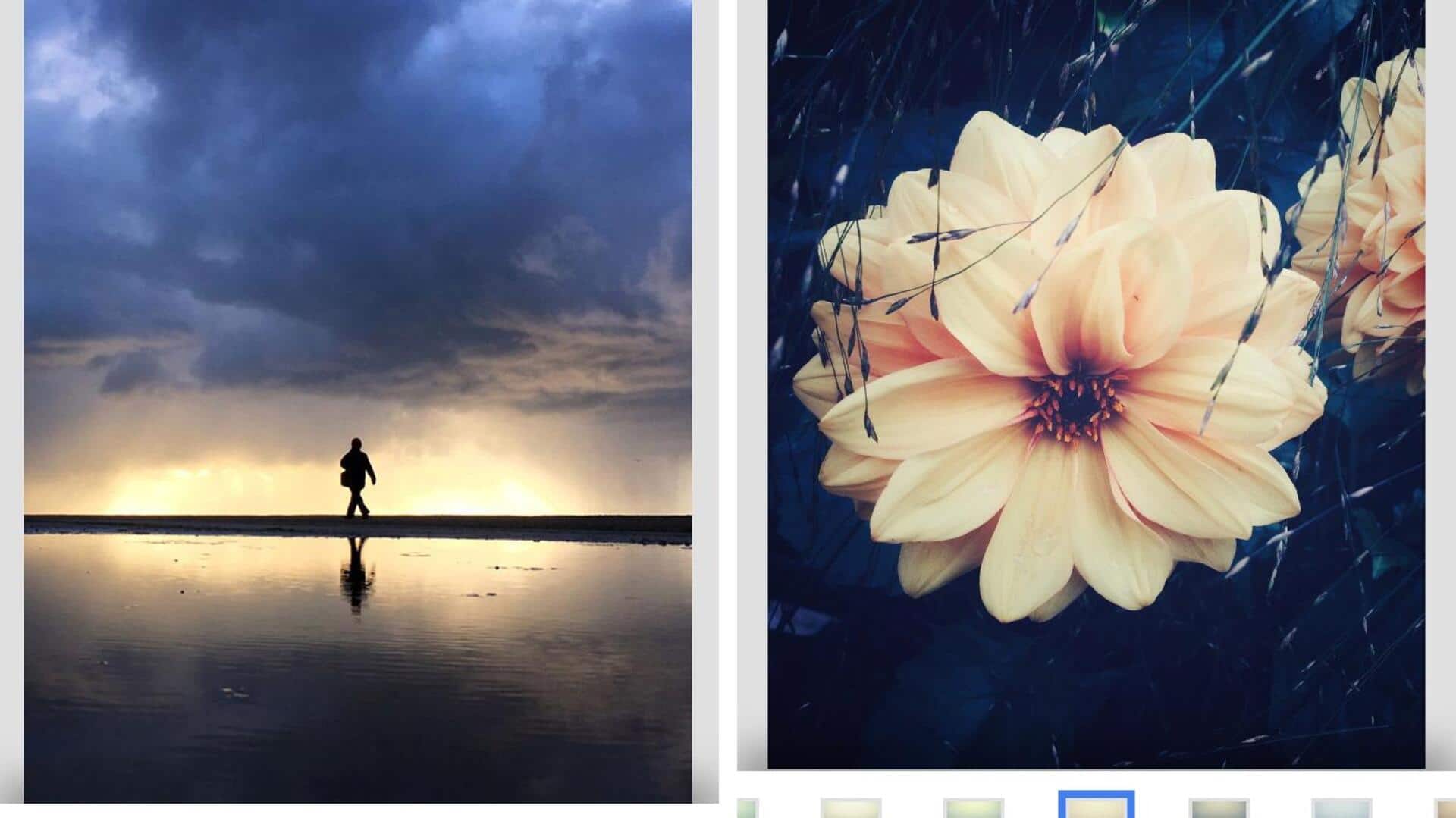
Snapseed, Google's free photo editing app, is the ultimate suite for enhancing mobile photography. With 29 features built for both novices and professionals, it enables non-destructive editing on Android and iOS devices. You can work with Tune Image to adjust brightness, contrast, and color or focus on particular areas with the Selective tool. The app even offers AI-powered enhancements for quick lighting and sharpness improvements.
Tool #1
Core tools for quick adjustments
Snapseed's core tools such as Tune Image offer quick tweaks for brightness, contrast, and color.
This feature is perfect for anyone who wants to make basic edits without going into complicated settings.
Then, there's the Selective tool, which lets you enhance parts of an image by placing Control Points on them.
This way, you can easily brighten skies or sharpen details, while the algorithm does the rest.
Tool #2
Advanced retouching features
The Brush tool in Snapseed allows users to selectively retouch exposure or saturation on targeted spots within an image.
This feature comes in particularly handy when you want to make precise edits without affecting the entire photo.
Not to mention, the Healing tool removes unwanted objects effortlessly from images, such as distractions in group shots or blemishes in portraits.
Feature #3
AI-powered enhancements
Snapseed also offers AI-powered enhancements that automatically fix the lighting, sharpness, and colors with just one tap.
These features give you vibrant results quickly and are ideal for anyone looking to get pro-like photos without spending much time editing.
Face Enhance sharpens eyes and smooths skin specifically for portraits, while Face Pose corrects poses using three-dimensional models.
Effect #4
Creative effects for artistic flair
For those who want to inject some creativity into their photos, Snapseed offers effects such as Lens Blur for dreamy bokeh portraits or HDR Scape for dramatic multi-exposure looks.
Double Exposure combines images with film-inspired modes while Noir or Retrolux provide grainy black-and-white film aesthetics that cater to vintage lovers looking for something different.