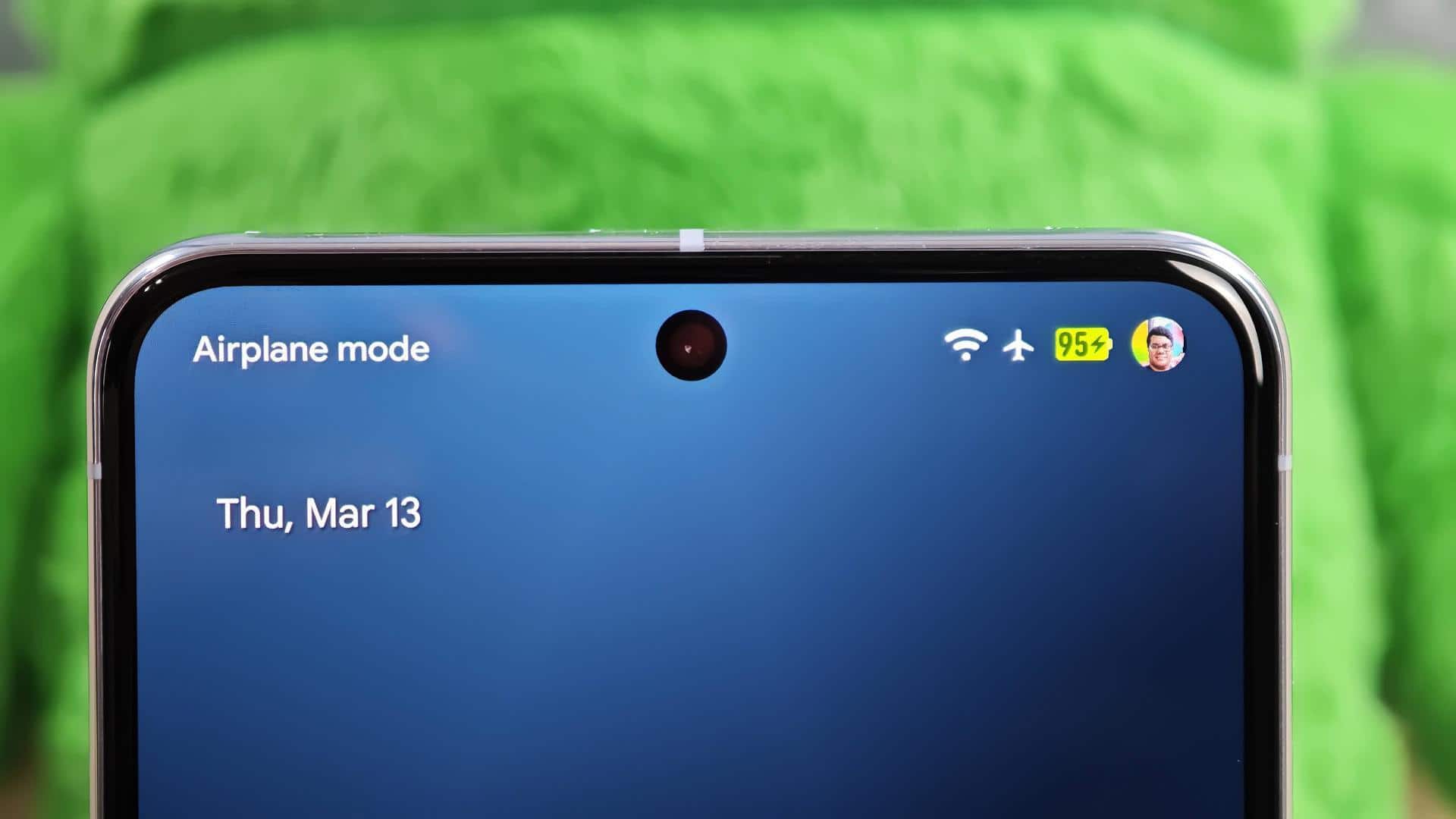
#TechBytes: How to fix your smartphone's battery indicator
What's the story
Smartphone battery indicators can be notoriously inaccurate, leaving users guessing about their device's power levels. However, recalibrating your phone's battery indicator can help restore its accuracy. The process involves a few simple steps that ensure your device accurately reflects its remaining charge. By following these steps, you can avoid unexpected shutdowns and improve your phone's overall performance. Here's how to recalibrate your smartphone's battery indicator effectively.
Step 1
Fully discharge your smartphone
To start the recalibration process, use your smartphone until it automatically shuts down due to low battery. This step is crucial, as it helps in resetting the battery's internal gauge.
Make sure all apps are closed, and avoid using power-saving modes during this time.
Once the phone shuts down, leave it off for a few minutes before proceeding to the next step.
Step 2
Charge to 100% without interruption
After discharging your smartphone completely, connect it to its original charger, and let it charge uninterrupted until it reaches 100%.
Do not disconnect or use the device while charging during this period.
This step helps in recalibrating the battery's full charge capacity with its internal software.
Step 3
Perform a soft reset
Once your smartphone has charged to 100%, perform a soft reset by restarting the device.
This process helps refresh the system settings related to power management without affecting other data on your phone.
Simply hold down the power button until you see options for restarting or shutting down, and then select restart.
Tip 4
Repeat if necessary
If you still find that your smartphone's battery indicator is not accurate after one cycle of discharge and recharge, repeat steps one through three again.
Sometimes, it may take more than one cycle for some devices to recalibrate properly.
Just ensure each time you follow all steps carefully, without skipping any part of the process.