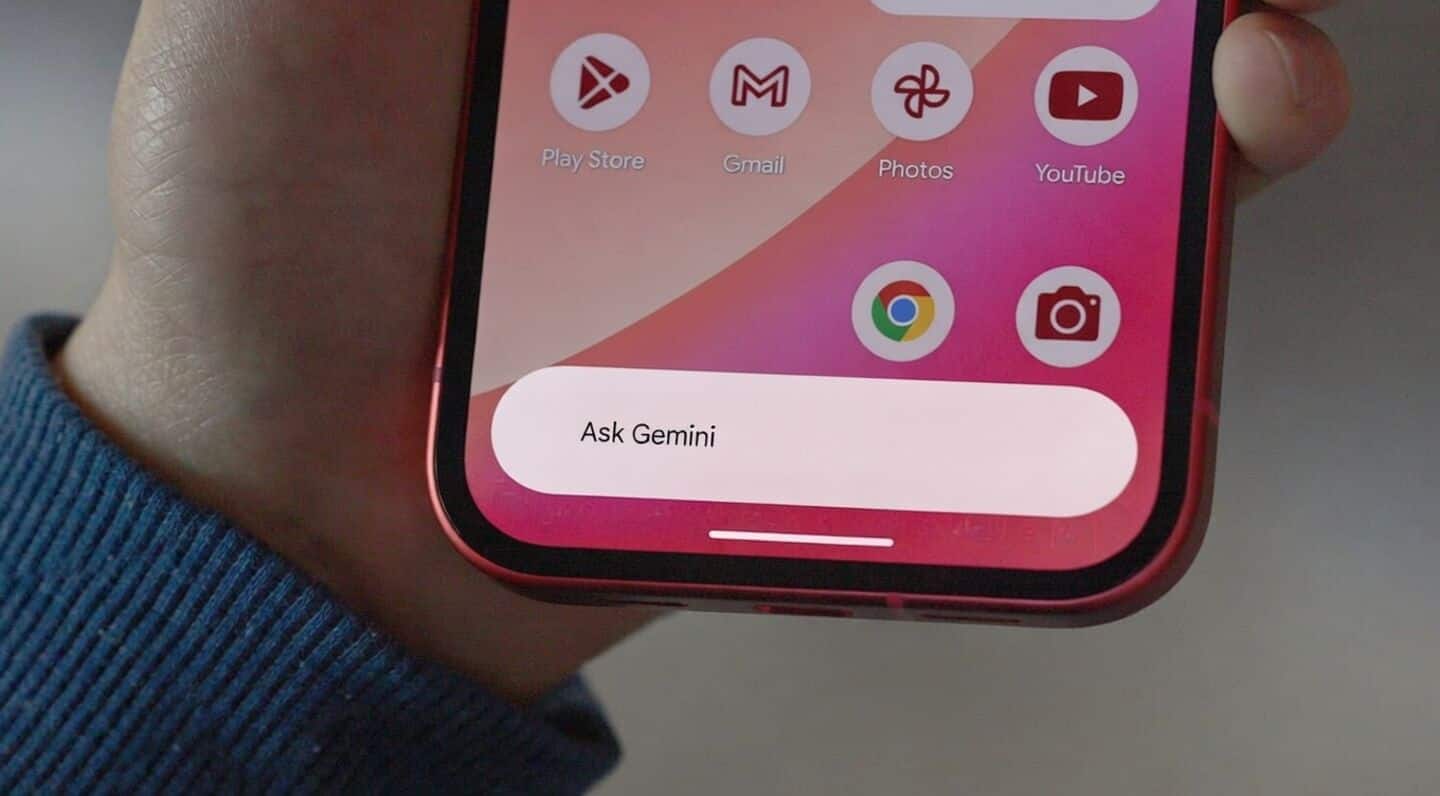
Google Gemini on Android gets a fresh look
Google just rolled out a fresh look for Gemini on Android (app version 17.8 on March 12, 2026).
The big update: a full Tools menu now sits right in the pill-shaped overlay, making it way easier to access creative and research features; no more digging around.
Expect increased access to the prompt box and tool descriptions that match what you see in the Gemini app.
New tools menu in overlay
You'll find quick options for creating images, videos, and music, plus Canvas for coding projects or documents.
There's also Deep Research for reports and Guided Learning if you want to pick up something new.
If you're a Google AI subscriber, there's a Personal Intelligence toggle too.
The overlay itself now expands into a two-line shape when typing (but heads up: no model switcher yet).
Revamped Gemini Live experience
Gemini Live has been redesigned with a floating "pill" interface, so you can share your camera or screen, mute the microphone, or end the Live session without breaking your flow.
When you're multitasking, it shrinks into a movable circle but still lets you go full screen whenever needed.
It's all about keeping things flexible while you juggle apps or chats on your phone.