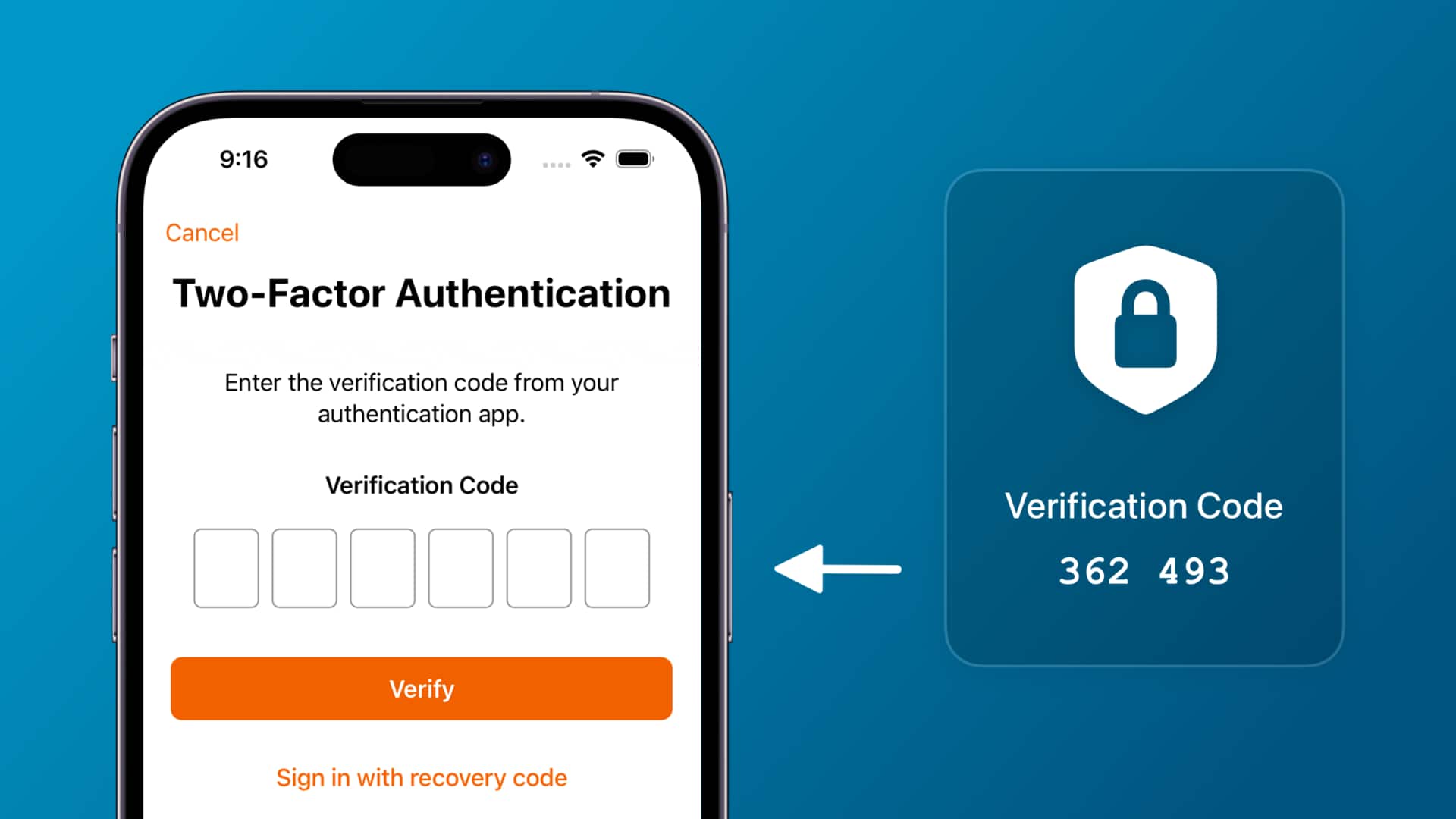
#TechBytes: All about two-factor authentication apps
What's the story
In today's digital age, protecting your online accounts is more important than ever. Two-factor authentication (2FA) apps provide an extra layer of security beyond just passwords. They generate one-time codes or use biometric data to verify your identity, making it much harder for unauthorized users to access your accounts. Here are five practical ways to use 2FA apps effectively and enhance your account security.
Tip 1
Choose reliable 2FA app
Choosing a reliable two-factor authentication app is essential for maximum security.
Go for apps that have a good reputation and are widely used. Popular options include Google Authenticator, Authy, and Microsoft Authenticator.
These apps offer strong encryption and regular updates to keep up with the latest security measures.
Avoid using SMS-based 2FA, as it is more vulnerable to interception.
Tip 2
Enable 2FA on all accounts
Enabling two-factor authentication on all your online accounts is a must. Start with the most sensitive ones, like email, banking, and social media accounts.
Most services provide the option of enabling 2FA in their security settings.
By enabling it everywhere, you minimize the risk of unauthorized access, even if your password gets compromised.
Tip 3
Backup your 2FA codes
Backing up your two-factor authentication codes is extremely important in case you lose access to your primary device, or it gets damaged or lost.
Most apps provide backup options like cloud storage or printable recovery codes.
Keep these backups secure, but easily accessible in case of an emergency, ensuring you do not get locked out of your account.
Tip 4
Regularly update your devices
Keeping your devices updated is critical for keeping your two-factor authentication app secure.
Updates often come with patches for vulnerabilities that hackers may exploit.
Make sure that both your smartphone and the 2FA app itself are updated regularly to benefit from the latest security enhancements.
Tip 5
Monitor account activity regularly
Regularly monitoring account activity can help you spot any suspicious behavior early on.
Most platforms provide activity logs where you can see login attempts and other actions taken on your account.
If you notice anything unusual, change your password immediately, and review the security settings, including two-factor authentication measures.