CBSE Class 10 results declared: How to check
What's the story
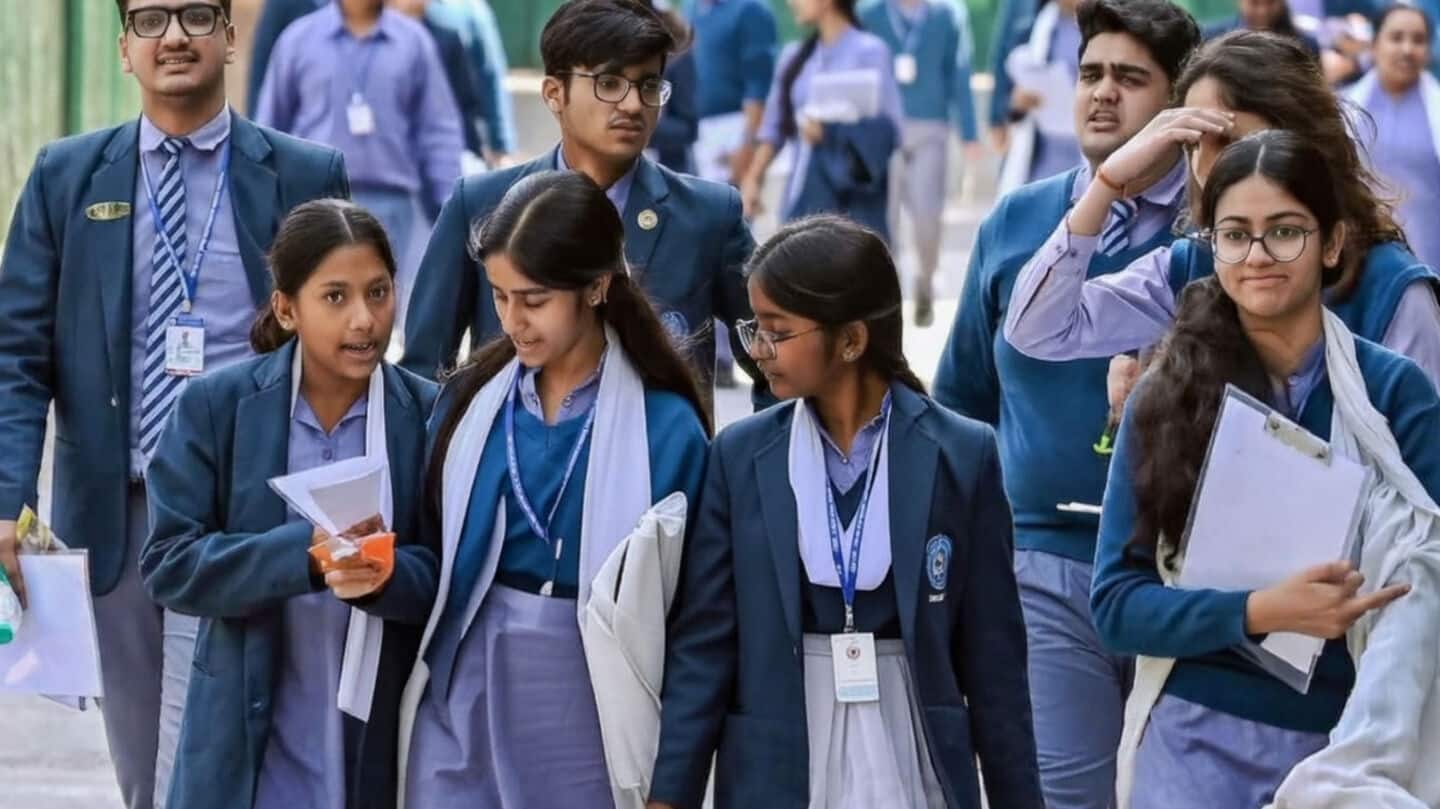
The Central Board of Secondary Education (CBSE) has announced the results for the Class 10 Board Examination 2026 (Session 1). Students can access their results on official websites cbse.gov.in and results.cbse.nic.in by entering their roll number, school number, admit card ID, date of birth, and security PIN. The examinations were held from February 17 to March 11 with around 25 lakh students participating.
Digital access
Check results on DigiLocker app
Apart from the official websites, students can also check their results on the DigiLocker app. The app allows students to download their digital marksheets instantly.
The direct link to check the result has been activated after the declaration.
Students need their roll number, school number, admit card ID, date of birth and security PIN to check their results.
App access
Results can also be accessed through UMANG app
Students can also check their results through the UMANG app.
To do so, they need to log in using their mobile number and search for "CBSE" under the Education category.
After selecting "CBSE board" option and clicking on "Class 10 result" link, students can enter required credentials to view and download their marks instantly.
SMS access
Students can check results via SMS
Students can also check their results via SMS by sending a message in the format "CBSE10" to the number "7738299899."
The result will be sent instantly to the registered mobile number.
This option provides an alternative way for students to access their results without relying on internet connectivity or website traffic.