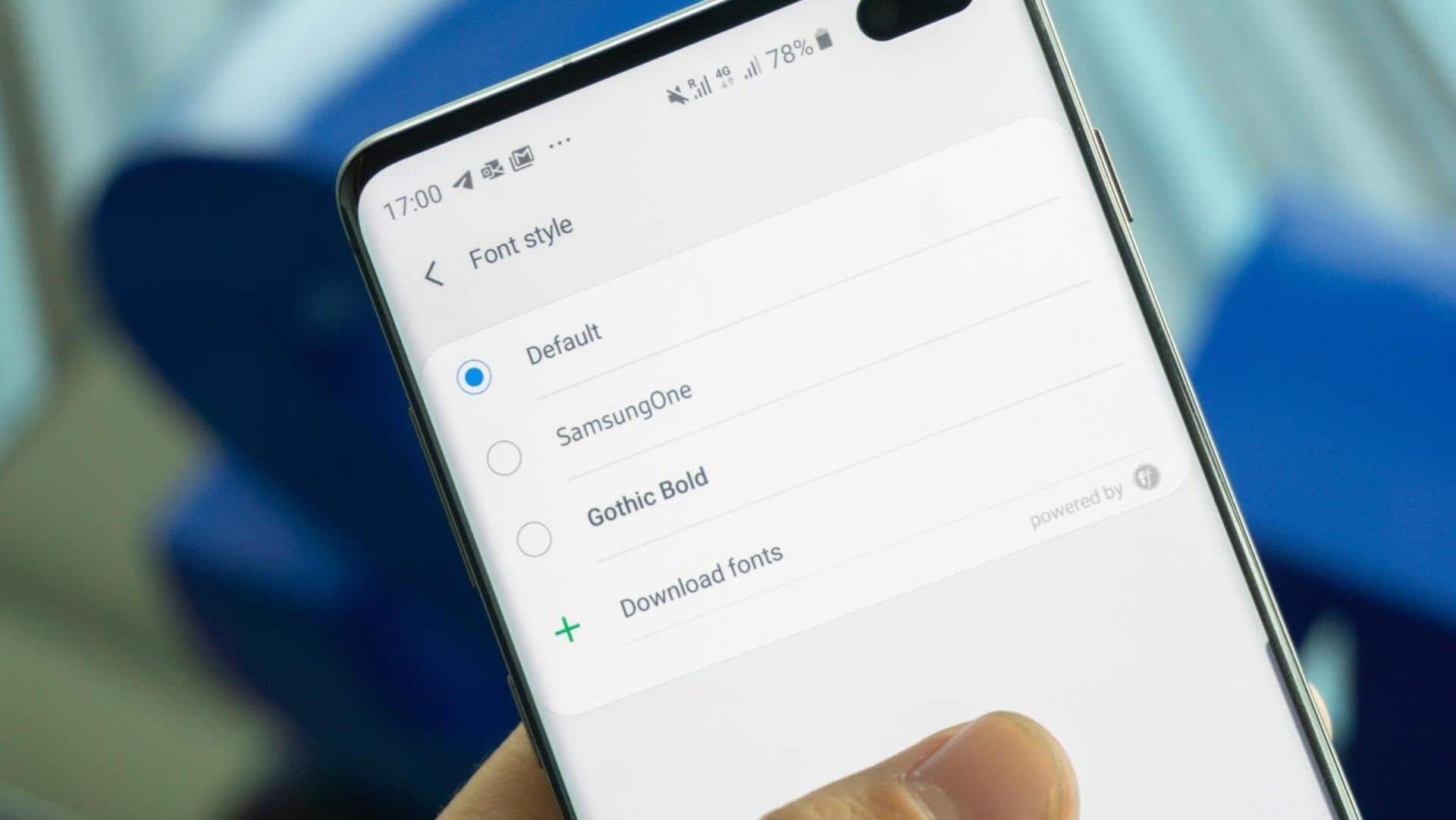
#TechBytes: Here's how to change your smartphone's font without rooting
What's the story
Customizing your smartphone's font can give it a unique touch, but many believe you need to root your device to do so. However, there are simple ways to change fonts without rooting, making it accessible for everyone. These methods let you personalize your device's appearance without the risks and complications that come with rooting. Here are some practical tips to help you change your smartphone's font easily.
Built-in options
Use built-in font options
Many smartphones come with built-in font customization options in their settings menu.
These allow users to choose from a range of pre-installed fonts without any additional software or modifications.
By going to the display settings, users can easily select their preferred font style and size. This gives them a simple way to personalize their device's appearance.
Third-party apps
Install third-party apps
Third-party apps also provide a way to change fonts without rooting.
These apps usually have a library of different fonts that can be applied system-wide or within specific apps.
Users just need to download the app from the app store and follow the on-screen instructions to apply the desired font style.
Launcher customization
Utilize launcher customization
Launchers are another way to customize smartphone interfaces, including fonts.
Many launchers provide built-in options for changing fonts as part of their customization features.
By installing a compatible launcher from the app store, users can easily switch up their device's look by selecting from various font styles and sizes.
System themes
Explore system themes
System themes also come with different font options as part of their design elements.
By applying a new theme from the device's settings or an external source, users can get a whole new look, including customized fonts, without having to root their devices.
This way, you can easily change your smartphone's appearance while keeping its functionality intact.