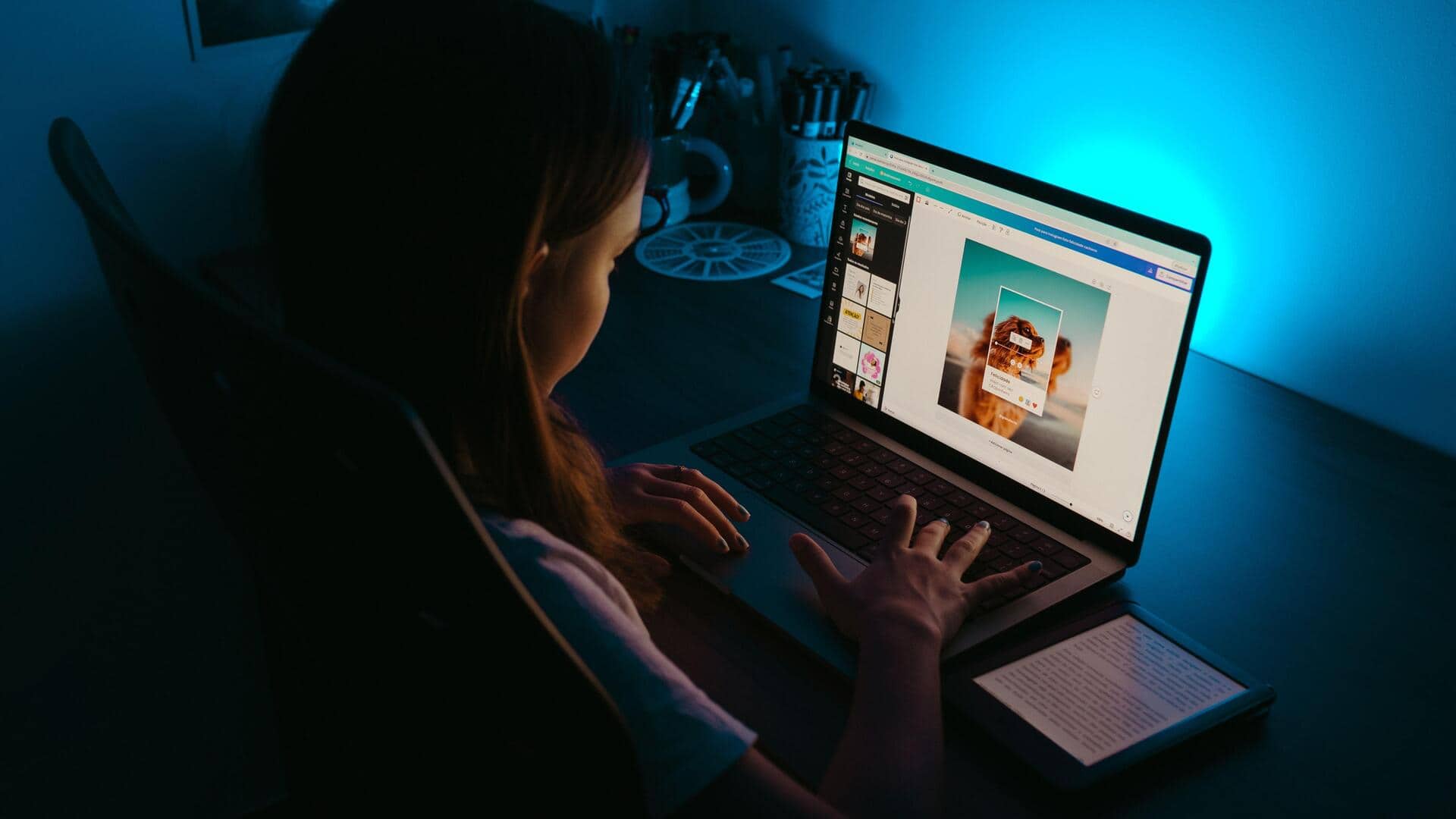
Screen changes that can help reduce eye strain
What's the story
Digital eye strain, or computer vision syndrome, is a common problem for those who spend long hours in front of screens. It can result in discomfort, fatigue, and blurred vision. However, making some simple adjustments to your screen can help reduce these symptoms significantly. Here are five effective screen adjustments that could help ease digital eye strain and improve your overall comfort while using digital devices.
Tip 1
Adjust screen brightness
Adjusting the brightness of your screen is important for reducing eye strain.
Ideally, the brightness of your screen should match the lighting of your surroundings.
If your screen is too bright or too dark, it can make your eyes work harder, leading to discomfort.
Most devices have an automatic brightness adjustment feature that can help maintain optimal levels based on ambient light conditions.
Tip 2
Use blue light filters
Blue light emitted by screens can interfere with sleep patterns and contribute to eye strain.
Using blue light filters or glasses can reduce exposure to this high-energy visible light.
Many devices come with built-in blue light reduction settings that can be easily activated during evening hours, or whenever extended screen time is needed.
Tip 3
Increase text size and contrast
Increasing text size and contrast on your screen can make reading easier and reduce strain on your eyes.
Larger text is easier to read without squinting or straining the muscles around the eyes.
Higher contrast between text and background also enhances visibility, making it less taxing for the eyes over long periods.
Tip 4
Adjust screen distance and angle
The distance between you and the screen should ideally be an arm's length away, with the top of the monitor at or just below eye level.
This prevents neck strain and keeps your eyes at a comfortable distance from the screen.
Adjusting the angle of the monitor to avoid glare from windows or overhead lights also helps in minimizing eye fatigue.
Tip 5
Enable night mode features
Most modern devices come with a night mode feature that changes color temperature by reducing blue light emission during certain hours, or when activated manually.
This mode uses warmer colors that are easier on the eyes during low-light conditions, helping reduce overall digital eye strain while improving sleep quality if used before bedtime.