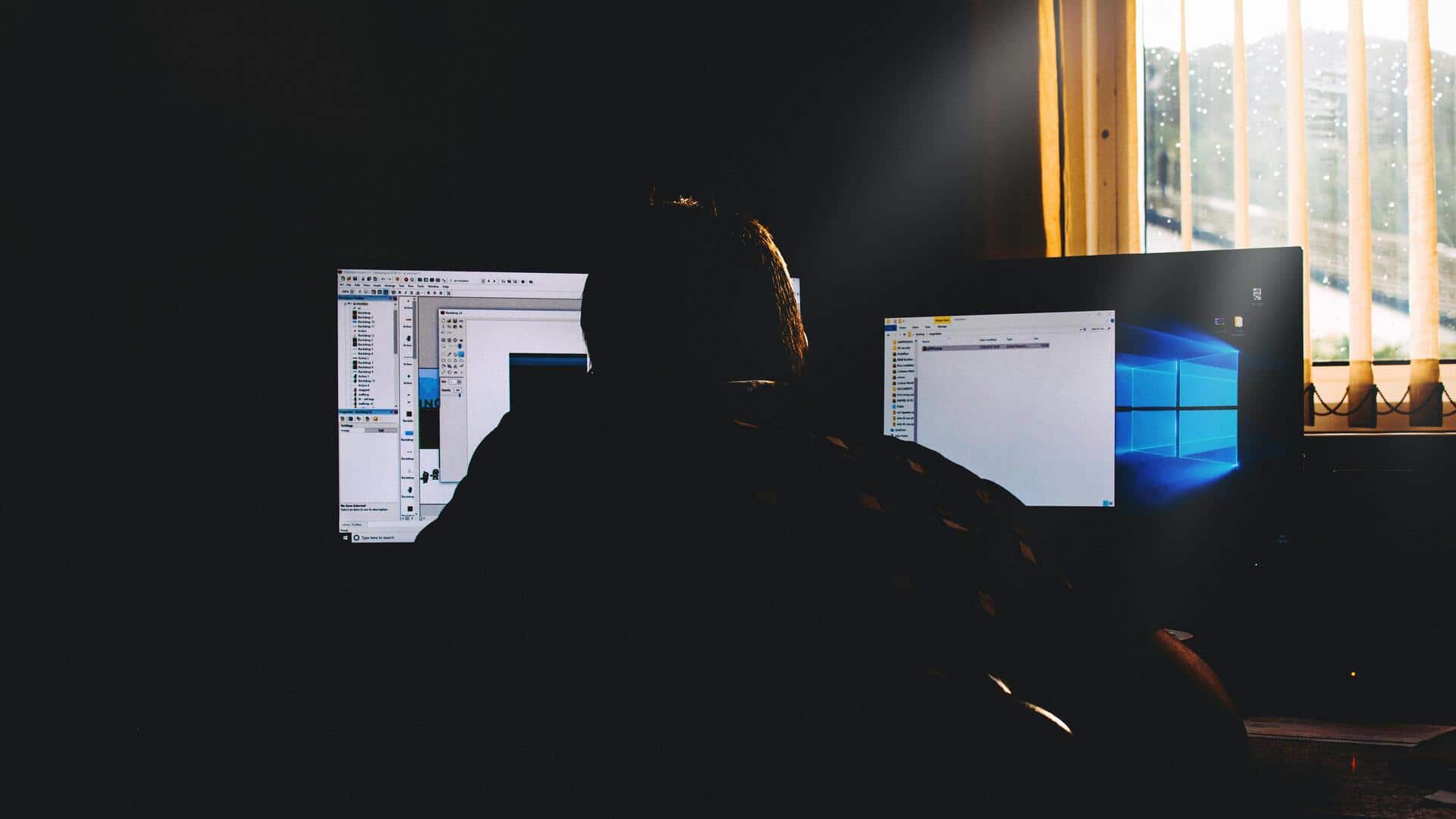
How to minimize screen glare at your workspace
What's the story
Reducing screen glare is essential for improving focus and reducing eye strain, especially in workspaces. By making a few simple adjustments, you can create a more comfortable environment that promotes productivity. Here are five practical tips to help you minimize screen glare effectively.
Tip 1
Adjust your monitor's position
Positioning your monitor correctly can greatly reduce glare.
Place the screen at an angle where it faces away from windows or direct light sources.
Ideally, the top of the monitor should be at or slightly below eye level, and about an arm's length away.
This way, you can avoid reflections and ensure better visibility.
Tip 2
Use anti-glare screens or filters
Investing in an anti-glare screen protector or filter can be a smart move to minimize reflections on your monitor.
These filters are easy to attach and remove, and they reduce glare without compromising on the clarity of the display.
They are available in various sizes, so you can find one that fits your screen perfectly.
Tip 3
Optimize lighting conditions
Adjusting lighting in your workspace is key to cutting down on screen glare.
Use curtains or blinds to control natural light coming from windows during the day.
For artificial lighting, opt for lamps with adjustable brightness levels and position them so they don't directly hit the computer screen.
Tip 4
Choose appropriate paint colors
The color of walls and furniture in your workspace can also affect glare levels.
Lighter colors tend to reflect more light, while darker shades absorb it better, reducing overall brightness and potential reflections on screens.
Consider painting walls with neutral tones like soft grays or beiges for optimal results.
Tip 5
Regularly clean your screen
Keeping your monitor clean is essential to avoid unnecessary distractions caused by dust or smudges that may amplify glare issues.
Use microfiber cloths along with gentle cleaning solutions specifically designed for electronics screens.
This ensures that you maintain clear visibility without scratching surfaces over time.