#TechBytes: How to convert audio files in bulk
What's the story
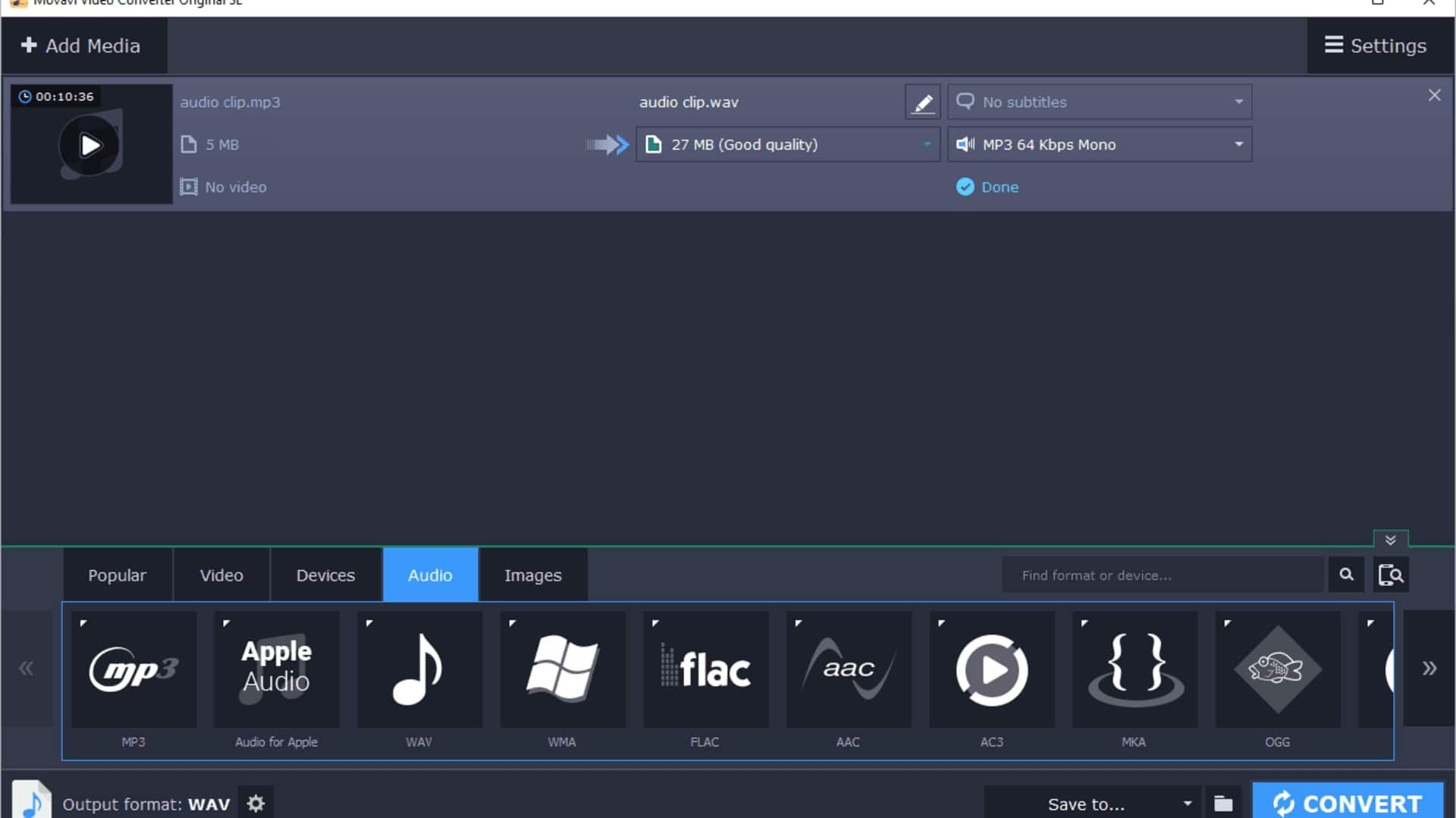
Converting audio files in bulk can save you a lot of time and effort, especially when dealing with large libraries. With the right tools and techniques, you can easily convert your audio files into the desired format without compromising on quality. This guide provides practical tips on how to efficiently convert audio files in bulk, ensuring a smooth process that meets your needs.
Tip 1
Choose the right software
Selecting appropriate software is critical for bulk audio conversion. Look for programs that support multiple formats and offer batch processing capabilities. Some popular options include Audacity, VLC Media Player, and FFmpeg. These tools are known for their reliability and ease of use. Make sure the software you choose is compatible with your operating system and meets your specific requirements.
Tip 2
Organize your audio files
Before beginning the conversion process, make sure your audio files are well-organized. Group them according to their current format or destination format to make the process easier. This way, you can avoid confusion during conversion and ensure that all files are processed correctly. A well-organized folder structure can save you a lot of time and hassle.
Tip 3
Adjust settings for optimal quality
When converting audio files in bulk, adjusting settings for optimal quality is important. Most software lets you tweak parameters like bitrate, sample rate, and channels. These settings can affect the final output quality significantly. Depending on your needs, you may want to prioritize file size over quality, or vice versa.
Tip 4
Monitor the conversion process
Monitoring the conversion process is key to ensure that everything goes smoothly. Keep an eye on progress indicators provided by the software to check if any errors occur during conversion. If there are any issues, you can address them immediately instead of having to deal with a larger problem later on.
Tip 5
Backup original files before conversion
Before you start converting your audio files in bulk, it is advisable to back up the originals. This way, you can avoid any accidental data loss or corruption during the conversion process. Having a backup ensures that you have access to the original files, should you need them in the future. It gives you peace of mind and a safety net, making the whole conversion process risk-free.