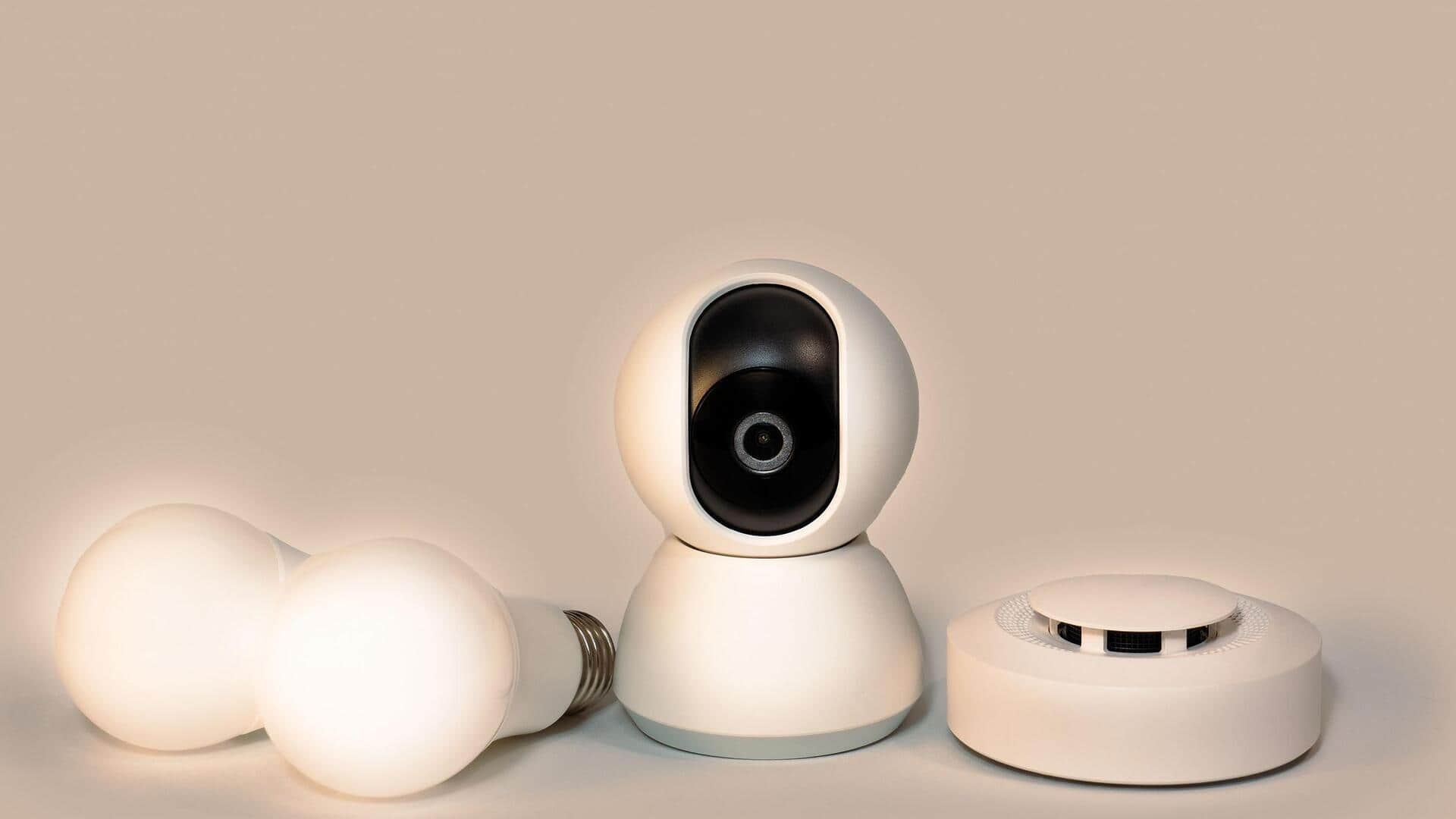
How to protect your smart home devices from hackers
What's the story
Smart home devices are becoming a part of our daily lives, making our homes more convenient and efficient. But with the rise of these technologies, the risk of cyber threats also increases. Keeping your smart home devices secure is important to protect your privacy and personal information. Here are five practical tips to help you strengthen the security of your smart home ecosystem.
Tip 1
Change default passwords
Most smart devices come with default passwords that are common knowledge to hackers.
Changing these passwords to strong, unique ones is essential for protecting your devices from unauthorized access.
Use a combination of letters, numbers, and special characters to create a password that is difficult to guess.
Regularly updating passwords can also add an extra layer of security.
Tip 2
Keep software updated
Manufacturers frequently roll out software updates to fix vulnerabilities and improve device security.
It is important to regularly check for updates, and install them as soon as they are available.
This ensures that your devices are protected against the latest threats and have the best performance.
Tip 3
Enable two-factor authentication
Two-factor authentication (2FA) adds an extra layer of protection by requiring a second form of verification, apart from the password.
It could be a code sent to your phone or an authentication app.
Enabling 2FA on compatible devices makes it much harder for hackers to gain access, even if they have your password.
Tip 4
Secure your Wi-Fi network
A secure Wi-Fi network is critical to keep your smart home devices safe from outside interference.
Use WPA3 encryption, if available, and create a strong password for your network.
Avoid using public Wi-Fi networks for connecting your smart devices, as they are more vulnerable to attacks.
Tip 5
Limit device permissions
Smart home devices often ask for permissions that are not necessary for their functioning.
Review these permissions, and limit them wherever possible.
For instance, a smart thermostat may not need access to your location or contacts.
Limiting permissions reduces the potential attack surface for hackers.