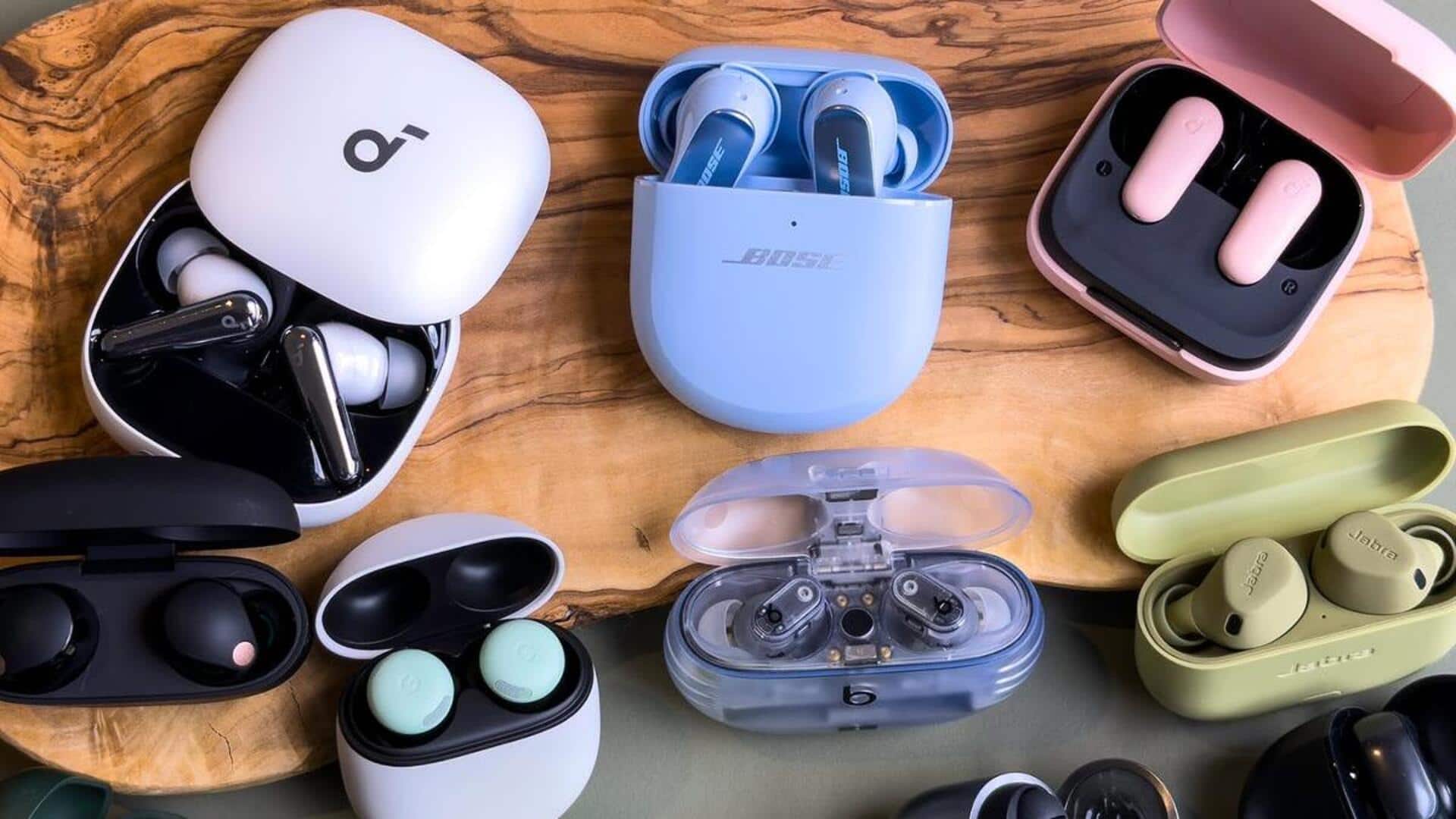
#TechBytes: How to keep your wireless earphones' battery life intact
What's the story
Wireless earphones have become an integral part of our daily lives, offering convenience and mobility. However, their battery life can be a concern for many users. Knowing how to maintain the battery health of your wireless earphones is essential to ensure they last longer and perform optimally. Here are some practical tips to help you keep your earphones' batteries in top condition.
Temperature control
Avoid extreme temperatures
Extreme temperatures can adversely affect battery life.
Keeping your earphones in very hot or cold places can damage the battery's capacity to hold charge.
Ideally, keep them at room temperature and avoid leaving them in direct sunlight or inside a car on a hot day.
Charging habits
Charge regularly but wisely
Regular charging is important, but avoid overcharging as it can degrade the battery over time.
Most modern earphones come with smart charging features that prevent overcharging. Still, it's a good practice to unplug them once fully charged if your device doesn't have this feature.
Authentic accessories
Use original accessories
Using original chargers and cables designed for your specific model is essential to keep your earphones' battery healthy.
Third-party accessories may not have the same voltage and current specifications, which may cause damage or reduce efficiency over time.
Sticking to manufacturer-recommended products ensures optimal charging performance and longevity of your earphone's battery.
Regular cleaning
Clean your earphones regularly
Dirt and moisture can enter through the openings of your earphones, damaging internal components and affecting battery performance.
Use a soft, dry cloth to clean them regularly.
For deeper cleaning, use a slightly damp cloth with water or an alcohol-free cleaner, but be careful not to let any liquid seep into the device.
Firmware updates
Update firmware when available
Manufacturers often release firmware updates to improve performance and efficiency of wireless earphones. These updates may include optimizations that enhance battery life.
Regularly check if updates are available for your device through its companion app or website, and follow instructions carefully during installation.