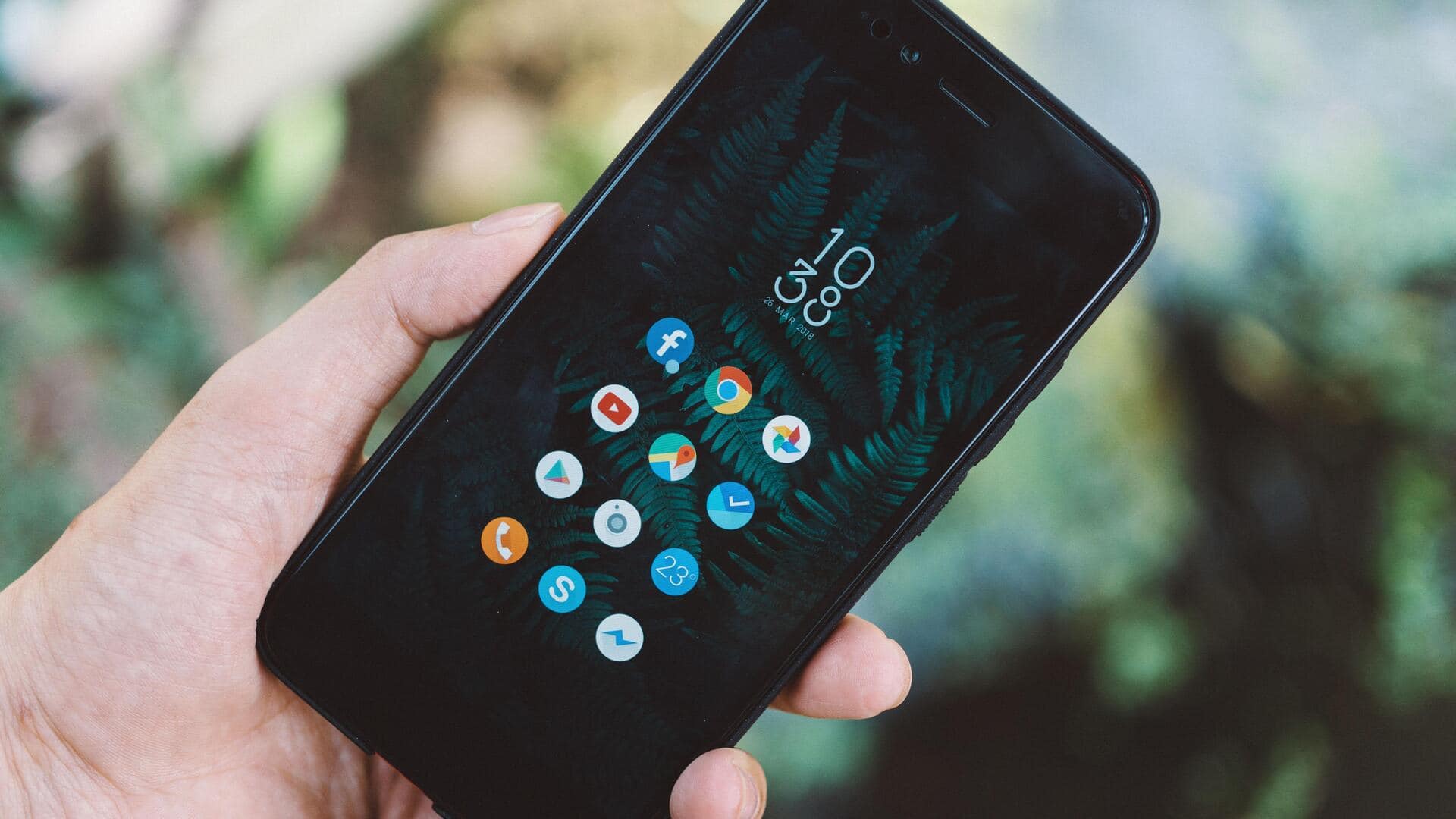
Keep your private apps hidden with these easy steps
What's the story
In today's digital age, keeping your smartphone secure is essential. One of the best ways to do so is by locking apps, which can prevent unauthorized access to sensitive information. While many turn to third-party apps for this purpose, there are ways to lock apps without any additional software. This article explores practical methods to enhance app security on your smartphone, ensuring your data remains protected.
Tip 1
Use built-in OS features
Most smartphones come with built-in features that let you lock specific apps.
For example, iOS has the Screen Time feature that lets you set app limits and require a passcode for certain actions.
Android devices have similar features under Digital Wellbeing or security settings.
Using these native options eliminates the need for third-party apps and keeps your device secure.
Tip 2
Create separate user profiles
Creating separate user profiles can be an effective way to keep certain apps private on your smartphone.
Some Android devices allow you to create multiple users or guest accounts, each with its own set of apps and settings.
This way, you can keep sensitive applications in a separate profile, accessible only when needed.
Tip 3
Utilize biometric authentication
Biometric authentication, like fingerprint or facial recognition, is a powerful tool to lock individual apps on many smartphones.
By enabling this feature in the device's security settings, you can ensure that only authorized users can access specific applications.
This method provides a quick, yet secure, way to keep sensitive information protected without the hassle of remembering additional passwords or codes.
Tip 4
Adjust app permissions strategically
Strategically adjusting app permissions can also be an effective way to enhance security without additional software.
Limit the information each app can access, such as your location or camera. This helps reduce potential security risks.
Regularly reviewing these permissions ensures that only necessary access is granted, minimizing risks associated with unauthorized use or data breaches.