How to monitor printer ink levels
What's the story
Monitoring printer ink levels is essential for ensuring smooth printing operations. By keeping an eye on ink levels, you can avoid unexpected print quality issues and interruptions. Luckily, there are a number of ways to check your printer's ink levels without much hassle. Here are some practical tips to help you monitor your ink levels effectively, ensuring your printer works optimally and you get high-quality prints every time.
Software tools
Use printer software tools
Most printers come with software tools that can be installed on your computer.
These tools let you check the current ink levels directly from your desktop or laptop.
By connecting your printer to the computer, you can easily access these tools and get real-time updates on ink status.
This method is convenient as it eliminates the need for manual checks and provides accurate information about remaining ink.
Display panel
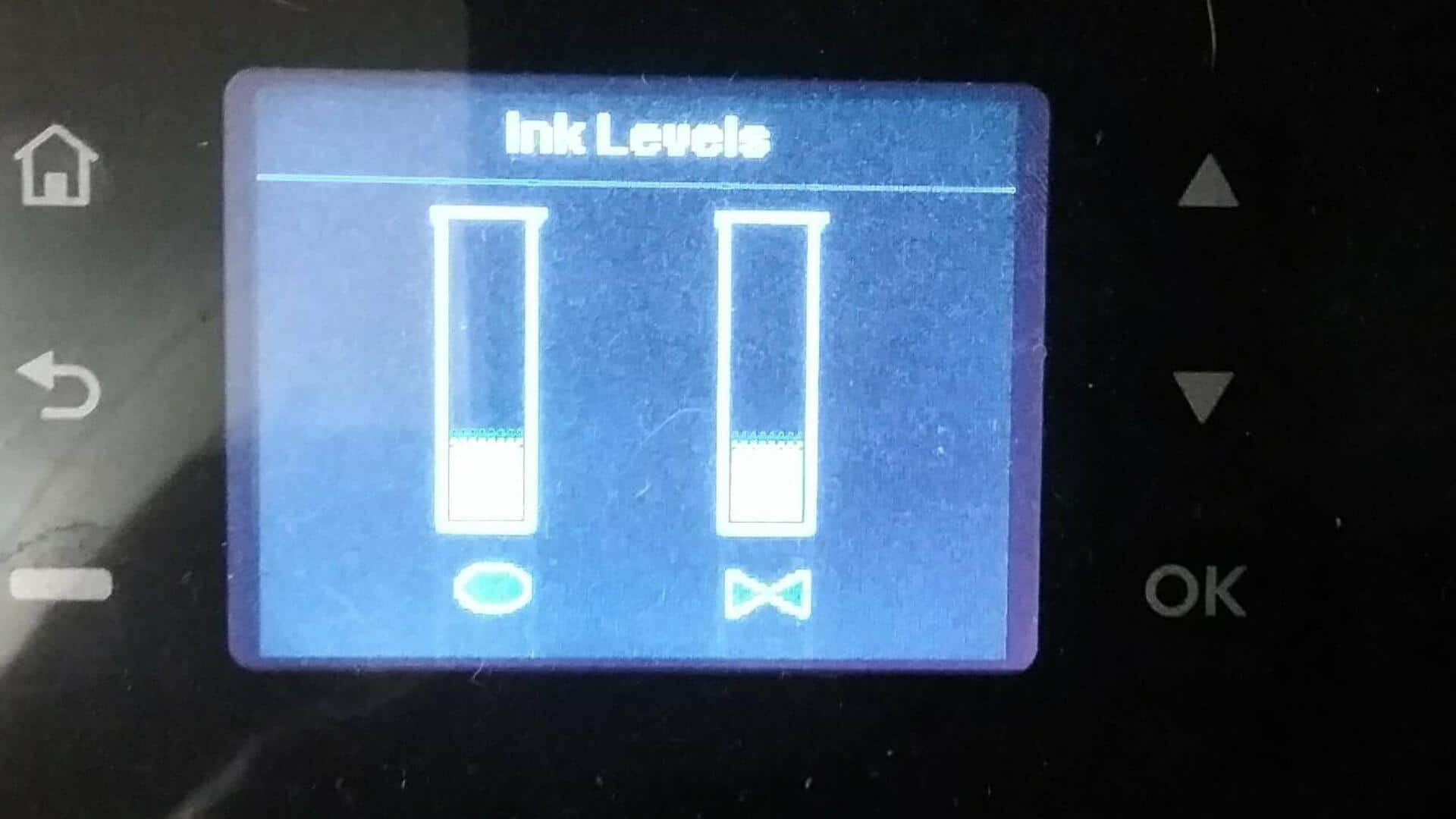
Check printer display panel
Many modern printers come with a display panel that shows essential information, including ink levels.
By navigating through the menu options on the panel, you can easily find the section displaying current ink status.
This method is particularly useful for those who prefer not to rely on external devices or software, making it easy to keep track of ink levels directly from the printer itself.
Mobile apps
Utilize mobile apps
Some manufacturers provide mobile apps that connect with their printers via Wi-Fi or Bluetooth.
These apps allow users to monitor various printer functions, including checking ink levels, straight from their smartphones or tablets.
By using these mobile apps, you can easily keep an eye on your printer's performance even when you're away from your desk.
Print jobs
Monitor print jobs closely
By closely monitoring print jobs, you can also get an idea of how much ink has been used.
If you notice any sudden drop in print quality or irregularities in color output, it could be a sign that one or more cartridges are running low on ink.
Keeping an eye on print jobs helps you identify potential issues early and take corrective measures before they affect overall print quality.
Maintenance checks
Perform regular maintenance checks
Regular maintenance checks also help in keeping your printer in good shape and in checking ink levels.
Most printers have maintenance routines that include cleaning print heads and checking cartridge status.
By including these checks in your routine, you can make sure that your printer performs well, and that the ink is used efficiently.
This way, you can avoid any surprises when printing important documents.