
#TechBytes: How to track Wi-Fi data consumption
What's the story
Monitoring Wi-Fi data usage is essential to avoid exceeding limits and ensuring smooth internet performance. By tracking how much data your devices consume, you can make informed decisions to optimize your network. This guide provides practical tips on using tools and techniques to monitor Wi-Fi data effectively. Whether you're a tech-savvy individual or someone looking to manage a home network efficiently, these insights will help you keep tabs on your Wi-Fi consumption.
Tip 1
Use built-in router features
Most modern routers come with built-in features that allow you to monitor data usage. By logging into your router's admin panel, you can check how much data each connected device is using. This way, you can identify which devices are consuming the most bandwidth and take necessary actions to manage their usage.
Tip 2
Install third-party monitoring apps
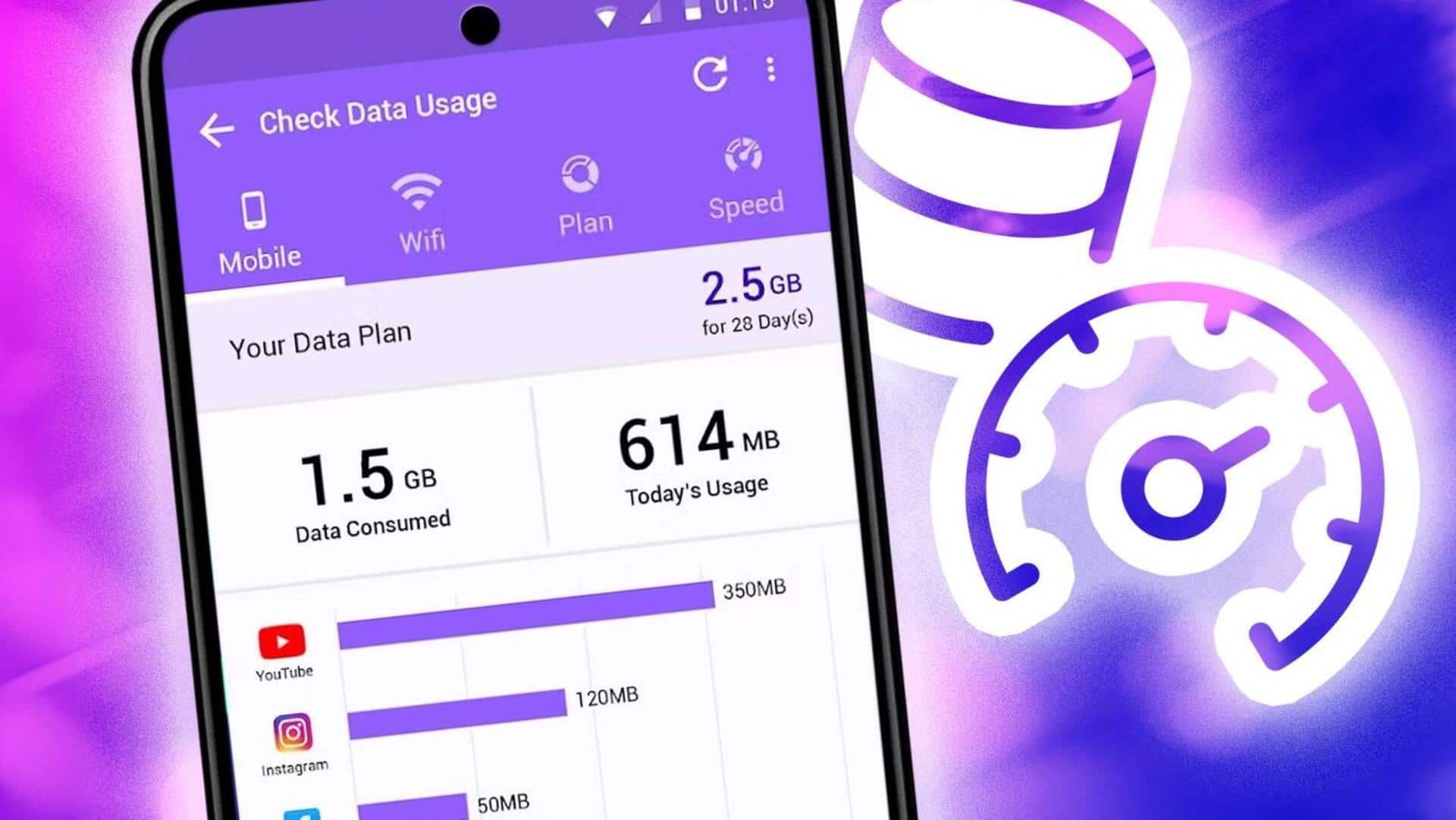
There are plenty of third-party apps available that can help you monitor Wi-Fi data usage across all connected devices. These apps provide detailed insights into how much data each device is consuming and allow you to set limits or schedules for certain devices. They also come with user-friendly interfaces that make it easy for anyone to track their network's performance.
Tip 3
Set up data usage alerts
Setting up alerts for data consumption can help you stay within limits and prevent unexpected overage charges from your ISP. Many routers and monitoring apps allow you to set up custom alerts when a certain amount of data has been used. This way, you can take proactive measures if any device is consuming more than expected.
Tip 4
Optimize device settings for efficiency
Adjusting the settings on individual devices can also help reduce overall Wi-Fi data consumption. For example, turning off automatic updates or background syncing on non-essential apps can save a lot of bandwidth. By optimizing these settings, you can ensure that only necessary data is being used, leaving more bandwidth available for important tasks.
Tip 5
Regularly review network activity reports
Regularly reviewing network activity reports gives you an insight into your Wi-Fi usage patterns over time. Most routers and monitoring apps provide detailed reports on daily or weekly data consumption by each device connected to your network. By analyzing these reports regularly, you can identify any unusual spikes in usage and address them promptly.