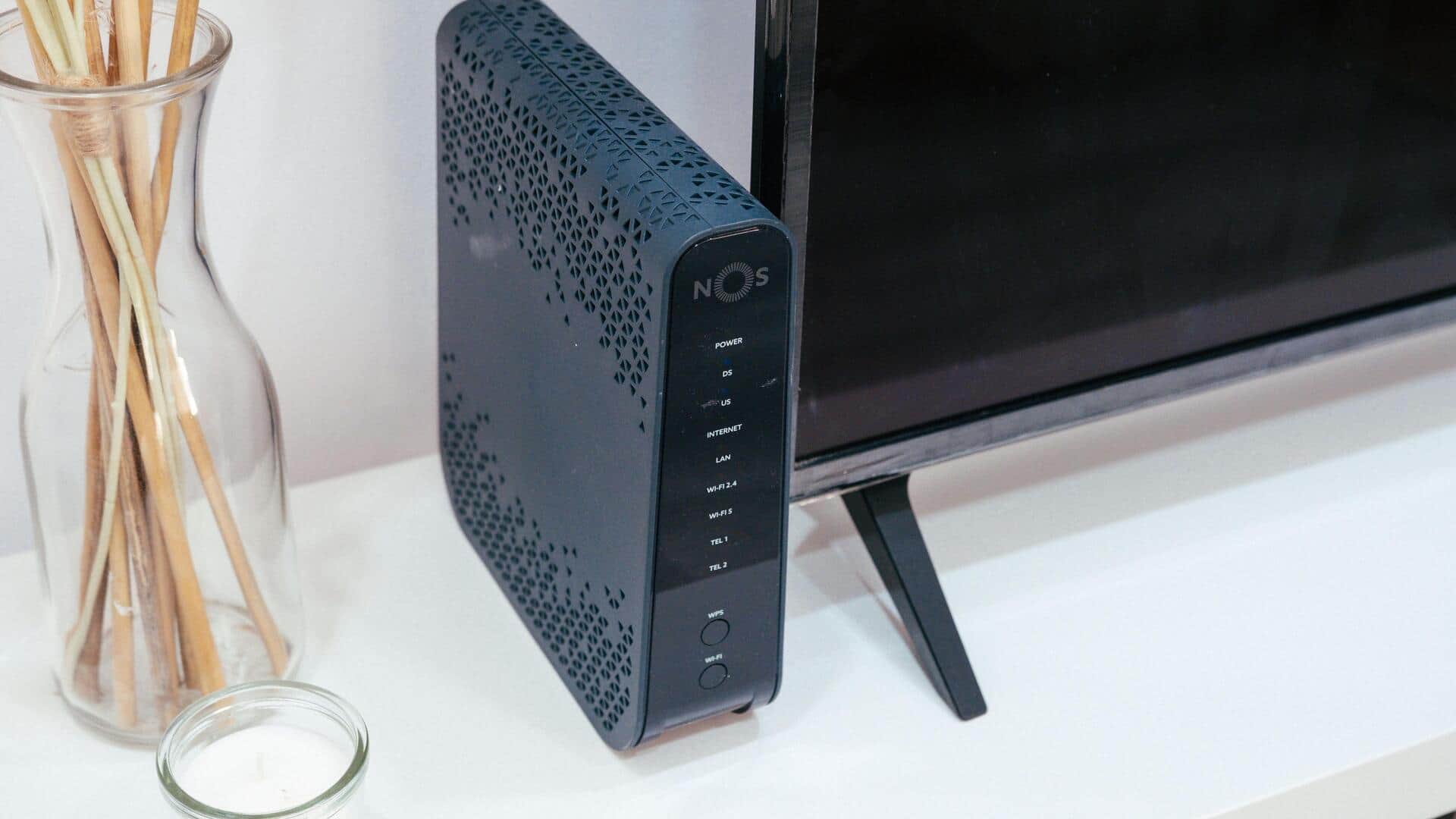
How to block strangers from using your Wi-Fi
What's the story
In today's digital age, protecting your Wi-Fi network is more important than ever. With the rise of cyber threats, ensuring that your network remains secure can prevent unauthorized access and data breaches. Here are five practical tips to help you strengthen your Wi-Fi security, keeping your personal information and devices safe from potential intruders.
Tip 1
Change default router settings
Most routers come with default settings that are easy for hackers to exploit.
Change the default username and password of your router to something more complex and unique.
This will make it harder for unauthorized users to gain access to your network.
Also, make sure you update the firmware of your router regularly to patch any known vulnerabilities.
Tip 2
Use strong encryption protocols
Using strong encryption protocols is key to securing your Wi-Fi network.
Always opt for WPA3, the latest security protocol, if your router supports it.
If WPA3 is not available, at least use WPA2.
Avoid using older protocols like WEP, as they are easily compromised by hackers.
Tip 3
Disable broadcasting of SSID
Disabling the broadcasting of your service set identifier (SSID) makes your network less visible to potential intruders.
By hiding your SSID, only those who know the exact name of your network can connect to it.
This adds an additional layer of security by making it harder for unauthorized users to find and access your network.
Tip 4
Implement MAC address filtering
Media Access Control (MAC) address filtering allows you to control which devices can connect to your network based on their unique MAC addresses.
By adding only trusted devices to this list, you can prevent unauthorized access from unknown devices trying to join your network.
Tip 5
Regularly monitor connected devices
Regularly checking the list of devices connected to your network helps you identify any unauthorized connections quickly.
Most routers provide an option in their settings menu where you can view all connected devices in real time.
If you notice any unfamiliar device, take immediate action by changing passwords, or blocking the device from accessing the network altogether.