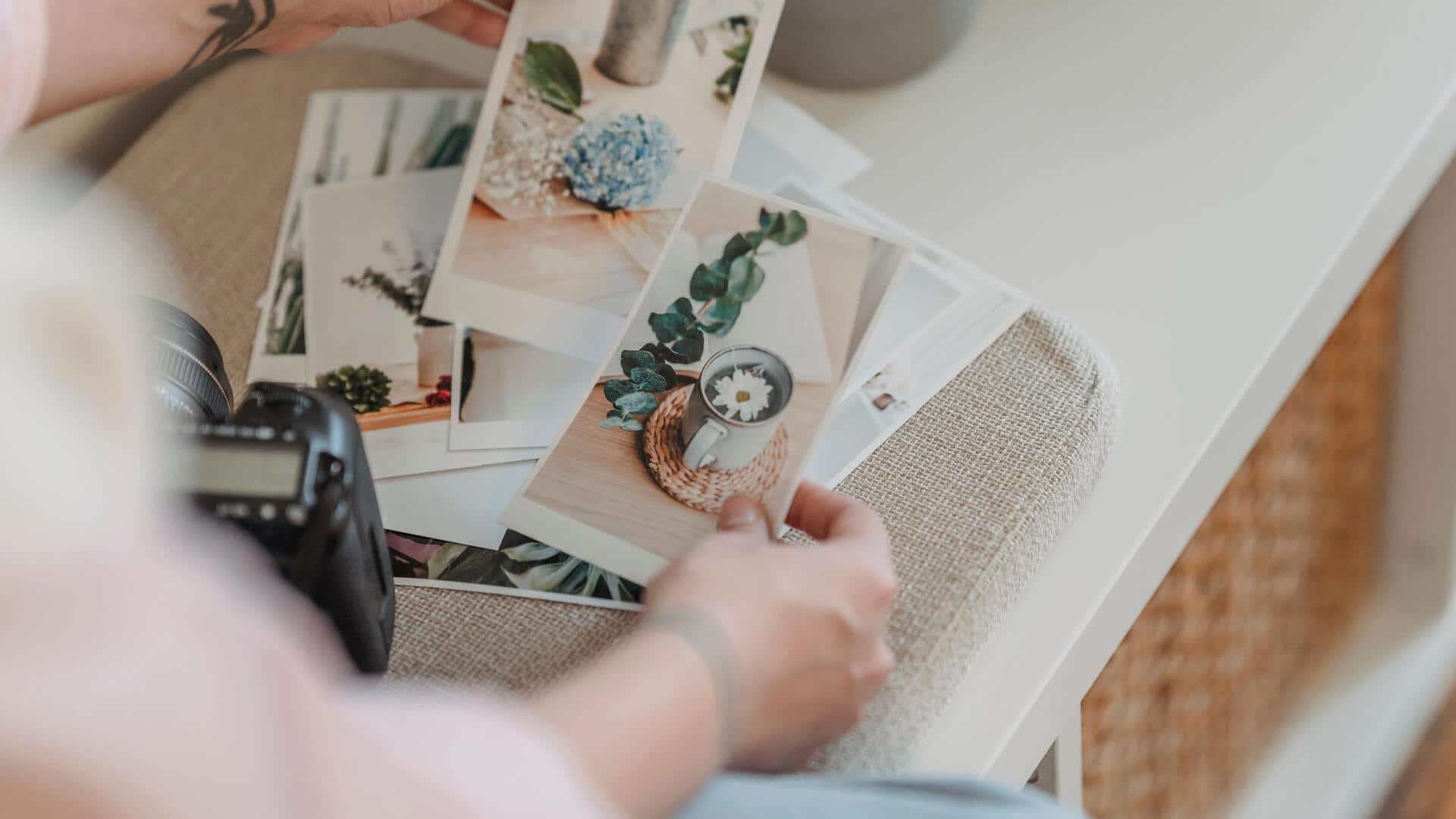
How to print smartphone photos perfectly
What's the story
Printing smartphone photos can be a hassle, especially if you are not sure how to go about it. However, with a few simple tricks, you can get stunning prints of your favorite memories. This article will take you through practical tips to improve the quality of your printed photos. With these insights, you will be able to make sure that your smartphone images look as good on paper as they do on screen.
Tip 1
Choose high-resolution images
Choosing high-resolution images is the key to quality prints. The higher the resolution, the more detail is captured in the photo.
For best results, choose images with at least 300 DPI (dots per inch) for printing. This will ensure that the details are crisp and clear when printed.
Avoid using low-resolution images, as they may appear pixelated or blurry when enlarged.
Tip 2
Adjust brightness and contrast
Before printing, adjust the brightness and contrast of your photos using editing software or apps.
Sometimes, smartphone photos may appear a little too washed out on screen. By tweaking these settings, you can improve the overall appearance of the image.
Make sure not to overdo it, as excessive adjustments may lead to loss of detail in shadows or highlights.
Tip 3
Use quality paper
The choice of paper plays a crucial role in how your printed photos turn out.
Go for high-quality photo paper that is compatible with your printer for the best results.
Glossy paper enhances colors and details, while matte paper gives a more subtle finish, with less glare.
Experiment with different types of paper to see which one suits your style best.
Tip 4
Calibrate your printer
Calibrating your printer is essential to ensure accurate color reproduction in your prints.
Use calibration tools or follow the manufacturer's instructions to adjust settings like color balance, saturation levels, and other elements.
Regular calibration helps maintain consistency across different prints and reduces discrepancies between what you see on screen and what gets printed.
Tip 5
Consider professional printing services
If you are looking for the best quality prints or are printing large formats, consider professional printing services.
These services have advanced equipment and expertise, ensuring that your photos are printed in the best possible quality.
They also offer a range of options, from different paper types to finishes, giving you more control over the final product than home printers usually do.