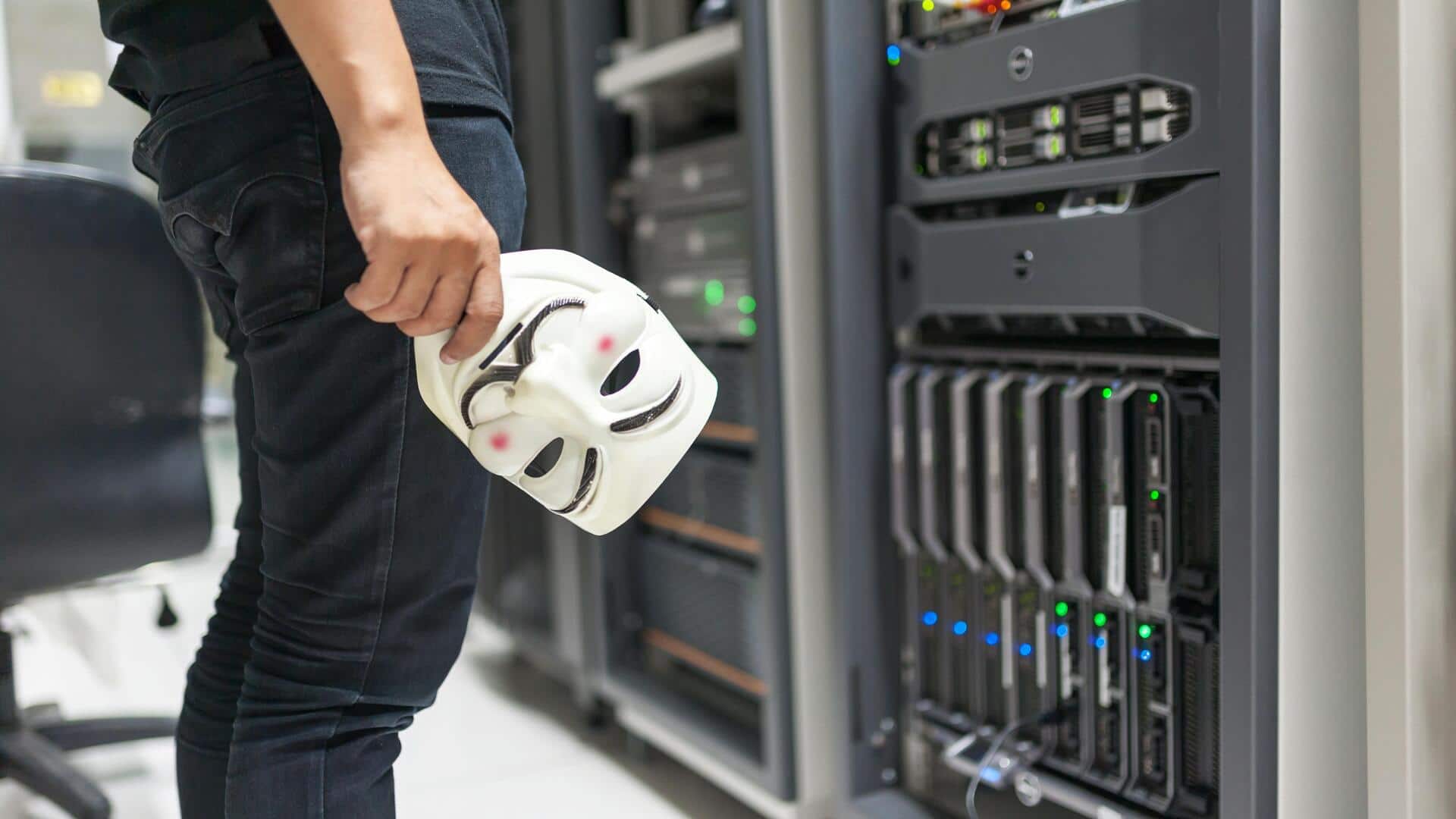
How to protect your Wi-Fi from hackers
What's the story
In today's digital age, securing your home network is more important than ever. With the rise of cyber threats, ensuring your Wi-Fi remains secure can prevent unauthorized access and protect your personal information. Here are some practical tips to help you strengthen your home Wi-Fi security. By following these steps, you can create a safer online environment for yourself and your family.
Tip 1
Change default router settings
Most routers come with default settings that are easy for hackers to exploit.
Change the default username and password of your router to something more complex and unique. This makes it harder for unauthorized users to gain access.
Also, update the network name (SSID) to something that does not identify you or your location.
Tip 2
Enable WPA3 encryption
If your router supports it, always use WPA3 encryption for your Wi-Fi network.
This is the latest security protocol that offers better protection than its predecessors like WEP or WPA2.
WPA3 encrypts data more effectively, making it difficult for intruders to intercept or decipher the information transmitted over your network.
Tip 3
Disable remote management features
Remote management features on routers allow you to control them from anywhere via the internet.
However, if left enabled, they can be exploited by hackers.
Unless you need this feature for some reason, it is better to disable it. This limits potential entry points into your network and enhances overall security.
Tip 4
Regularly update router firmware
Router manufacturers frequently release firmware updates to fix vulnerabilities and improve security features.
Check regularly for updates, and install them promptly when available.
Keeping your router's firmware up-to-date ensures you have the latest protections against emerging threats.
Tip 5
Use strong passwords for devices
All devices connected to your home network should have strong passwords.
Weak passwords make it easy for intruders to gain access through devices such as smart TVs, cameras, or gaming consoles.
Use a combination of letters, numbers, and special characters when creating passwords for each device on your network.