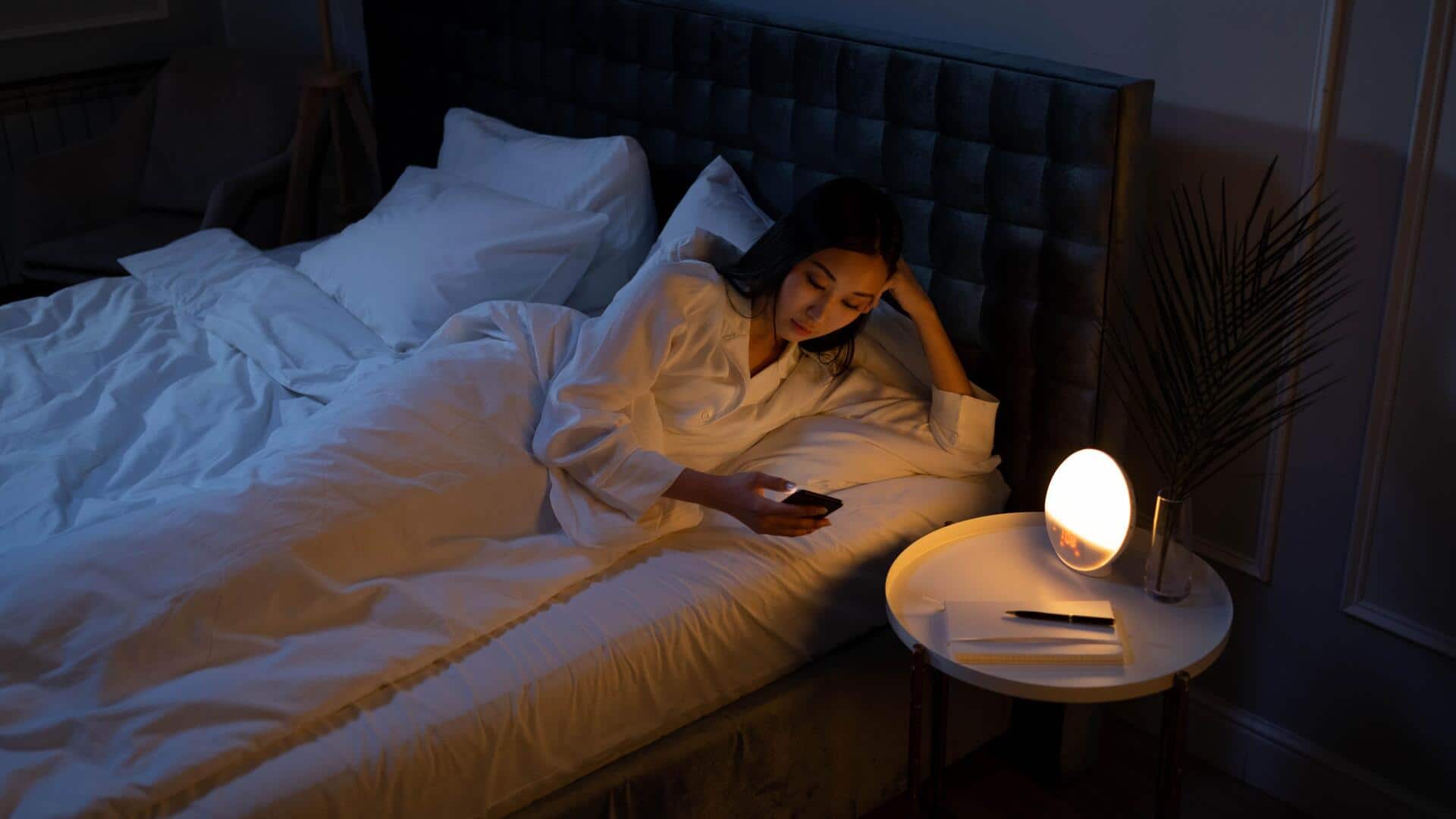
5 phone settings you should change for better sleep
What's the story
In today's digital age, smartphones are an integral part of our lives. However, they can also interfere with our sleep patterns. By tweaking certain settings on your smartphone, you can improve your chances of getting a good night's sleep. Here are some practical tips to help you adjust your smartphone settings for better sleep. These changes are simple but effective in minimizing distractions and promoting relaxation before bedtime.
Tip 1
Enable 'do not disturb' mode
Do not disturb mode is a handy feature that silences calls, alerts, and notifications while you sleep.
You can set it up to turn on automatically during your sleeping hours.
This way, you will not be disturbed by unnecessary notifications or calls that could wake you up in the middle of the night.
Customizing this setting ensures that only important contacts can reach you if required.
Tip 2
Adjust screen brightness and blue light
Reducing screen brightness and blue light exposure before bed can do wonders for your sleep quality.
Most smartphones come with a night mode or blue light filter that reduces harmful blue light emissions from screens.
Activating this feature in the evening can help minimize eye strain and prepare your body for rest by mimicking natural sunset lighting.
Tip 3
Limit app notifications at night
Constant app notifications can be distracting and wake you up when you are trying to sleep.
You can go through each app's notification settings and turn off nonessential alerts at night.
By limiting these interruptions, you create a calmer environment, conducive to falling asleep faster and staying asleep longer.
Tip 4
Use bedtime reminders or alarms
Many smartphones have built-in bedtime reminders or alarms that prompt you to wind down at a certain time every night.
These reminders can help you develop a consistent sleep schedule by alerting you when it is time to start preparing for bed.
Consistency in sleeping hours is key to improving overall sleep quality over time.
Tip 5
Disable background app refresh
Background app refresh keeps apps updated by running them in the background, consuming battery and data.
Disabling this feature at night saves resources and reduces the chances of receiving distracting notifications while you sleep.
This way, your phone is less likely to disturb you with updates or alerts during your rest hours.