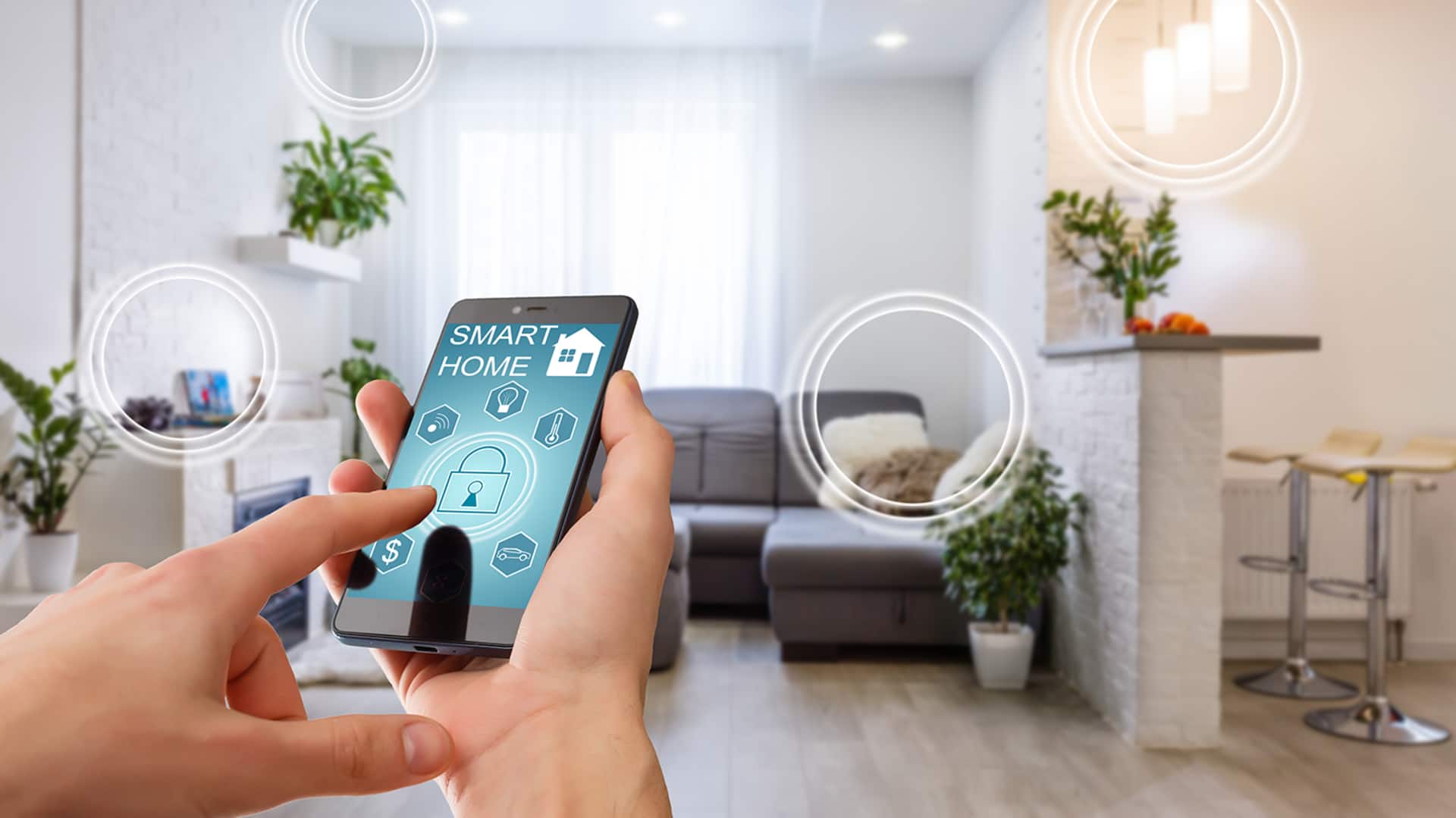
#TechBytes: How to integrate smart home devices
What's the story
Integrating smart home devices can be a daunting task, but with the right approach, it can be seamless and efficient. This article provides practical tips to help you connect your smart devices effectively. By following these guidelines, you can ensure that your home automation system works harmoniously, enhancing convenience and efficiency. Whether you're a beginner or looking to optimize your existing setup, these insights will prove valuable.
Tip 1
Choose compatible devices
Selecting compatible devices is key to a smooth integration.
Make sure all your smart devices support the same communication protocols, such as Wi-Fi, Zigbee, or Z-Wave. This way, they can communicate with each other without any hiccups.
Also, check if the devices are compatible with your chosen smart home hub or platform to avoid any compatibility issues down the line.
Tip 2
Use a centralized hub
A centralized hub can be the key to managing all your smart home devices from a single point.
It simplifies the process by allowing you to control everything from one app or interface.
When choosing a hub, make sure it supports all the protocols used by your devices and offers features like automation routines and remote access.
Tip 3
Keep software updated
Keeping your device software updated is important for security and performance.
Manufacturers often release updates that fix bugs, improve functionality, and add new features.
Enable automatic updates whenever possible or check for updates regularly through the device's app or interface.
This way, your system remains secure and efficient.
Tip 4
Optimize network performance
A strong and stable network connection is essential for the smooth operation of smart home devices.
To achieve this, place your router in a central location within your home to ensure even coverage.
If you have many devices, consider using Wi-Fi extenders or mesh networks to eliminate dead zones.
This way, all your devices can stay connected without interruptions.
Tip 5
Create automation routines
Automation routines elevate the convenience of smart homes by automating tasks based on triggers like time of day or sensor activity.
Set up routines that match your lifestyle needs, such as turning off lights when you leave home or adjusting thermostat settings at bedtime.
This way, you save energy while enjoying a tailored living environment.