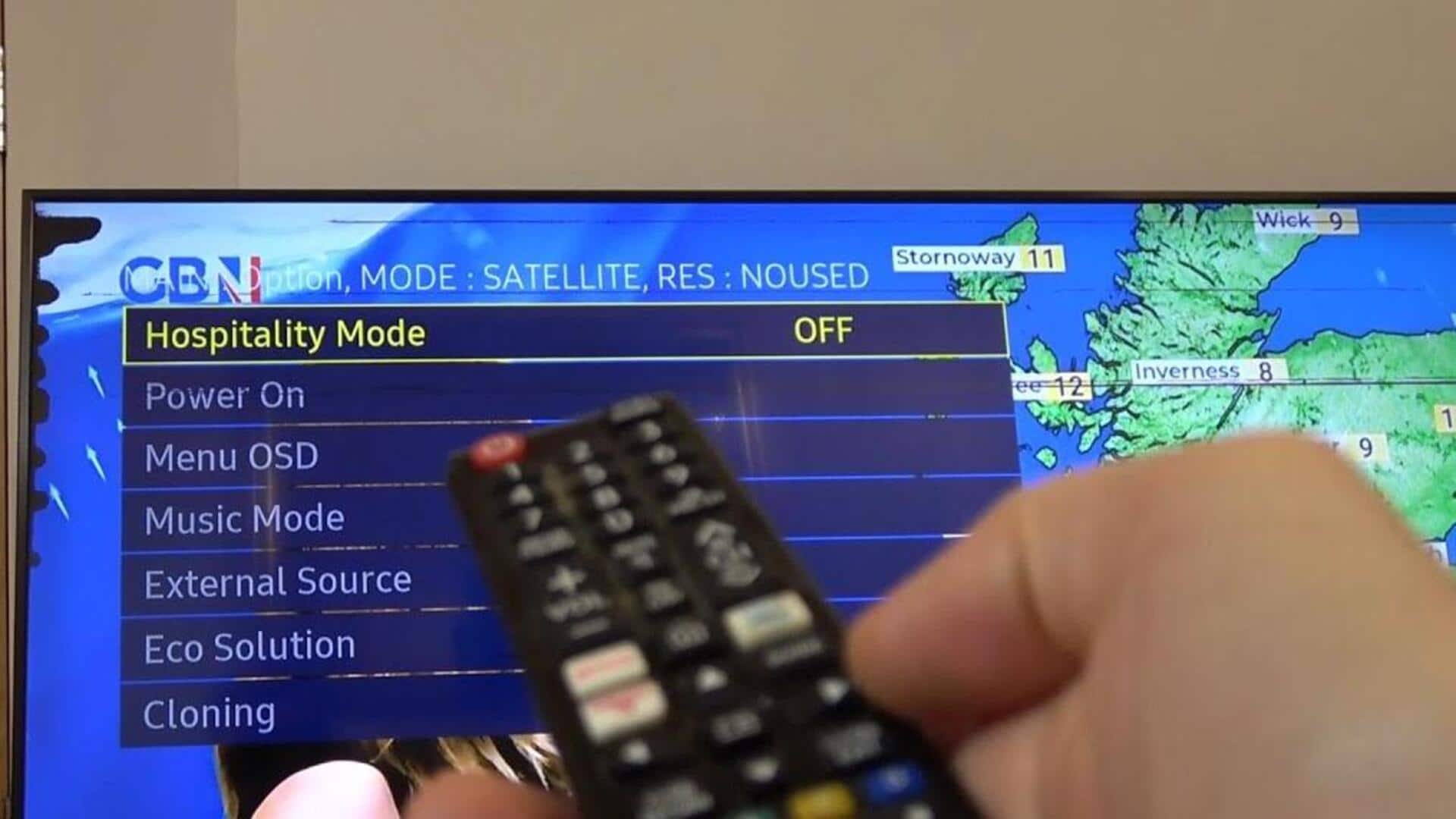
How to set up guest mode on your smart TV
What's the story
Smart TVs are becoming a staple in most homes, providing a range of entertainment options. However, when you have guests over, you may want to keep your personal data secure and restrict access to certain features. That's where guest mode comes in. By enabling this feature, you can let your guests use the TV without compromising your privacy or settings. Here's how you can set up guest mode on your smart TV.
Tip 1
Accessing Guest Mode Settings
To enable guest mode on your smart TV, first navigate to the settings menu.
Look for options related to user accounts or profiles.
Many smart TVs have a dedicated section for managing user profiles where you can create or switch to a guest profile.
This profile usually has limited access compared to the main account, ensuring that personal information remains secure while allowing basic functionality.
Tip 2
Customizing guest permissions
Once you have created a guest profile, customize its permissions according to your preference.
Most smart TVs allow you to restrict access to certain apps or features like purchasing options and personal accounts.
By tweaking these settings, you can ensure that your guests have enough access to enjoy their experience without compromising your privacy or accidentally changing any important settings.
Tip 3
Switching between profiles easily
Switching between profiles should be easy so that you and your guests can have a hassle-free experience.
Most smart TVs have an easy-to-use interface that lets you switch between profiles with just a few clicks on the remote control or through voice commands if supported.
Familiarize yourself with this process so that switching between modes is seamless when you have guests over.
Tip 4
Disabling guest mode after use
Once your guests leave, it's important to disable guest mode for security reasons.
Simply navigate back to the settings menu and select the option to deactivate or delete the guest profile.
This will restore full access to all features and apps under your main account, while ensuring that no residual data from the guest session remains on the device.