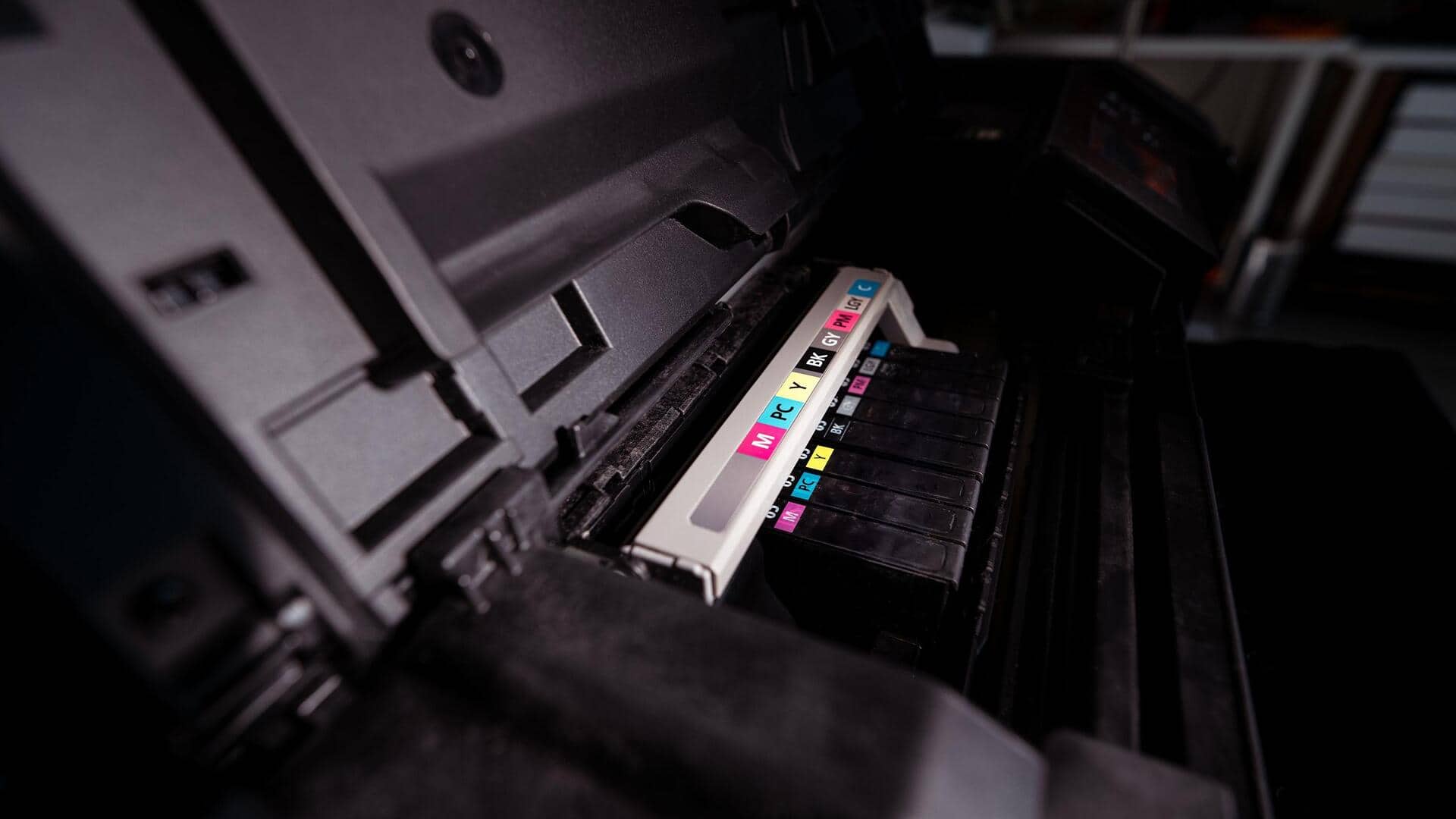
Make your printer ink last longer with these tips
What's the story
Saving printer ink is essential for both environmental and financial reasons. By adopting a few simple strategies, you can significantly reduce your ink consumption without compromising on print quality. These tips are designed to help you make the most of your printer's capabilities, ensuring that each printout is cost-effective and efficient. Whether you're printing documents at home or in an office, these insights can help you save money and resources.
Tip 1
Adjust print settings
Tweaking your printer settings can make a world of difference in how much ink you use.
Set your printer to draft mode for less important documents. This uses less ink by printing lighter text and graphics.
Also, choose grayscale instead of color when printing black-and-white documents. This simple adjustment can save a lot of ink over time.
Tip 2
Use high-yield cartridges
High-yield cartridges are designed to print more pages than standard ones, making them more economical in the long run.
Although they may cost more upfront, high-yield cartridges usually have a lower cost-per-page ratio.
This means fewer replacements and lower overall expenses on ink.
Tip 3
Print on both sides of paper
Printing on both sides of paper is an excellent way to save ink and reduce paper waste.
Most modern printers have this feature built in or available as an option in the print settings menu.
By utilizing duplex printing, you can cut down on paper usage by half, which indirectly saves ink as well.
Tip 4
Regularly clean printer heads
Regular cleaning of printer heads is essential for optimal performance and minimal ink wastage.
Clogged nozzles can lead to poor print quality, which may prompt you to reprint documents, wasting more ink.
Most printers have a cleaning cycle that can be accessed through their software interface.
By running this cycle periodically, you can keep the nozzles clear and ensure efficient ink usage, prolonging the life of your printer.
Tip 5
Preview before printing
Before you hit print, take a moment to preview your document.
This way, you can catch any formatting issues that may lead to unnecessary ink usage.
Adjusting margins or removing blank pages from your document can save a lot of ink over time.
This step not only ensures that you print only what you need but also helps in making the most of your ink resources.