These AI tools can improve any photo
What's the story
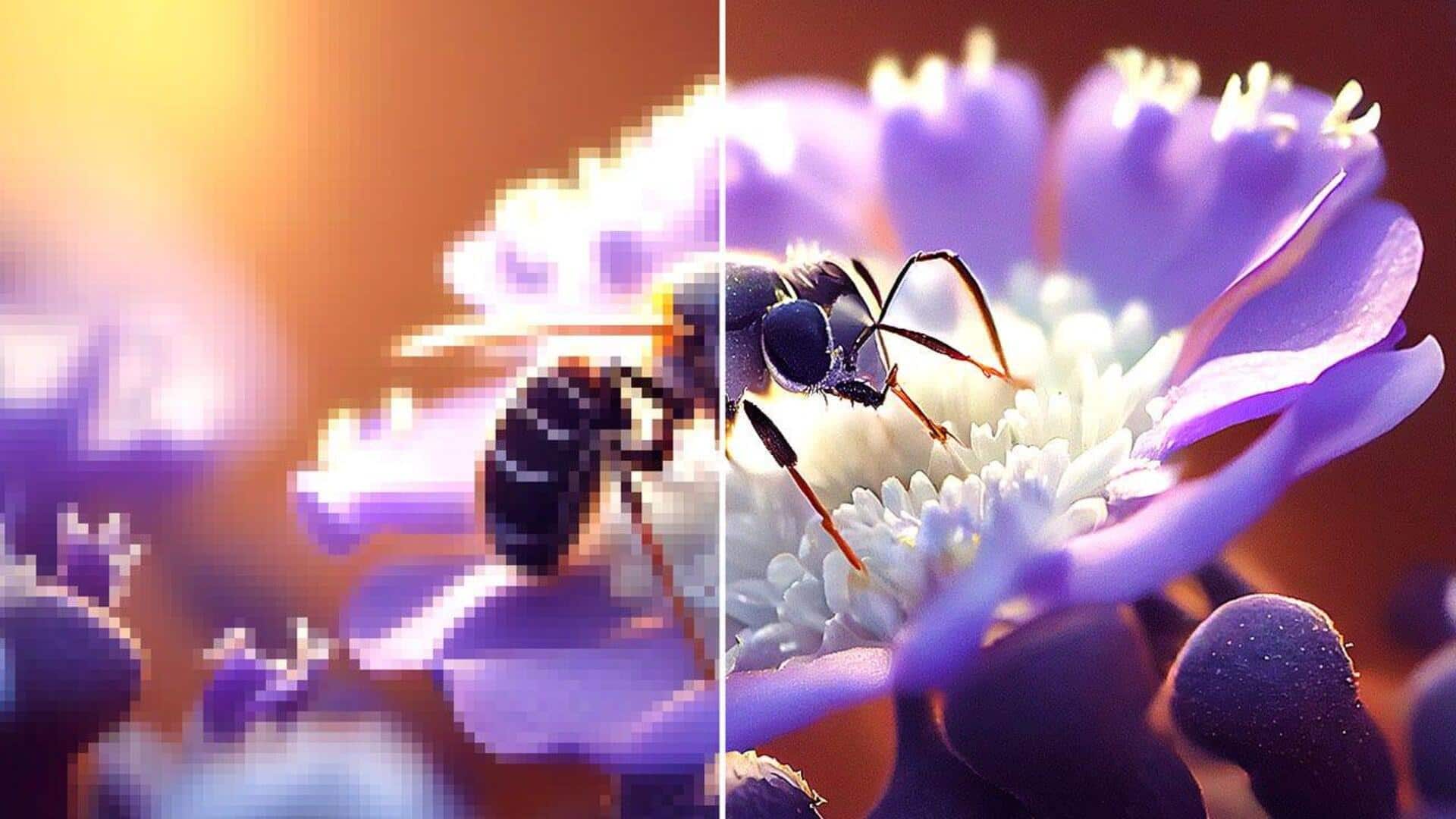
In the digital era, it has become easier to enhance photo quality with AI-powered tools. These tools convert blurry or low-resolution images into sharp, high-quality photos with little effort. Leveraging advanced algorithms, they automatically denoise, sharpen, upscale, and restore details. This saves time for both photographers and hobbyists. With just a few clicks, anyone can get professional-grade results without requiring extensive editing skills.
#1
Letsenhance.io: Best overall AI image enhancer
Let's Enhance comes highly recommended for upscaling images up to 512 MP. It offers modes like Gentle for natural enhancements, and Generative for creative boosts. This makes it perfect for web prints and old photos.
Users love its free tier and intuitive web interface that doesn't require any software installation.
Be it AI art or old photos restoration, this tool has versatile options.
#2
Topaz Photo AI: Professional results offline
Topaz Photo AI is renowned for providing professional-level results on real camera images by combining denoise, sharpen, and upscale capabilities in a single automated flow. It also offers dedicated models for motion blur and high ISO noise reduction.
Being a desktop app with RAW file support, and plugins for Photoshop and Lightroom, it works offline to deliver naturally-looking enhancements without overprocessing.
#3
VanceAI Image Enhancer: Quick online fixes
With VanceAI Image Enhancer, you get one-click improvements that boost resolution from 480p to 4K and correct colors in seconds.
Its Windows version can be used offline with real-time previews, ideal for social media and digital artwork requirements.
This tool is designed to make quick online fixes accessible without compromising on quality.
Tip 1
Picsart's free tool & Canva's upscaling feature
Picsart's AI Photo Enhancer sharpens details and reduces noise in low-res images for free, while Canva's built-in tool upscales by up to eight times, eliminating pixelation issues—perfect solutions when you need to share quickly on social platforms!
Both options are easy to use, making them ideal even if you are not a techie when it comes to photo editing tasks!