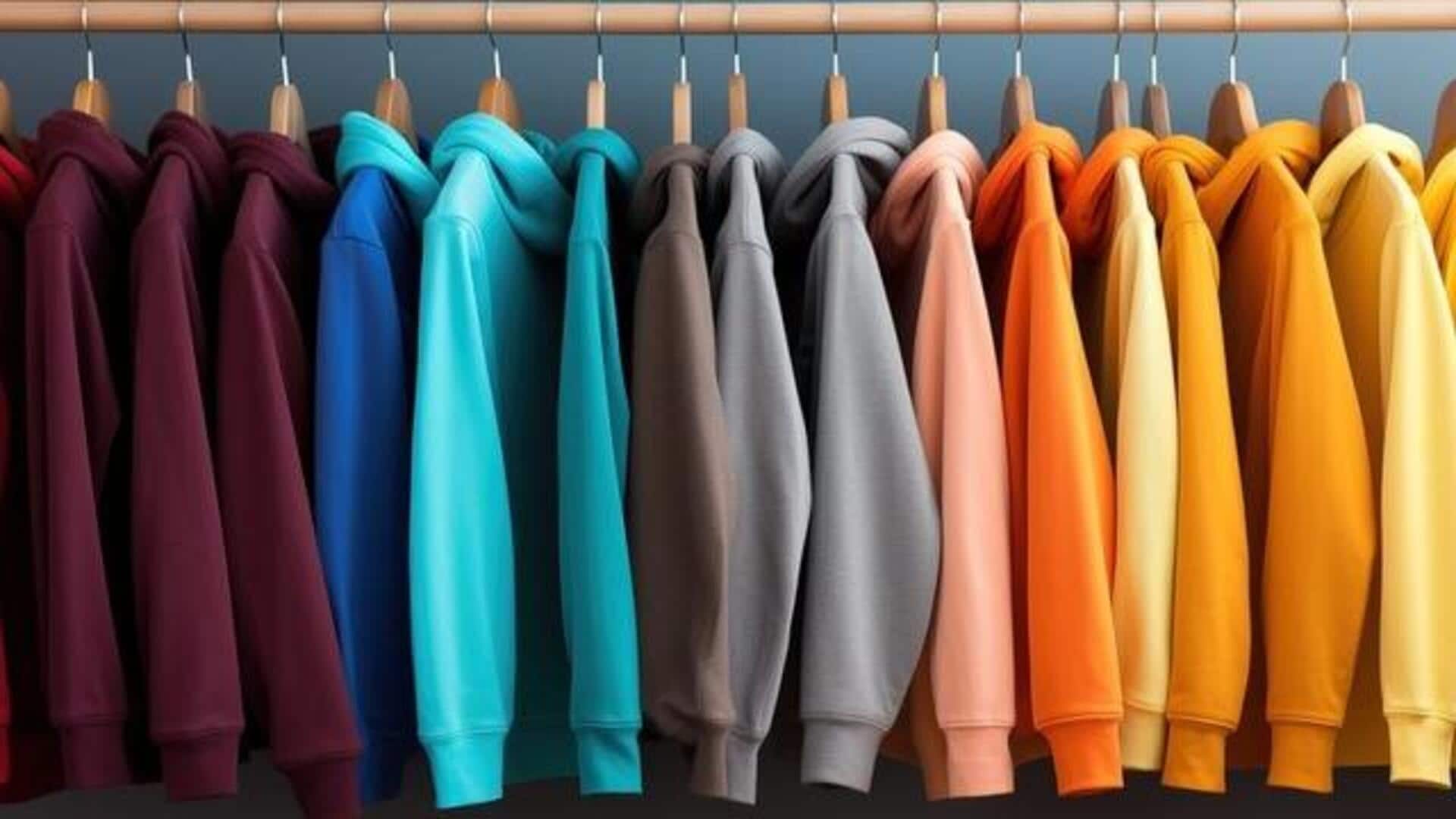
How to pick outfit colors that always work
What's the story
In fashion, the right color palette can elevate an outfit from boring to fabulous. Now, AI tools are changing the game by providing exact and trendy color combinations according to trends, moods, or personal choices. Using huge color libraries and machine learning, these tools create palettes that save time and inspire creativity. From Pantone's Palette Generator to Khroma's personalized results, AI is bringing expert color matching to all.
#1
Pantone's Palette Generator: A game changer
Pantone's Palette Generator, introduced in 2025 as a beta feature in Pantone Connect, is powered by Microsoft's Azure OpenAI.
It utilizes over 60 years of Pantone's color research to generate custom palettes with simple chat prompts like "Show me colors that evoke optimism."
Designers can create and refine palettes from Pantone's fashion library, including trends like the Pantone Colour of the Year 2026.
This tool saves hours of research while ensuring trend-aligned outfits.
#2
Khroma: Personalized color matching
What makes Khroma unique is its capability to learn your preferences by choosing 50 of your favorite colors.
Its neural network then creates infinite palettes according to your taste.
Based on popular online palettes, it gives you exports with hex codes and RGB values, making it perfect for dressing a particular style.
Khroma even gives accessibility ratings, so your colors are stylish but inclusive.
#3
Muzli AI Colors: Quick production-ready palettes
Muzli AI Colors is perfect as it gives quick, production-ready palettes based on keywords or reference colors.
With seamless exports to design platforms like Figma or CSS, it's ideal for rapid outfit ideation.
Connected to a broader design resource ecosystem, Muzli ensures that designers have everything they need at their fingertips for creating cohesive looks efficiently.
#4
Coolors: Versatile features for everyday use
Coolors' versatile features like palette extensions from a starting color and image-based extraction—upload an outfit photo to pull hues directly from it—make it a great tool.
Its free tier supports everyday use, while the pro version unlocks collaboration features that are essential for team projects in fashion design.
Coolors' adaptability as a tool makes it valuable for both amateur stylists and professional designers alike.
Tip 1
Huemint: Visualize palettes in real contexts
Huemint creates palettes with a creativity slider, which means you can choose safe or bold options.
This works perfectly for visualizing them in real scenarios - website mockups or outfit previews - before making final calls.
It lets you see how different combinations work together in practice as opposed to theory.
This makes it easier to make decisions when planning outfits, backed by data-driven insights.