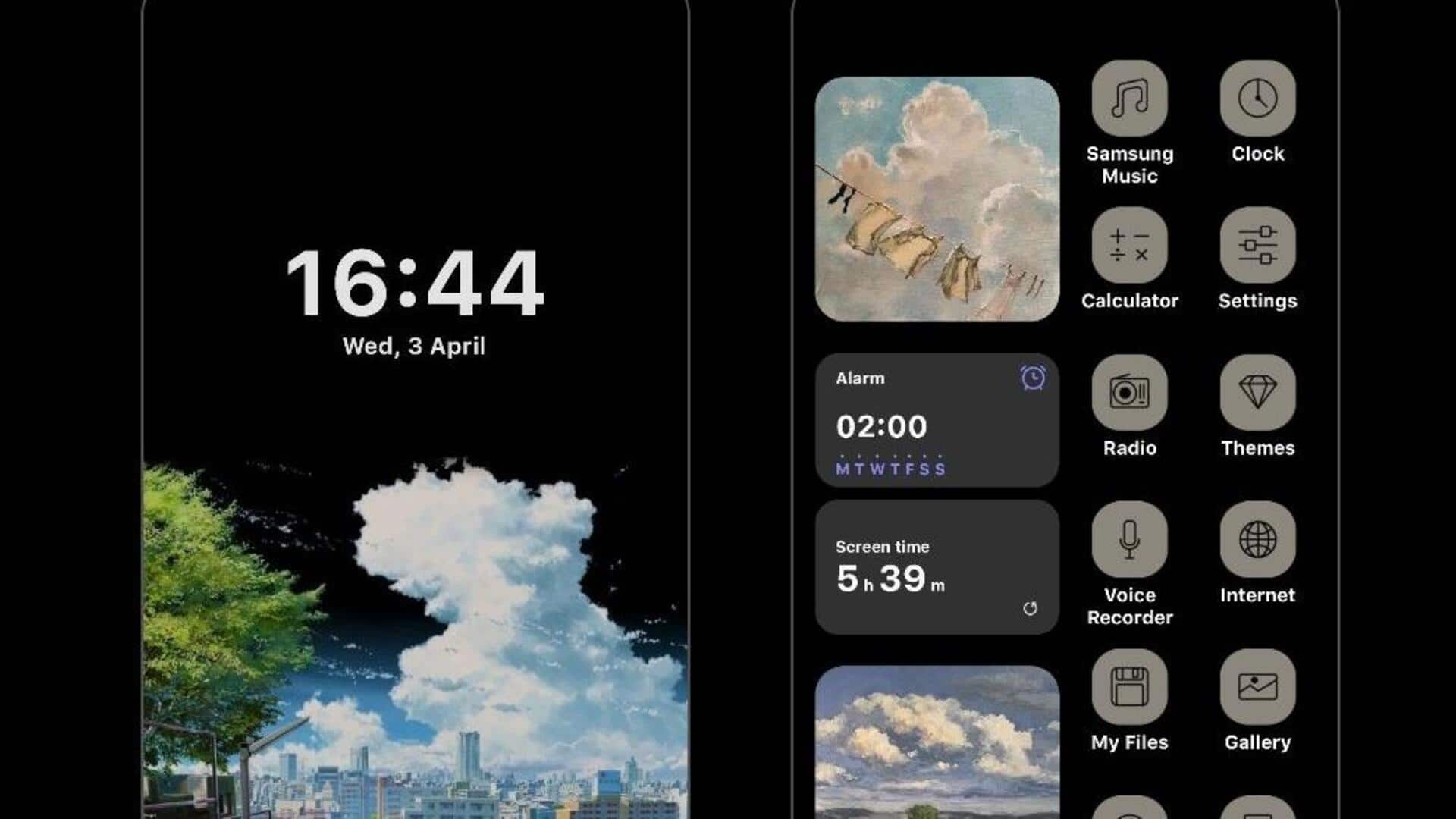
#TechBytes: How to customize Android widget layouts
What's the story
Customizing Android widget layouts can make your device more functional and visually appealing. By adjusting the size, position, and appearance of widgets, you can create a personalized home screen that meets your needs. This article provides practical tips on how to effectively customize widget layouts on Android devices. Whether you want to improve productivity or simply make your home screen more attractive, these insights will help you achieve a tailored layout.
Tip 1
Adjusting widget size for better fit
One of the easiest ways to customize widget layout is by adjusting its size.
Most Android devices allow resizing of widgets by long-pressing them and dragging the corners.
This way, you can ensure each widget fits perfectly on your home screen, without overlapping or leaving too much space.
Playing with different sizes can help you find an ideal balance between functionality and aesthetics.
Tip 2
Organizing widgets with folders
Another smart way to customize your widget layout is by using folders.
You can group similar widgets into a single folder, thereby reducing clutter and making navigation easier.
Simply drag one widget over another to create a folder, and then add more widgets as needed.
This way, you can keep your home screen organized while still having quick access to all necessary tools and information.
Tip 3
Utilizing third-party launcher apps
Third-party launcher apps provide advanced customization options for widget layouts that stock launchers may not offer.
These apps usually come with additional features, like grid adjustments, icon packs, and gesture controls, that can take your home screen personalization to the next level.
Exploring different launchers lets you experiment with various styles until you find one that matches your preferences perfectly.
Tip 4
Experimenting with dynamic widgets
Dynamic widgets are interactive elements that change based on certain conditions, like time or weather updates.
They add another layer of customization by providing real-time information without cluttering up the screen space too much.
By adding dynamic widgets into their layouts, users can stay updated with important updates while keeping their home screens clean and organized.