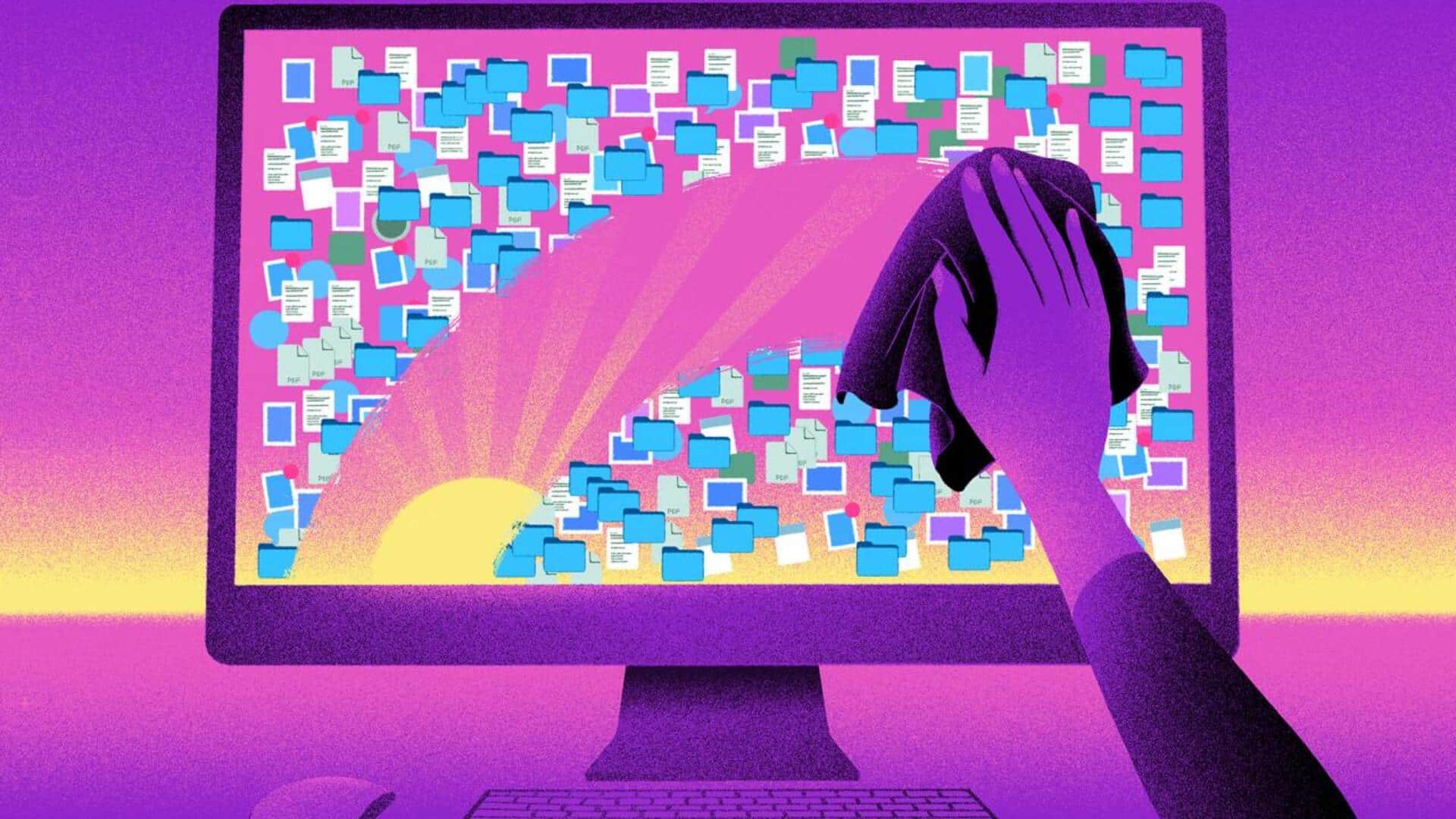
How to declutter your digital space
What's the story
In today's digital age, we all have to deal with the clutter of files and folders on our devices. Just like physical spaces, digital clutter can overwhelm you and affect your productivity. Organizing your digital files isn't just about neatness; it can also make your workflow efficient and save time. Here are some practical tips to help you declutter your digital space and stay organized.
Tip 1
Create a consistent naming system
Developing a consistent naming system for your files is key to staying organized.
Use clear, descriptive names that indicate the content of the file.
Include dates or version numbers if necessary, to keep track of updates.
This way, you can quickly locate files without having to sift through endless lists of generic names.
Tip 2
Utilize cloud storage solutions
Cloud storage services like Google Drive and Dropbox provide an efficient way to store and access files from anywhere. They also reduce the burden on local storage devices, minimizing clutter.
By uploading files to the cloud, you can free up space on your computer while still having easy access to important documents when needed.
Tip 3
Regularly review and delete unnecessary files
Periodic reviews of your digital files are essential for identifying those that are no longer needed.
Delete obsolete documents, duplicates, or temporary files that only occupy valuable storage space.
This practice not only keeps your system clean but also improves its performance by reducing the amount of data it has to process.
Tip 4
Organize folders logically
Creating a logical folder structure is essential for efficient file management.
Start by creating broad categories based on projects or departments, and then break them down into subfolders for specific tasks or topics.
This hierarchical approach makes it easier to navigate through your files quickly when you need them.
Tip 5
Use tags and metadata for easy retrieval
Tags and metadata provide additional layers of information about a file, making it easier to search for and find it later on.
Most operating systems and applications allow users to add tags or metadata descriptions to their files.
This makes it easier to filter search results based on particular criteria, such as project name or document type, without having to remember exact file names.