#TechBytes: How to sync your eBooks across devices
What's the story
Syncing your eBooks across devices can be a hassle-free experience if you know the right tricks. With the right methods, you can access your favorite reads on any device without missing a beat. Here are some practical tips to help you sync your eBooks effortlessly, ensuring that you have a seamless reading experience no matter where you are or what device you're using.
Tip 1
Use cloud storage solutions
Cloud storage services such as Google Drive or Dropbox can be a lifesaver for syncing eBooks across devices.
Simply upload your eBook files to the cloud and access them from any device with an internet connection.
This way, you do not have to worry about transferring files manually every time you switch devices.
Just make sure all your devices have access to the same cloud account for easy access.
Tip 2
Leverage dedicated eBook apps
Most eBook apps have built-in syncing features that let you read across multiple devices seamlessly.
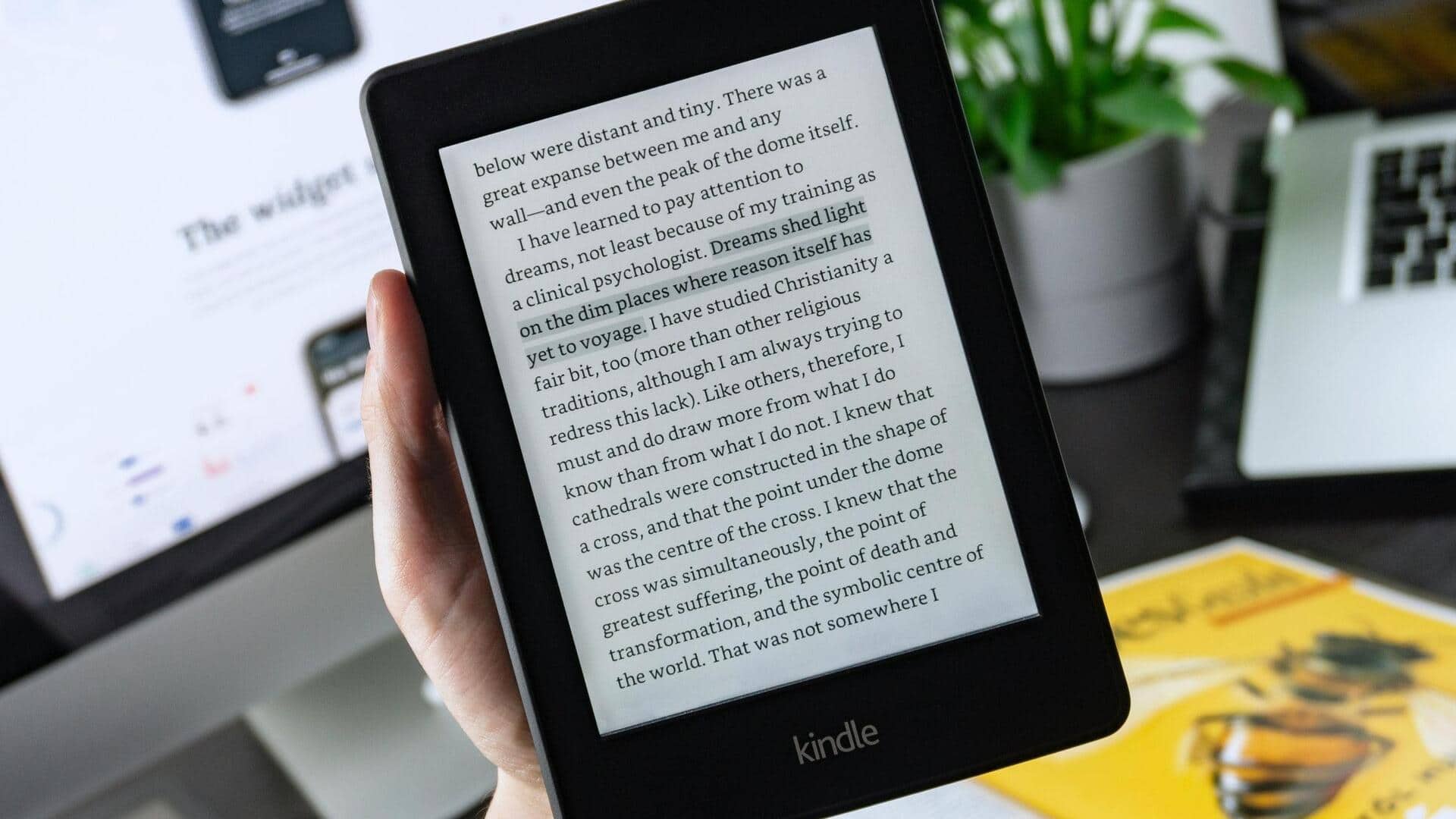
Apps like Kindle and Apple Books automatically sync your progress, bookmarks, and notes across all platforms.
Just make sure you're signed into the same account on every device, and enable sync settings in app preferences to take advantage of this feature.
Tip 3
Utilize email for file transfers
Emailing yourself an eBook file is another easy way to sync it across devices.
Just attach the file to an email and send it to yourself. Then, open the email on another device, and download the attachment from there.
This trick comes in handy when cloud storage is not an option or when you are dealing with smaller file sizes.
Tip 4
Explore cross-platform services
Cross-platform services like Calibre provide powerful tools for managing and syncing eBooks across different operating systems.
With Calibre's cloud features, you can upload your library online and access it from any device with a web browser.
This way, you can keep your collection organized while ensuring easy access across platforms, without getting tied down by proprietary ecosystems.
Tip 5
Adjust device settings for optimal syncing
To ensure smooth synchronization of eBooks, it is important to configure device settings properly.
For instance, enabling background app refresh allows apps to update content even when not in active use.
Additionally, checking that all devices are connected to Wi-Fi can prevent any interruptions during the syncing process, making sure that your reading experience is uninterrupted across all platforms.