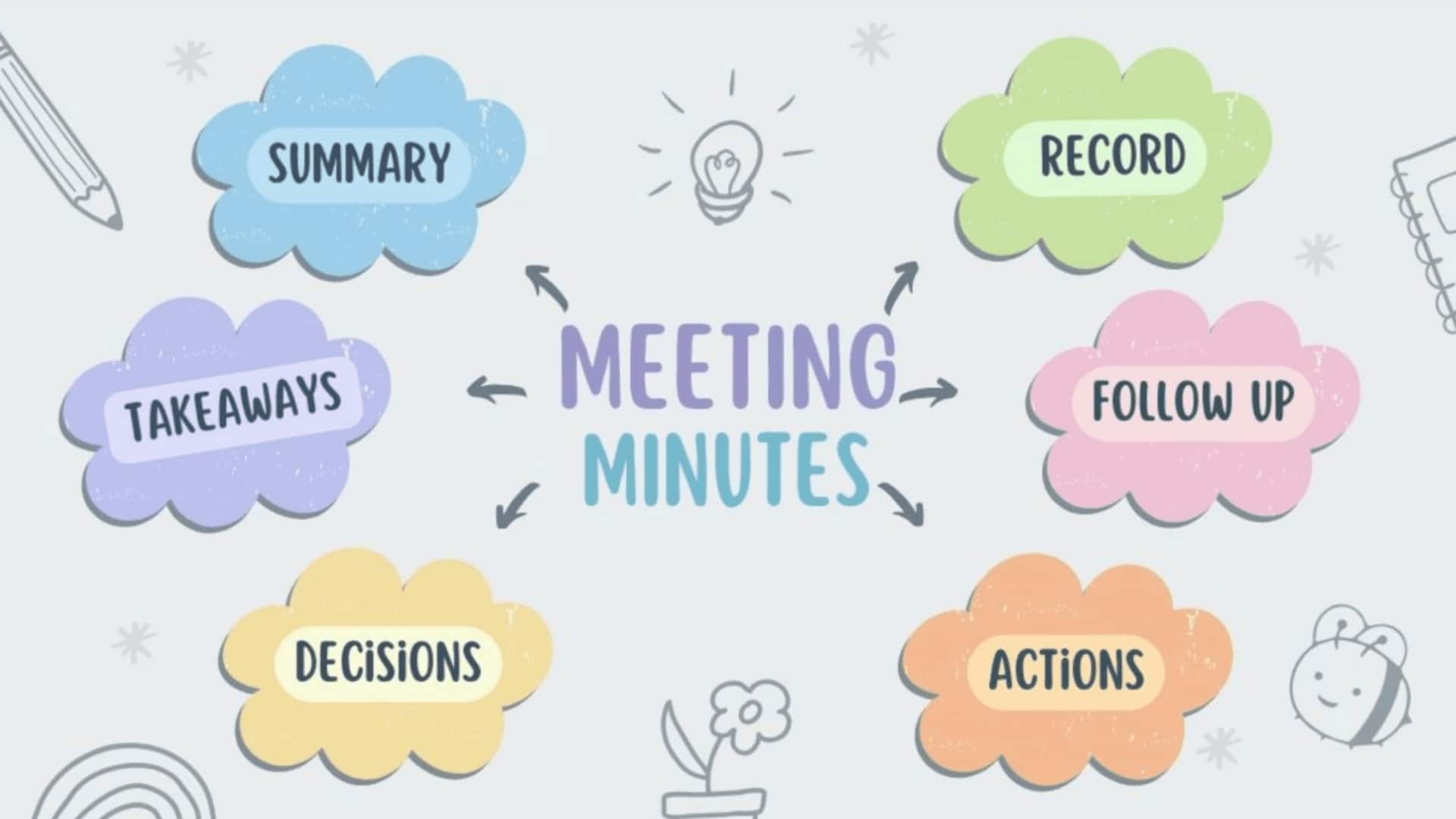
For compiling points after your office meetings, use Otter
What's the story
In today's fast-paced work environment, Otter.ai is a powerful AI tool that turns meetings into actionable insights with instant transcription, summaries, and collaboration features. This assistant captures discussions across platforms like Zoom, Google Meet, and Microsoft Teams. It delivers real-time transcripts and post-meeting overviews, eliminating the hassle of manual note-taking. Otter's strength comes in automatic meeting capture, connecting to your Google/Microsoft calendar to join scheduled calls seamlessly.
#1
Automatic meeting capture
Otter's automatic meeting capture feature is designed to ensure that you never miss key details during important discussions.
By connecting with your Google or Microsoft calendar, it joins scheduled calls seamlessly.
During sessions, it offers live transcription with speaker identification and timestamps.
This way, participants can follow along, even remotely via the web or mobile app—ideal for those in noisy settings or with limited bandwidth.
#2
Post-meeting summaries and highlights
After meetings are done, Otter provides brief summaries that emphasize action items with responsible parties and deadlines.
It also generates keyword tags for swift searching across your complete meeting history.
These capabilities simplify the process of keeping track of tasks discussed in meetings and ensuring that everyone is on the same page with respect to next steps.
#3
Real-time AI chatbot assistance
Recent updates have added an AI chatbot to make Otter even more powerful by answering questions from all your transcripts in real time.
The bot can join text-based channels and direct messages with coworkers, while delivering real-time summaries during conversations.
This converts Otter into a full-fledged knowledge hub where you can ask questions like "What are the next steps?" or generate documents like emails on the basis of discussions.
#4
Flexible integration options
For further flexibility, Otter provides a Chrome extension that allows no-bot transcription on Google Meet or Teams by recording device audio directly (without adding a visible participant) and maintaining high accuracy in groups.
It integrates with tools like Google Docs, Notion, Salesforce, and Jira for smooth workflows, while also supporting importing pre-recorded files, editing transcripts, and exporting various formats.
Tip 5
Tips for maximizing transcription precision
To get the best out of Otter.ai, try to reduce background noise during meetings, enunciate clearly during sessions, and maximize transcription accuracy.
Make sure nothing goes amiss and attention is focused on the discussion.
Professionals, students, as well as differently-abled teams, can reap the maximum productivity benefits with this innovative tool.