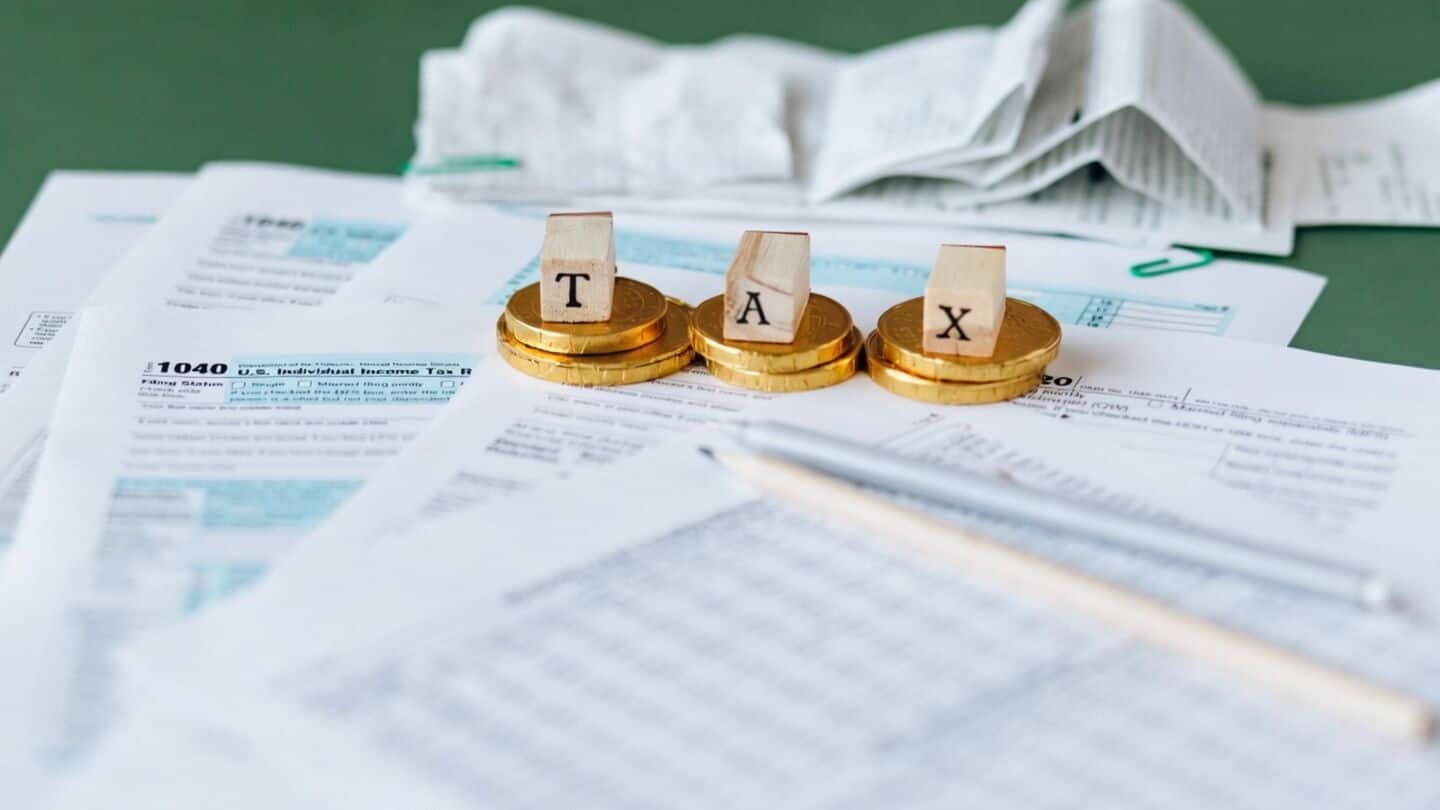
Received tax notice after ITR filing? Here's what to do
What's the story
The July 31 deadline for filing income tax returns (ITR) has passed, but taxpayers shouldn't think their compliance journey is over. The income tax department can send notices after ITR submission due to reasons like mismatched income details, undisclosed interest or capital gains, and incorrect deductions, among others. These notices are usually issued to seek clarification or resolve minor discrepancies in the filed tax return.
Response procedure
First verify the authenticity of the notice
Taxpayers may receive a scrutiny notice in PDF format on their registered email ID and postal address. They should verify its authenticity before responding.
To respond, taxpayers must log into the income tax department's e-filing portal with their user ID and password, click on Pending Actions > e-Proceedings on their dashboard, select Self on the e-Proceedings page, and choose the notice they want to respond to.
Disagreement protocol
What to do if you agree or disagree with notice?
If you agree with the notice, upload the JSON file of the ITR generated by the offline utility and submit.
However, if you disagree, choose a reason for your decision and submit.
You can view your response by clicking View Response on the Successful Submission page. This will show details of notices as well as the response or remarks provided.
Non-response repercussions
Consequences of ignoring tax notices
Ignoring income tax notices can have serious consequences, especially if you don't respond within the given time frame.
A defaulter may face a penalty of ₹10,000 under Section 272A for each failure to respond.
In some cases, the assessing officer can conduct a best judgment assessment under Section 144 based on available information.
This could lead to an assumed higher taxable income and subsequently more tax and penalty payable by the taxpayer.