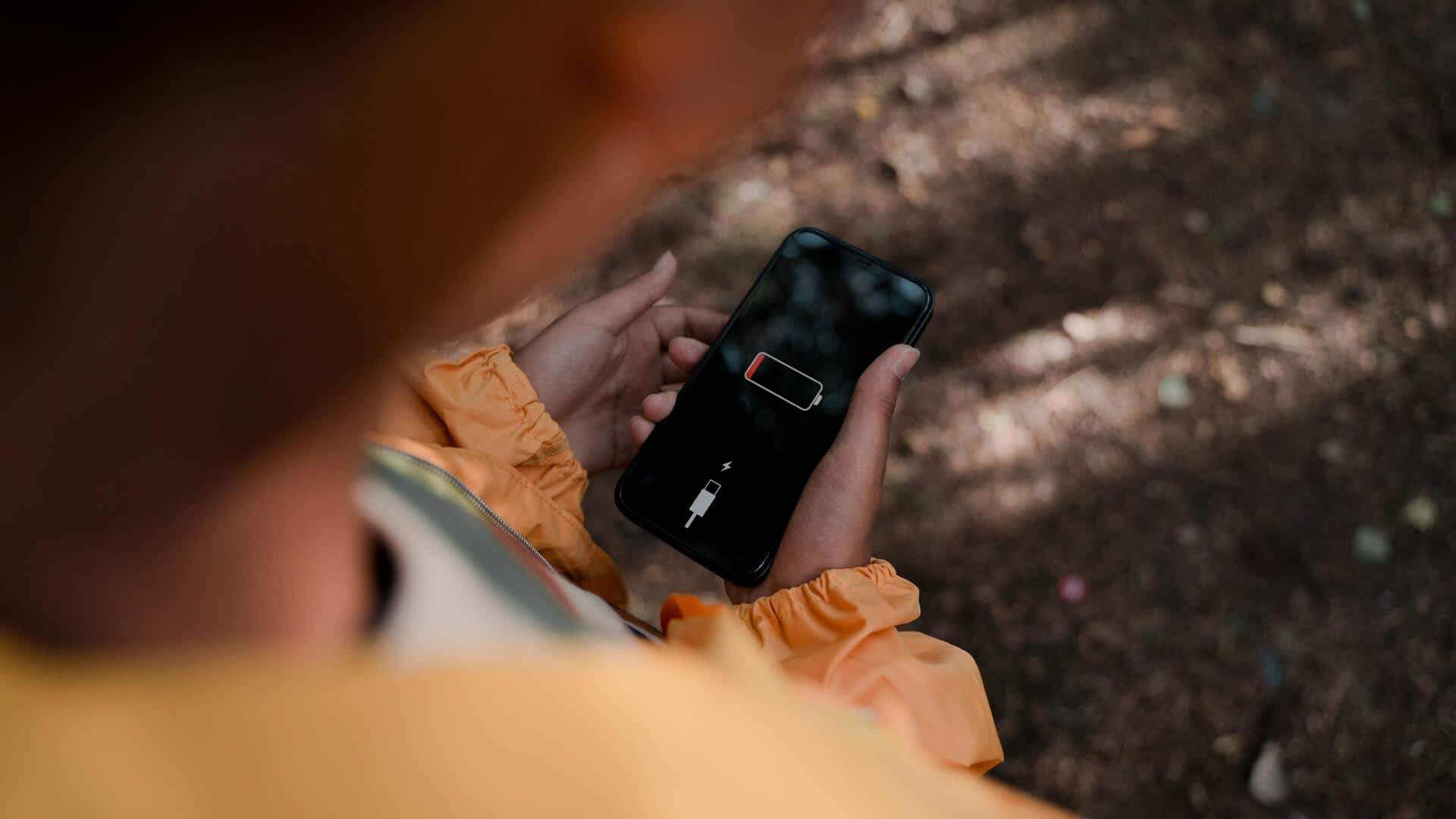
Is your phone battery draining fast? Try these fixes
What's the story
In today's digital age, smartphones have become an integral part of our lives. However, the constant use of these devices often leads to battery drainage, which can be quite frustrating. Fortunately, there are several hidden settings on most smartphones that can help extend battery life significantly. By making a few adjustments, you can ensure your phone lasts longer between charges, without compromising on functionality.
Brightness control
Adjust screen brightness and timeout
One of the biggest battery drainers is screen brightness. Keeping it at a lower level or enabling adaptive brightness can save a lot of battery.
Also, reducing screen timeout duration ensures that your display turns off quickly when not in use, further conserving power.
App management
Manage background app activity
Apps running in the background continue to consume battery power even when you are not using them.
By restricting background activity for non-essential apps through settings, you can save a significant amount of energy.
This way, only the apps that you actively use will run in the background, ensuring that your phone's battery is conserved as much as possible.
Location settings
Disable location services when unnecessary
Location services are a major culprit behind battery drainage.
Keeping GPS on all the time can eat up a lot of battery, especially when apps are using it in the background.
By turning off location services, or restricting them to only when you need them, you can save a lot of battery life.
Power saving mode
Use Battery Saver mode wisely
Most smartphones come with a built-in battery saver mode that limits certain features to save power.
Activating this mode when your battery is low can help extend its life by reducing performance and limiting background processes until you can charge it again.
Notification control
Turn off unnecessary notifications
Notifications keep lighting up your screen and using up your resources, even when you do not need them.
By turning off unnecessary notifications from some apps through settings, you can avoid these interruptions and save battery life.
This way, only the most important alerts will get through, keeping your phone's power consumption in check.