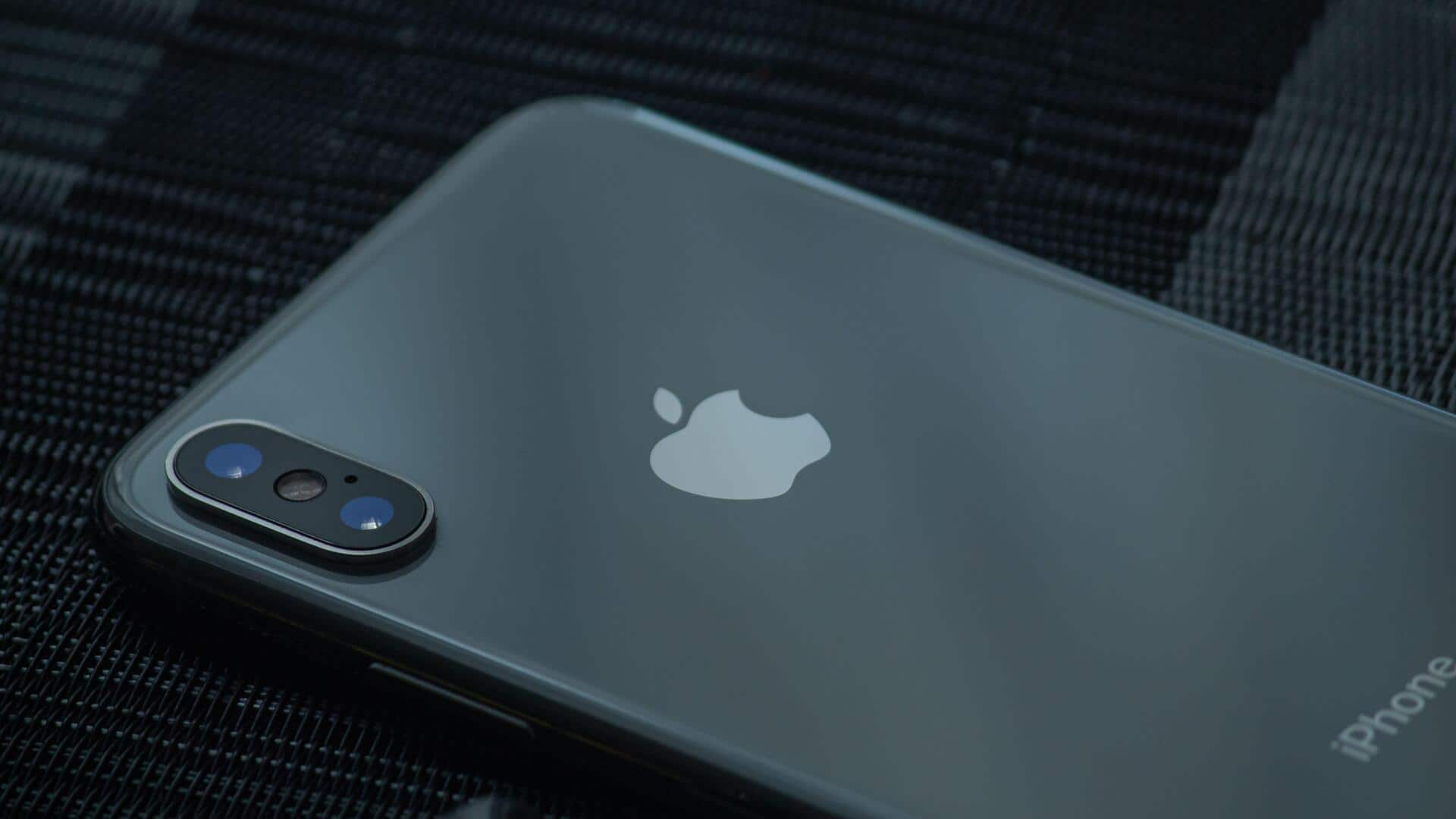
Blurry photos? Clean your phone camera lens
What's the story
Cleaning your phone camera lens is essential for clear pictures. A dirty lens can ruin the quality of your photos, making them blurry or hazy. Fortunately, cleaning it is an easy task. With the right tools and techniques, you can keep your lens spotless. Here are some practical tips to help you clean your phone camera lens effectively, without damaging it.
Tip 1
Use a microfiber cloth for gentle cleaning
A microfiber cloth is ideal for cleaning your phone camera lens. It is soft and non-abrasive, so it will not scratch the surface of your lens.
Just gently wipe the lens in circular motions to remove fingerprints, dust, and smudges.
Make sure the cloth is dry; if necessary, slightly dampen one corner with water or lens cleaner specifically designed for electronics.
Tip 2
Avoid harsh chemicals
Avoid using harsh chemicals or household cleaners on your phone camera lens.
These substances can damage the protective coatings on the lens, or leave streaks that are hard to remove.
Stick to products specifically designed for electronics, or use plain water if needed. Harsh chemicals can damage the protective coatings on the lens, or leave streaks that are hard to remove.
Tip 3
Regularly check and clean your case
Your phone case can also contribute to lens smudging by trapping dust and debris around the camera area.
Regularly check and clean your case to prevent this from happening.
Remove any accumulated dirt around the camera cutout before putting it back on your phone.
This simple step helps maintain optimal photo quality by ensuring no obstruction or contamination affects the lens.
Tip 4
Handle with clean hands
Before touching your phone or its camera area, make sure your hands are clean and dry.
Oils from your skin can easily transfer onto surfaces, causing smudges that degrade photo quality over time.
Make it a habit to wash or sanitize your hands before handling devices frequently used for photography purposes.