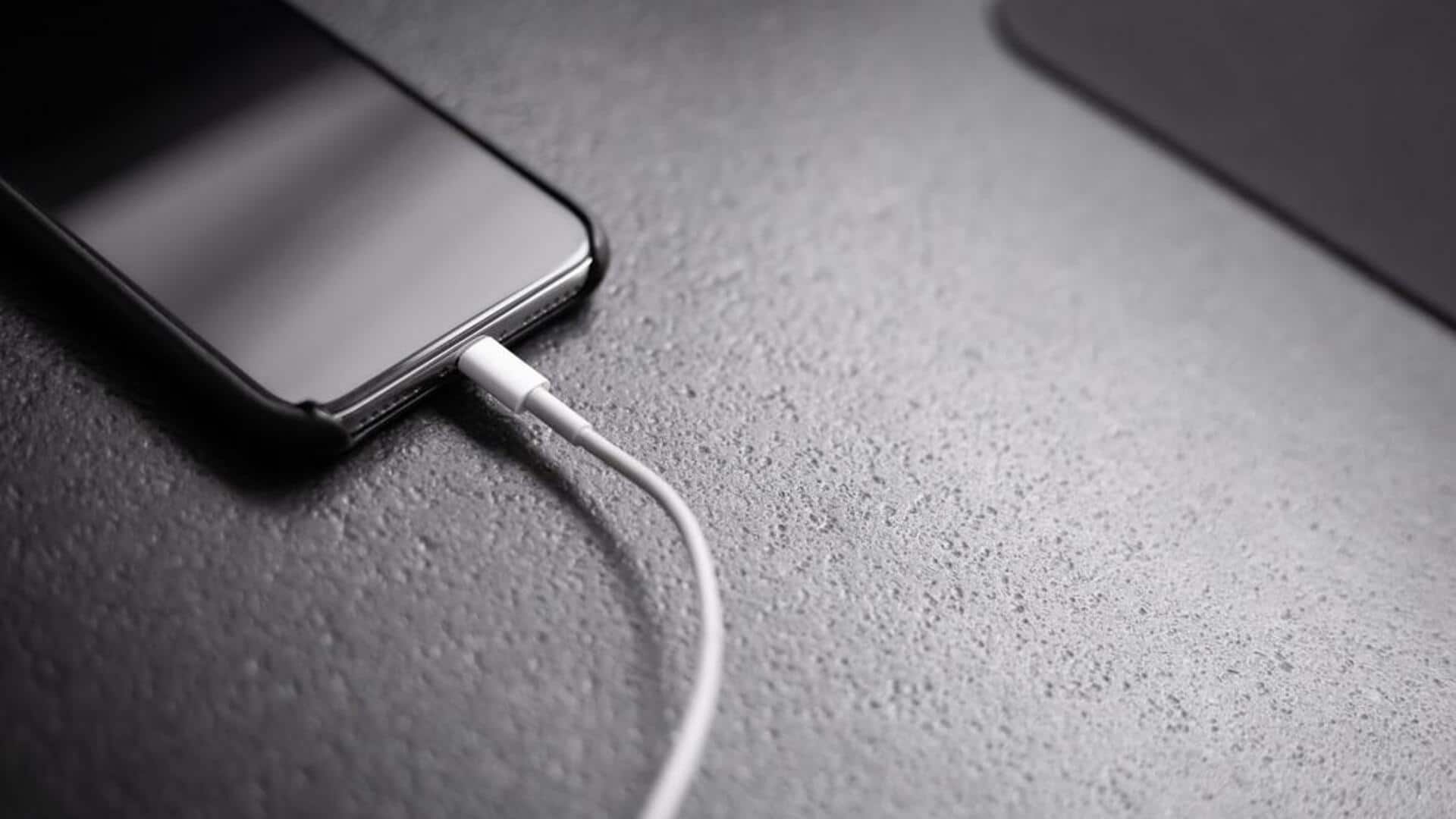
#TechBytes: This trick can help charge your phone faster
What's the story
We all know how frustrating it can be to wait for your phone to charge, especially when you're in a hurry. But did you know that enabling airplane mode can actually speed up the charging process? By disabling certain functions, airplane mode reduces battery consumption and allows your device to charge faster. Here's how you can use this feature to get your phone charged quickly.
Functionality
Understanding airplane mode's impact
Airplane mode disables all wireless communications on your device, including cellular data, Wi-Fi, and Bluetooth. By turning off these functions, your phone uses less power while charging. This means more energy goes directly into the battery instead of powering background processes.
Activation
Steps to enable Airplane mode
Enabling airplane mode is pretty simple and quick. Just swipe down from the top of your screen to access quick settings. Tap on the airplane icon to enable it. Alternatively, go to settings and toggle the airplane mode switch. Once activated, you will see an airplane icon on your screen indicating that it's on.
Observation
Monitoring charging speed
After enabling airplane mode, keep an eye on how quickly your phone charges compared to normal. You can use a timer or check battery percentage at regular intervals. This way, you can see if there's a noticeable difference in charging speed when using airplane mode.
Optimization
Additional tips for faster charging
Apart from enabling airplane mode, there are other ways to optimize your phone's charging speed. Use a high-quality charger and cable compatible with your device. Keep your phone cool by avoiding direct sunlight or hot surfaces while it charges. Also, avoid using your phone while it's charging in airplane mode for best results.