#TechBytes: How to create interactive PDFs in your browser
What's the story
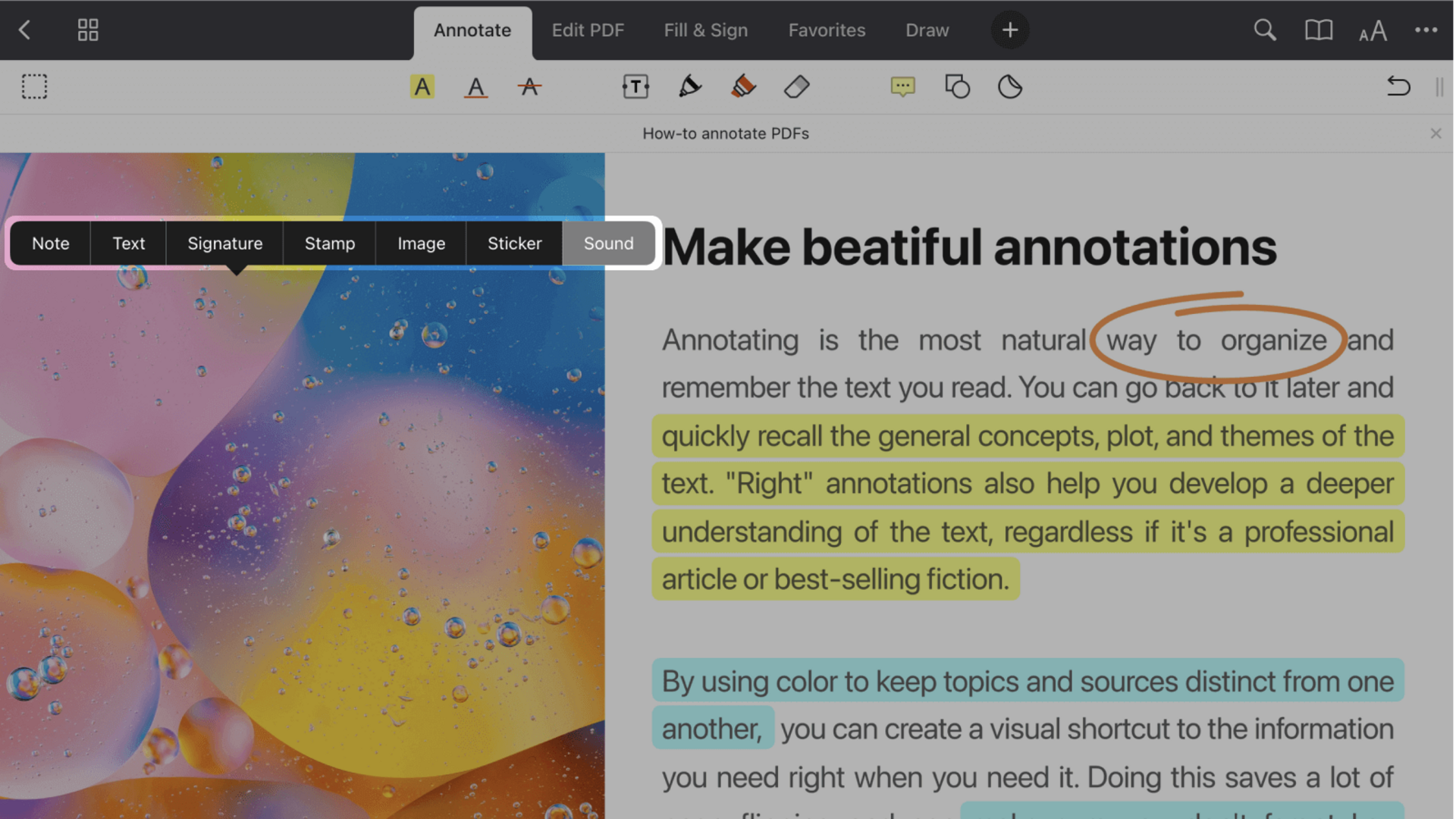
Annotating PDFs in your browser can be a game changer for productivity, making it easier to highlight, comment, and share documents without having to download additional software. This way, you can save time and stay organized while working on projects or reviewing important files. Here are some practical tips to help you annotate PDFs efficiently using browser-based tools.
Tip 1
Use built-in browser tools
Most modern browsers have built-in PDF viewers with basic annotation capabilities. These tools let you highlight text, add comments, and even draw directly on the document. By using these features, you can quickly make notes or mark important sections without leaving the webpage. This is especially useful for quick reviews or when you need to share feedback promptly.
Tip 2
Leverage browser extensions
For more advanced annotation features, consider using browser extensions specifically designed for PDF editing. These extensions often offer additional functionalities like text editing, shape drawing, and more comprehensive commenting options. They integrate seamlessly with your browser, providing an enhanced experience compared to standard viewers.
Tip 3
Organize your annotations effectively
To make sure your annotations are useful, it is important to organize them well. Use consistent color codes for different types of notes, like yellow for highlights and blue for comments, to make them easily identifiable. Group related annotations together by page number or topic so that you can find them easily later.
Tip 4
Share annotated documents easily
One of the biggest advantages of annotating PDFs in a browser is the ease of sharing them with others. Most tools let you save your annotated document as a new file or share it directly via email or cloud storage services like Google Drive or Dropbox. This way, you can collaborate with others effortlessly and ensure everyone has access to the same information.
Tip 5
Regularly update your tools
Keeping your browser and any associated extensions up-to-date is key to getting the best performance out of your PDF annotation tools. Regular updates often come with improved features, security patches, and bug fixes that make your experience better. Check for updates regularly to make sure everything works smoothly.