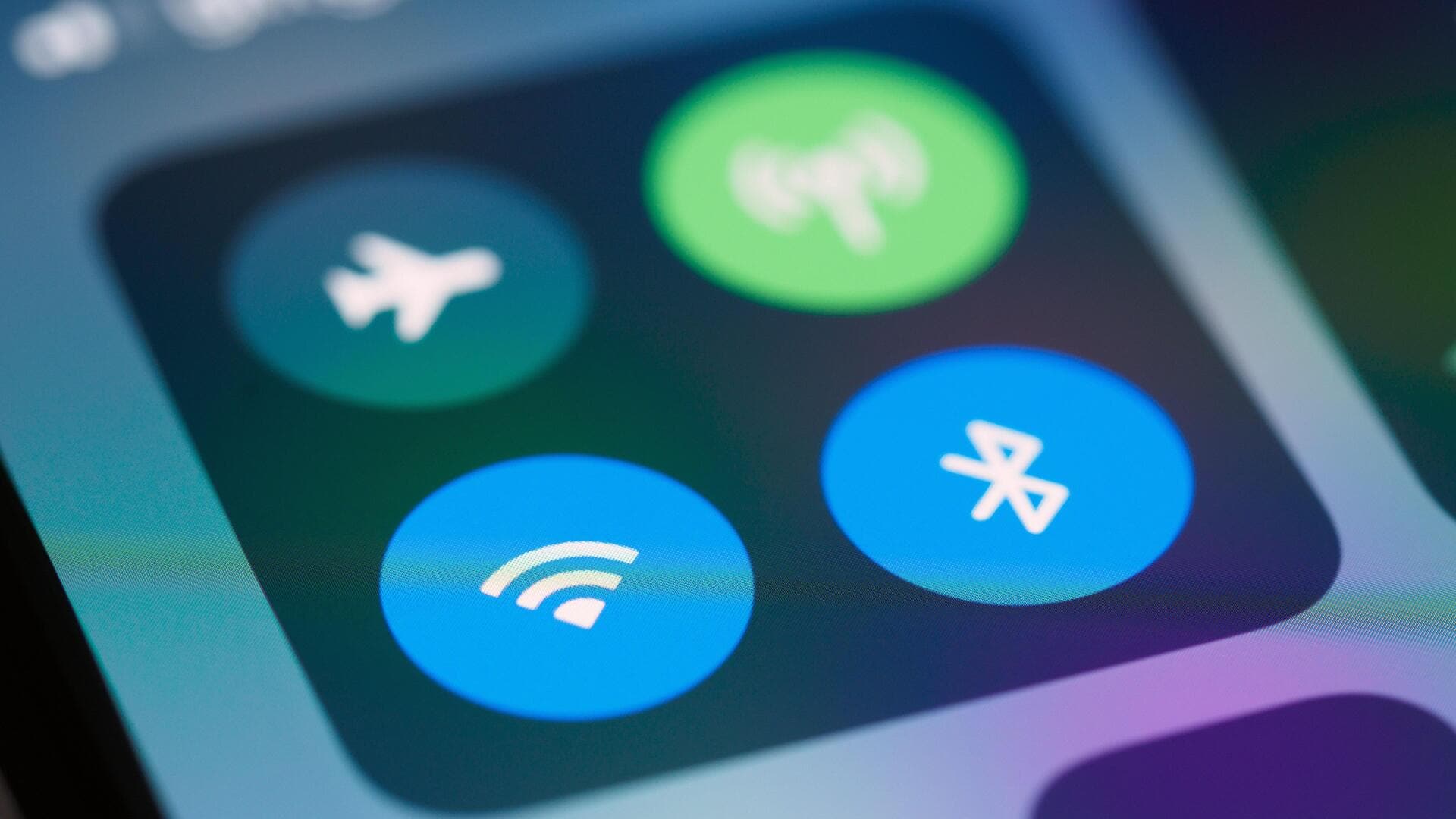
How to send files via Bluetooth
What's the story
Transferring files via Bluetooth can be a simple and convenient way to share data between devices. Whether you're sending photos, documents, or music files, Bluetooth technology allows for wireless communication over short distances. In this article, we will explore how to send files using Bluetooth, providing you with practical steps to ensure a smooth transfer process. By following these guidelines, you can easily connect your devices and share information without the hassle of cables.
Device pairing
Pairing devices for file transfer
Before sending files via Bluetooth, it is essential to pair the devices.
First, enable Bluetooth on both devices from their settings menu.
Then, search for available devices on one of the devices, and select the other device from the list.
A confirmation code may appear on both screens; confirm it to establish a secure connection.
Once paired, the devices will remember each other for future transfers.
File sending process
Sending files via Bluetooth
To send files via Bluetooth, open the file you want to share on your device.
Select the option to share or send the file, and choose Bluetooth from the list of available methods.
Select the paired device you want to send the file to, and confirm by clicking Send or OK.
The recipient device may prompt them to accept the incoming file transfer.
File reception tips
Receiving files through Bluetooth
When receiving files through Bluetooth, ensure that your device is discoverable in its settings menu so that other devices can find it easily.
Once a file transfer is initiated by another device, accept any prompts that appear on your screen to begin downloading it.
Depending on your device settings, you may also choose where received files are stored automatically.
Troubleshooting tips
Troubleshooting common issues
If you face issues while sending or receiving files via Bluetooth, check if both devices are within range, usually around 10 meters.
Ensure there are no obstructions between them that could interfere with connectivity.
Restarting either device can sometimes resolve temporary glitches as well.