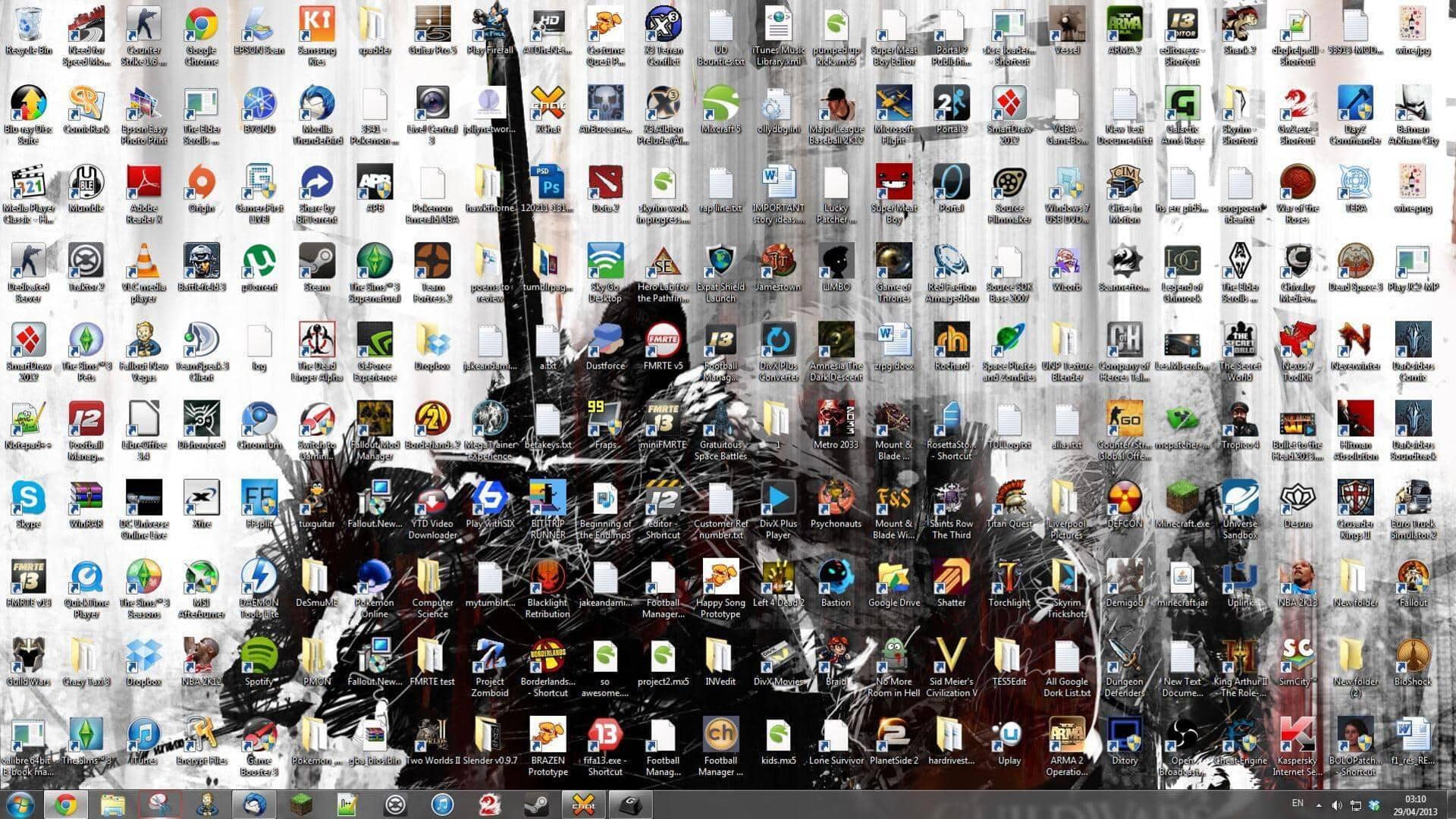
#TechBytes: How to declutter your desktop
What's the story
In today's digital age, a cluttered desktop can be a major distraction, hampering productivity. However, organizing desktop icons is a simple yet effective way to improve focus and efficiency. By following a few strategic steps, you can transform your chaotic screen into an orderly workspace. This article provides practical tips to help you streamline your desktop environment, making it easier to access files and applications without unnecessary clutter.
Tip 1
Group icons by category
Organizing desktop icons by category can make navigation a lot easier. Group similar files together, such as documents, images, and applications. This way, you will be able to find what you need quickly without having to sift through a sea of unrelated items. Most operating systems allow you to create folders or stacks for this purpose, which can significantly reduce visual clutter.
Tip 2
Utilize desktop shortcuts
Creating shortcuts for frequently used programs and files can save time and reduce clutter on your desktop. Instead of having all items directly on the screen, place them in folders or use shortcut keys for quick access. This way, only essential items are visible at first glance, while still being accessible when needed.
Tip 3
Regularly clean up unnecessary files
A regular cleanup routine is essential to keep your desktop organized. Delete or archive files that are no longer needed to prevent them from piling up on your screen. Set a schedule, maybe weekly or monthly, to review your desktop and remove unnecessary items. This practice ensures that only relevant files occupy your workspace.
Tip 4
Use organizational tools and software
There are many organizational tools and software available that can help you manage your desktop better. These tools offer features like automatic sorting of icons into pre-defined categories based on file type or usage frequency. Using such tools can automate part of the organization process, saving time and effort in the long run.
Tip 5
Customize icon size and arrangement
Adjusting icon size and arrangement according to personal preference can make a huge difference in how organized your desktop appears. Smaller icons give more room for other elements, while larger ones are easier to click on for those who prefer bigger visuals. Experiment with different arrangements until you find one that suits your workflow best.