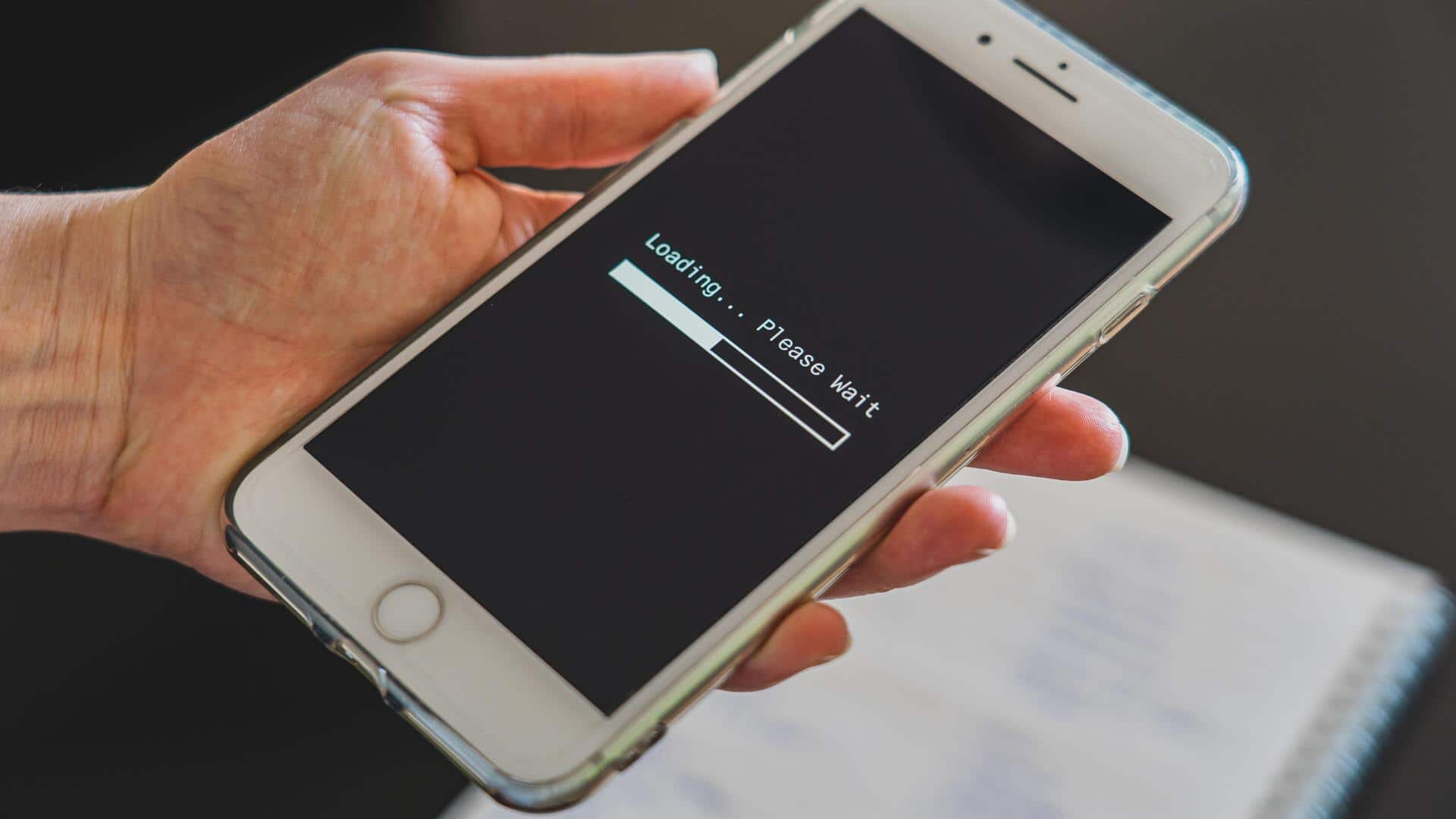
Make your old phone run faster with these tips
What's the story
Smartphones often tend to slow down over time, leaving users frustrated. However, you do not always have to go for a factory reset to improve performance. There are several simple tricks that can help you speed up your device without wiping out your data. Here are five practical tips to fix laggy smartphones and get them running smoothly again.
Tip 1
Clear cache regularly
Over time, apps build up cache data, which can slow down your smartphone. Clearing this cache regularly can help improve speed and performance.
Go to the settings menu of your device, find the app management section, and clear the cache for individual apps, or all at once if your phone allows it.
This simple step can free up storage space and reduce lag.
Tip 2
Update software frequently
Keeping your smartphone's software up to date is essential for optimal performance.
Updates usually come with bug fixes and improvements that can make your device faster.
Check for updates by going to Settings and clicking on software updates.
Installing the latest version ensures that you benefit from all the enhancements made by the manufacturer.
Tip 3
Limit background processes
Apps running in the background consume a lot of resources, slowing down your phone.
Limiting background processes can free up RAM and improve speed.
Head to Settings, find Developer options, and limit the number of background processes allowed at a time.
This trick can make a noticeable difference in how quickly apps open and respond.
Tip 4
Uninstall unused apps
Unused apps not only take up space but also run processes that slow down your smartphone.
By uninstalling apps you do not use, you can free up resources for the ones you do use.
Go through your app list in settings, and remove anything unnecessary or redundant. This will clear up space and reduce clutter on your home screen.
Tip 5
Disable animations
Animations in menus and transitions look good but can slow down older smartphones.
By disabling or reducing them through developer options, you can make your device feel faster without compromising functionality.
This change reduces the time taken by visual effects between actions, making navigation quicker overall.