Fix weak smartphone signal with these hacks
What's the story
Smartphones have become an integral part of our lives, but weak signals can be a major issue. Fortunately, there are some simple hacks that can help you improve your smartphone signal without spending a dime. These tricks are easy to implement and can significantly boost your connectivity. Whether you're at home or on the go, these tips will help you stay connected.
Tip 1
Adjust your phone's network settings
Sometimes, the default network settings on your smartphone may not be the best for your area.
By manually selecting a network instead of automatic selection, you might get a better signal.
Go to your phone's settings and look for the mobile networks or cellular networks option.
From there, try switching from automatic to manual, and choose the network with the strongest signal.
Tip 2
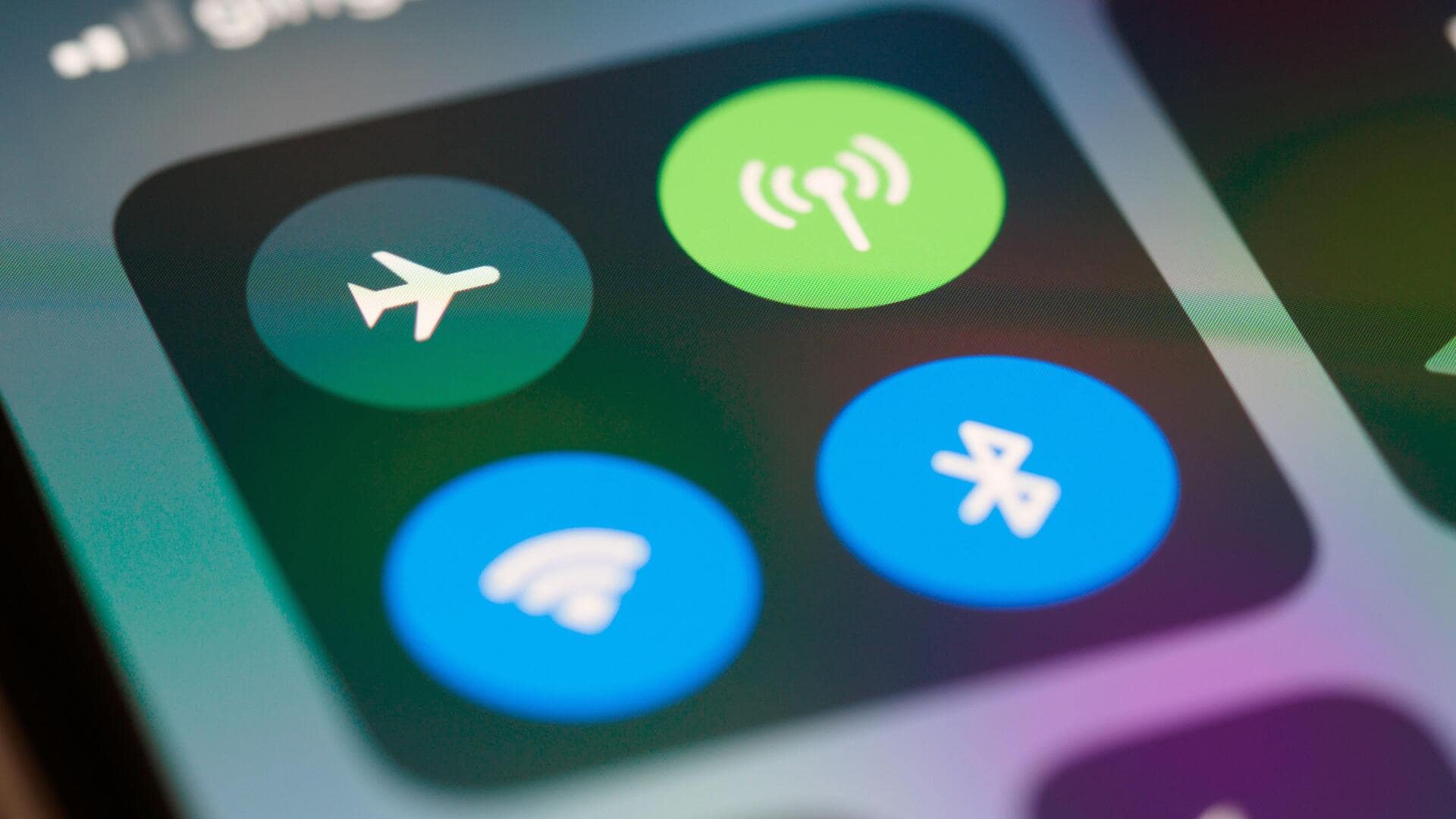
Use airplane mode strategically
Enabling airplane mode for a few seconds and then disabling it can reset your phone's connection to nearby towers.
This trick refreshes the network connection and may lead to better signal strength.
Just remember that while airplane mode is enabled, you will not be able to make calls or use data until you disable it.
Tip 3
Optimize your phone's location
The location of your phone plays an important role in its ability to pick up signals.
Keeping your phone near windows or high up can improve reception, as these places are closer to external towers.
Also, avoiding places with thick walls or metal surfaces that can block signals is advisable.
These simple positioning adjustments can greatly enhance your smartphone's connectivity, ensuring a more reliable and stronger signal.
Tip 4
Reduce interference from other devices
Electronic devices like microwaves and Wi-Fi routers can interfere with smartphone signals, especially if they are close by.
To minimize this interference, try to keep these devices away from your phone when making calls or using data-intensive apps.
By creating distance between your smartphone and these electronic devices, you can significantly improve your phone's reception quality and overall performance.
Tip 5
Restart your smartphone regularly
Restarting your smartphone clears temporary files and processes that may be hampering its performance, including signal reception.
Make it a habit to restart your phone at least once a day for optimal performance.
This simple act can help maintain a stable connection by ensuring that the device runs smoothly, without any background processes affecting its ability to connect to networks.